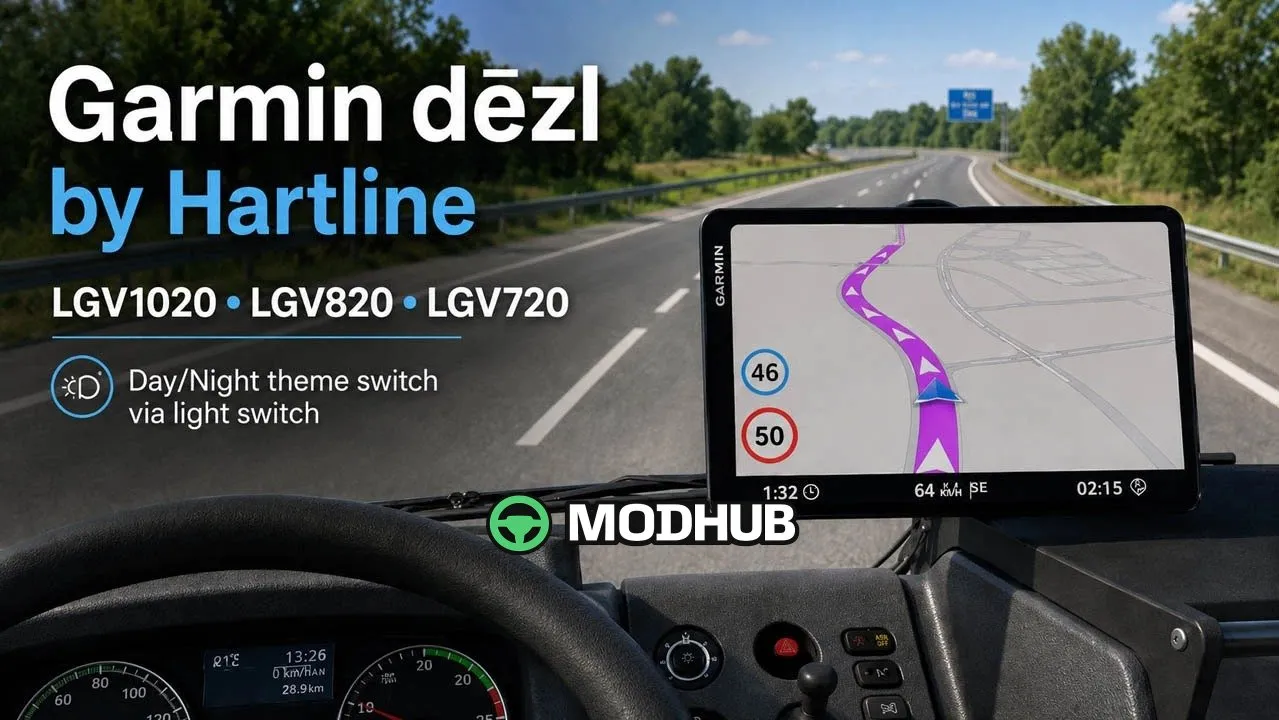
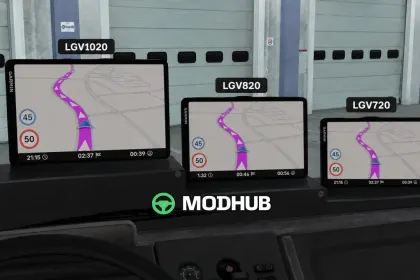
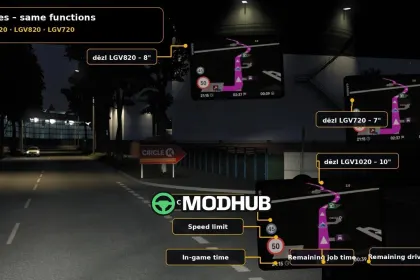
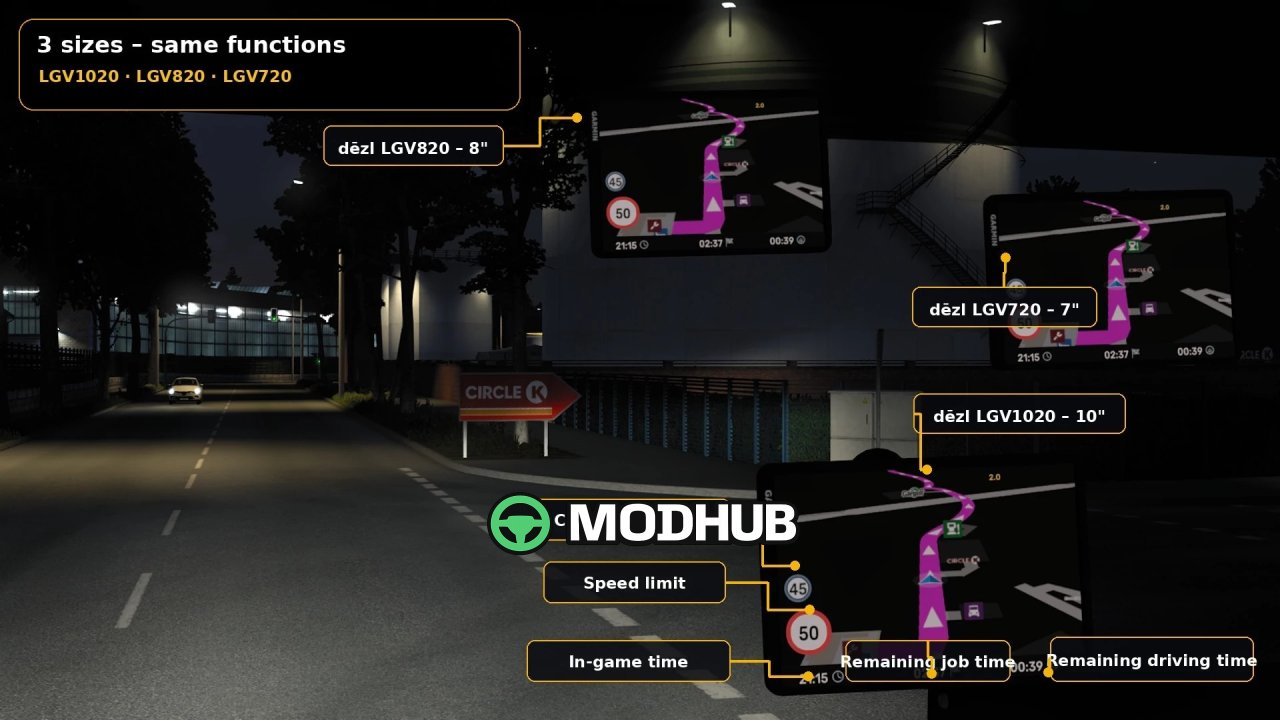
The Garmin dēzl by Hartline v3.1.1 is an in-cab GPS accessory for Euro Truck Simulator 2. It mounts on the standard windshield GPS hook that is available in default trucks and in many mod trucks. Three screen sizes are offered: LGV1020, LGV820 and LGV720, each in left-hand-drive and right-hand-drive variants. Update v3.1.1 fixes a loading issue in ETS2 1.60 and adds separate navigation configurations for versions 1.60 and 1.61.
• Current speed, speed limit and in-game time are shown directly on the device screen.
• Remaining route time and remaining driving time until rest help you plan stops.
• Automatic day and night theme switches through the truck light switch.
• The navigation route is drawn in the signature Garmin magenta style.
• No external DLL or telemetry plugin is required, and prices are 799 €, 599 € and 399 €.
Existing Garmin models and saved configurations remain unchanged after the update.
About «GPS Garmin dēzl by Hartline v3.1.1 for ETS2»
This mod is among the best in the «Інше» category for Euro Truck Simulator 2. Adds quality content to the game, tested by the community, without conflicts with other mods.
How to Install the Mod
Installing the "GPS Garmin dēzl by Hartline v3.1.1 for ETS2" mod for Euro Truck Simulator 2 takes less than a minute:
Download the mod file from our website by clicking the «Download» button
Extract the archive to Documents/My Games/Euro Truck Simulator 2/mods
Launch the game — the mod will appear in the «Mods» section
Activate the mod in your save and enjoy the new content
System Requirements
The "GPS Garmin dēzl by Hartline v3.1.1 for ETS2" mod is compatible with all official Euro Truck Simulator 2 versions. No additional modifications or tweaks required. Works on Windows, macOS, Linux (via ProtonDB) and consoles that support mods.
Frequently Asked Questions
Is this mod free?
Yes, all MODHUB mods are downloaded free of charge, without registration or redirect ads.
Can I use it in Euro Truck Simulator 2 multiplayer?
Yes, the mod is fully compatible with multiplayer. All players must have this version of the mod installed.
What should I do if the mod does not work?
Ensure the archive is extracted to the correct (not nested) folder. Check that mod and game versions match. Leave a comment below — the community will help.
Is the mod safe?
All MODHUB mods are checked by antivirus software and moderators. We do not host executables (.exe), only in-game content.