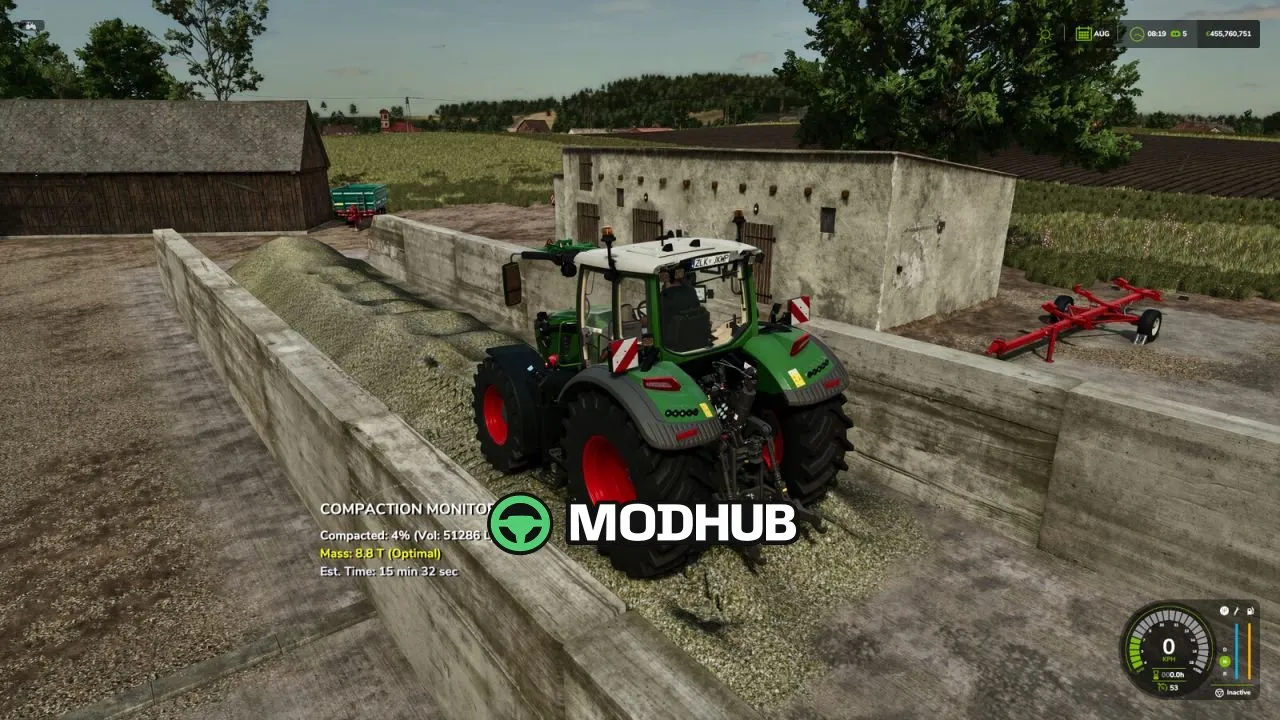
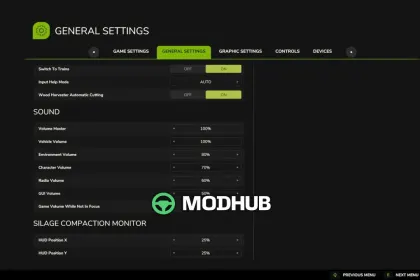
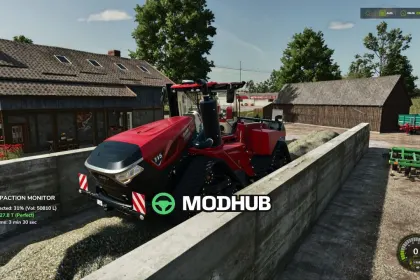
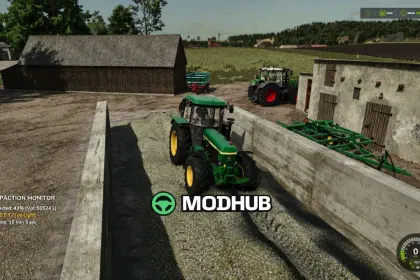
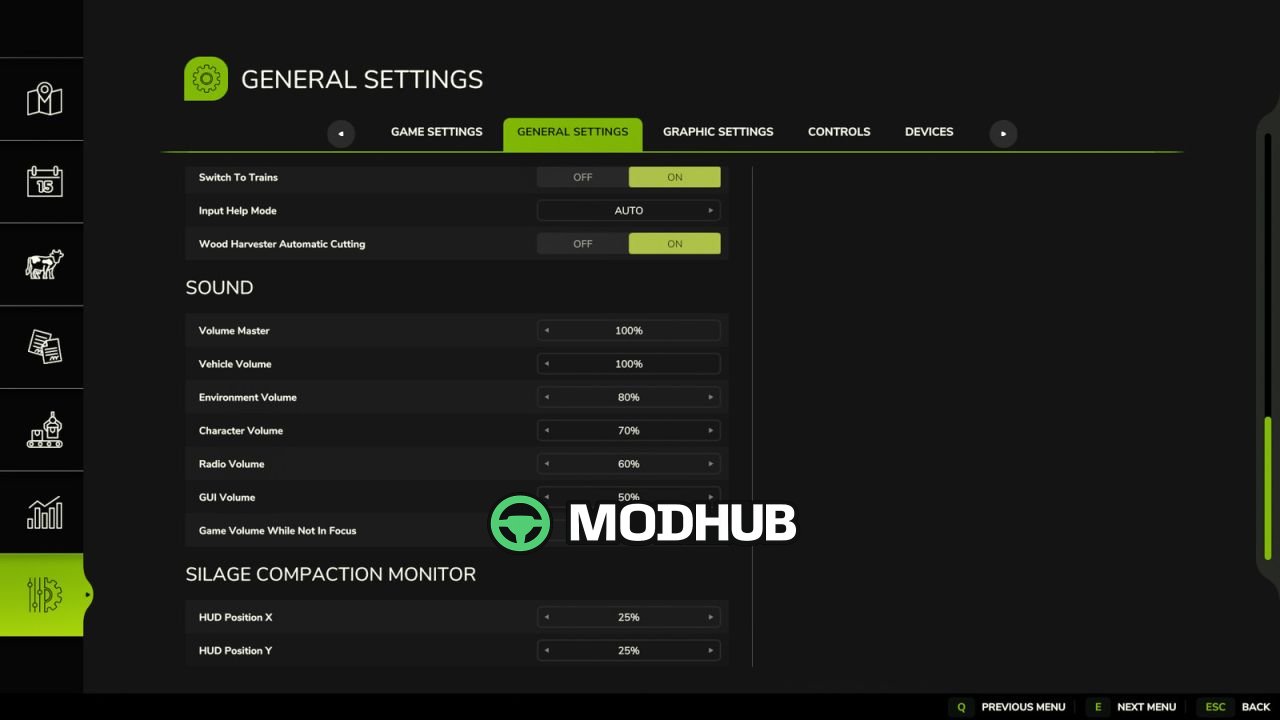
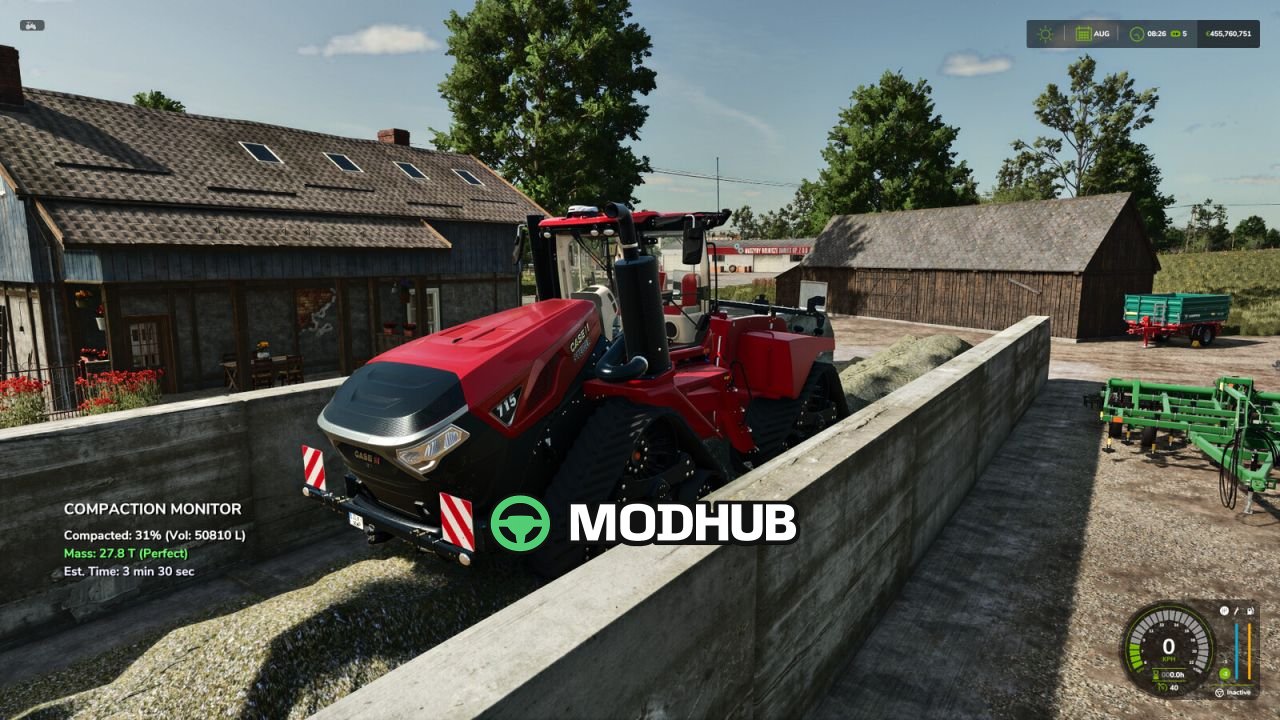
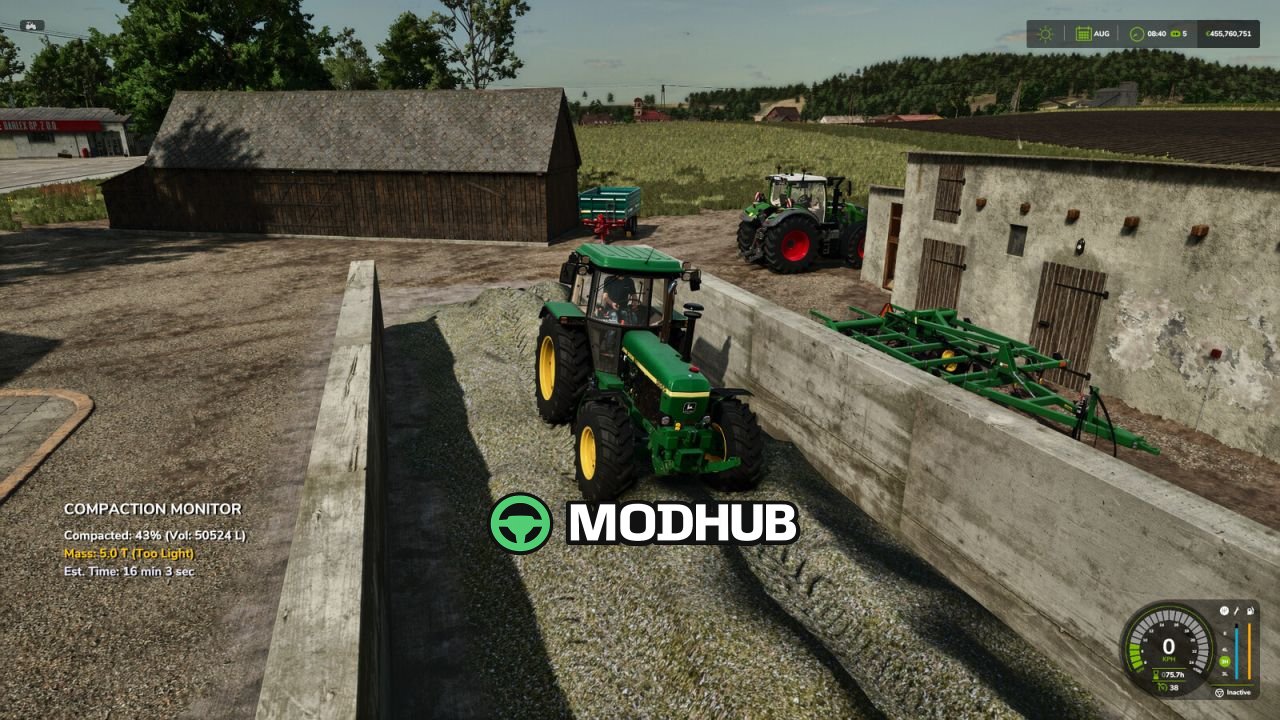
Silage Compaction Monitor V1.2 is a script mod for Farming Simulator 25 that adds an informational HUD while working in a bunker silo. It automatically appears when you enter an active bunker silo while inside a vehicle. The HUD displays total vehicle mass, compaction percentage, and estimated time until full compaction. Color-coded mass feedback tells you if your setup is heavy enough for efficient compaction.
• Total Vehicle Mass: accurate combined weight of tractor, weights, and attached implements in tons.
• Efficiency Indicator: mass display changes color from red to green based on suitability for the job.
• Time Estimation: dynamic calculation of remaining time until 100% compaction based on current mass.
• Progress Tracking: clearly shows current compaction percentage and total silage volume.
• Smart Detection: warns you if you are on foot and need to enter a vehicle.
The mod also fixes HUD visibility in adjacent covered bunker silos in version 1.2.0.0.
About «Silage Compaction Monitor V1.2 for FS25»
This mod is among the best in the «Скрипти» category for Farming Simulator 25. Adds quality content to the game, tested by the community, without conflicts with other mods.
How to Install the Mod
Installing the "Silage Compaction Monitor V1.2 for FS25" mod for Farming Simulator 25 takes less than a minute:
Download the mod file from our website by clicking the «Download» button
Extract the archive to Documents/My Games/Farming Simulator 25/mods
Launch the game — the mod will appear in the «Mods» section
Activate the mod in your save and enjoy the new content
System Requirements
The "Silage Compaction Monitor V1.2 for FS25" mod is compatible with all official Farming Simulator 25 versions. No additional modifications or tweaks required. Works on Windows, macOS, Linux (via ProtonDB) and consoles that support mods.
Frequently Asked Questions
Is this mod free?
Yes, all MODHUB mods are downloaded free of charge, without registration or redirect ads.
Can I use it in Farming Simulator 25 multiplayer?
Yes, the mod is fully compatible with multiplayer. All players must have this version of the mod installed.
What should I do if the mod does not work?
Ensure the archive is extracted to the correct (not nested) folder. Check that mod and game versions match. Leave a comment below — the community will help.
Is the mod safe?
All MODHUB mods are checked by antivirus software and moderators. We do not host executables (.exe), only in-game content.