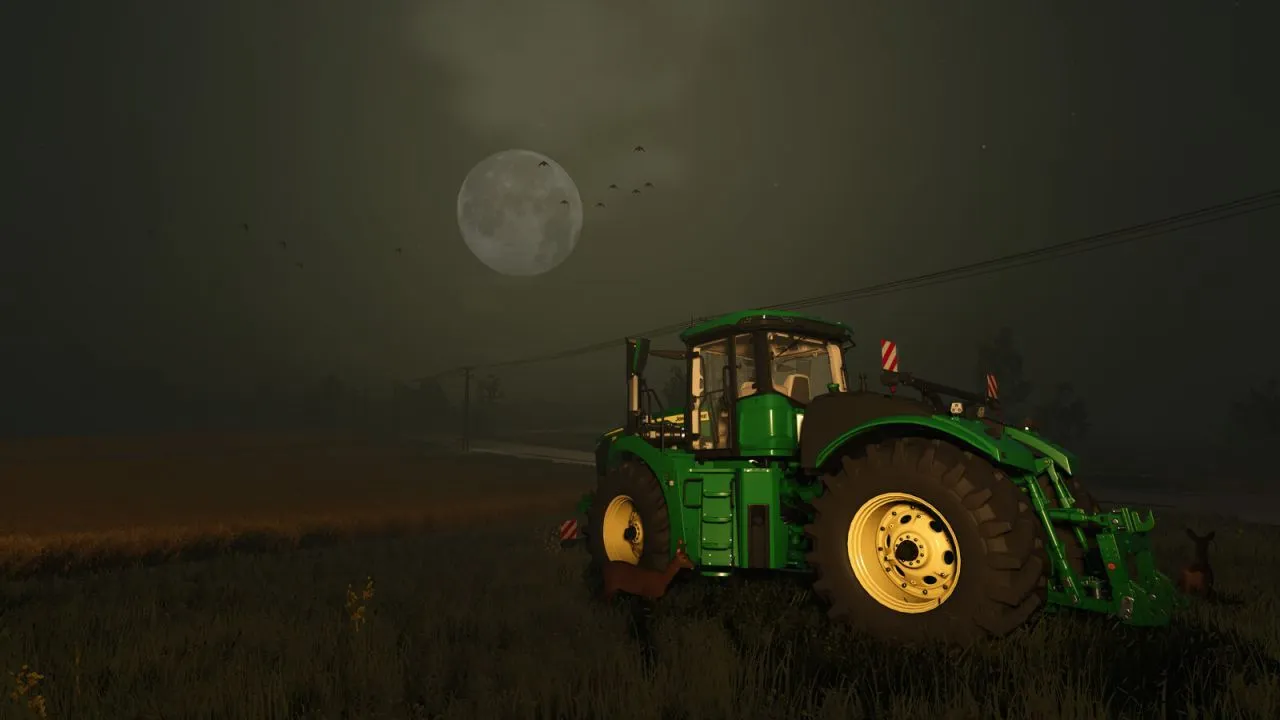
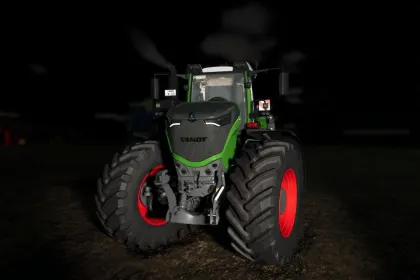
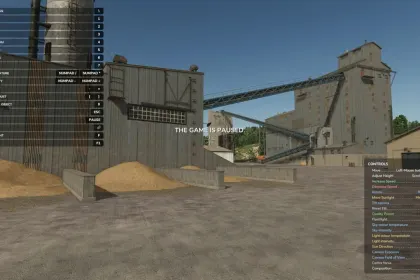
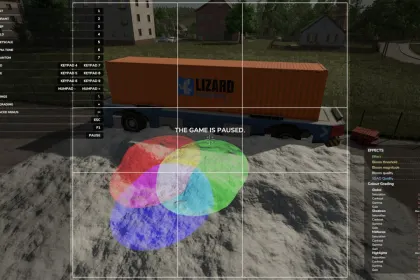
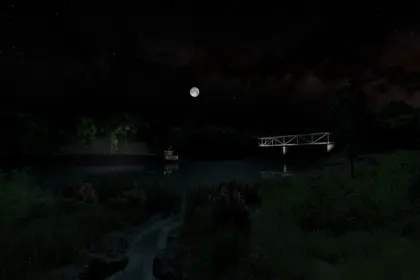
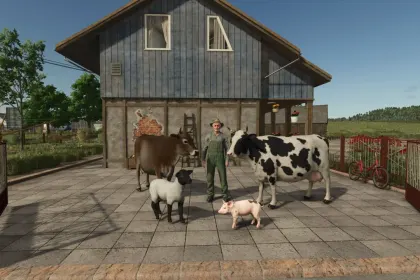
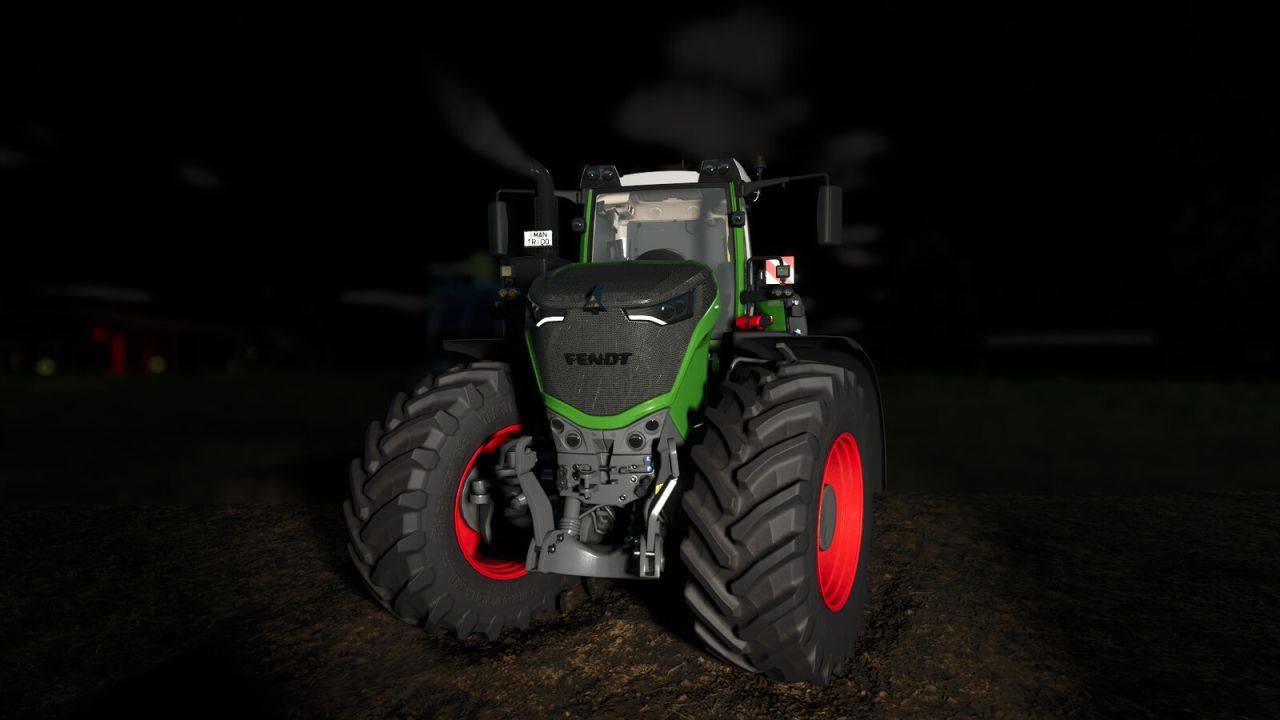
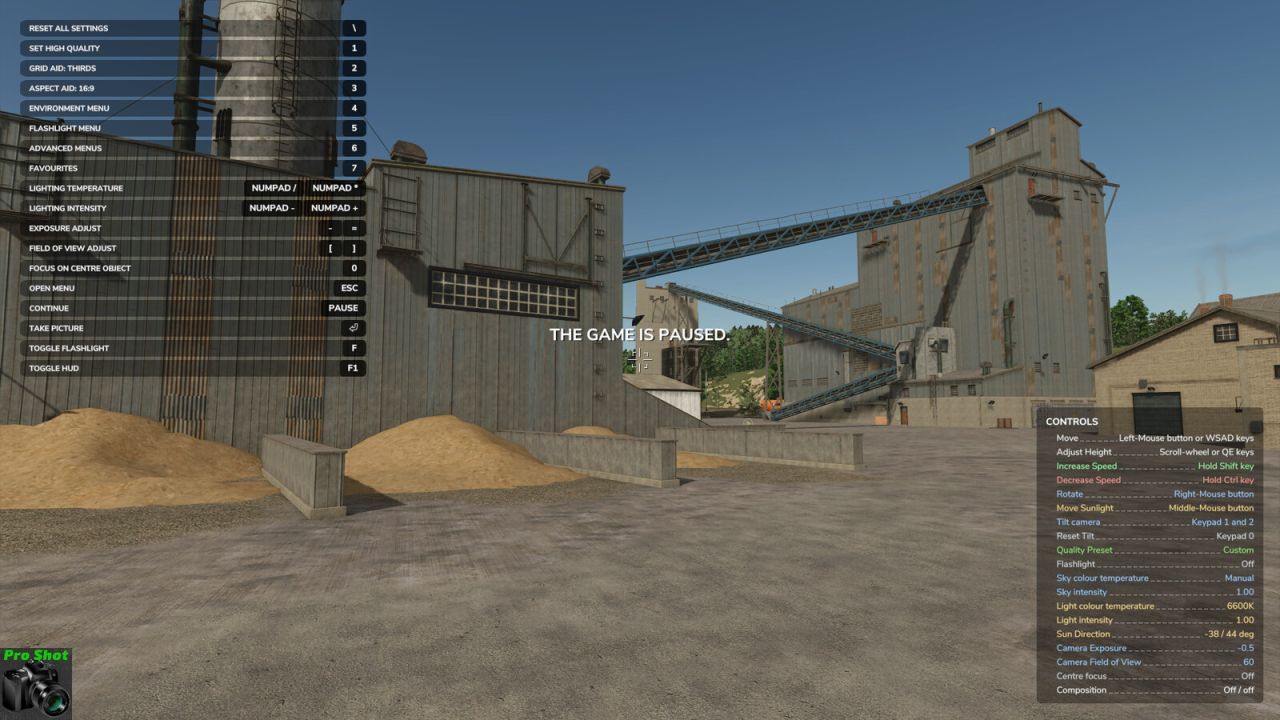
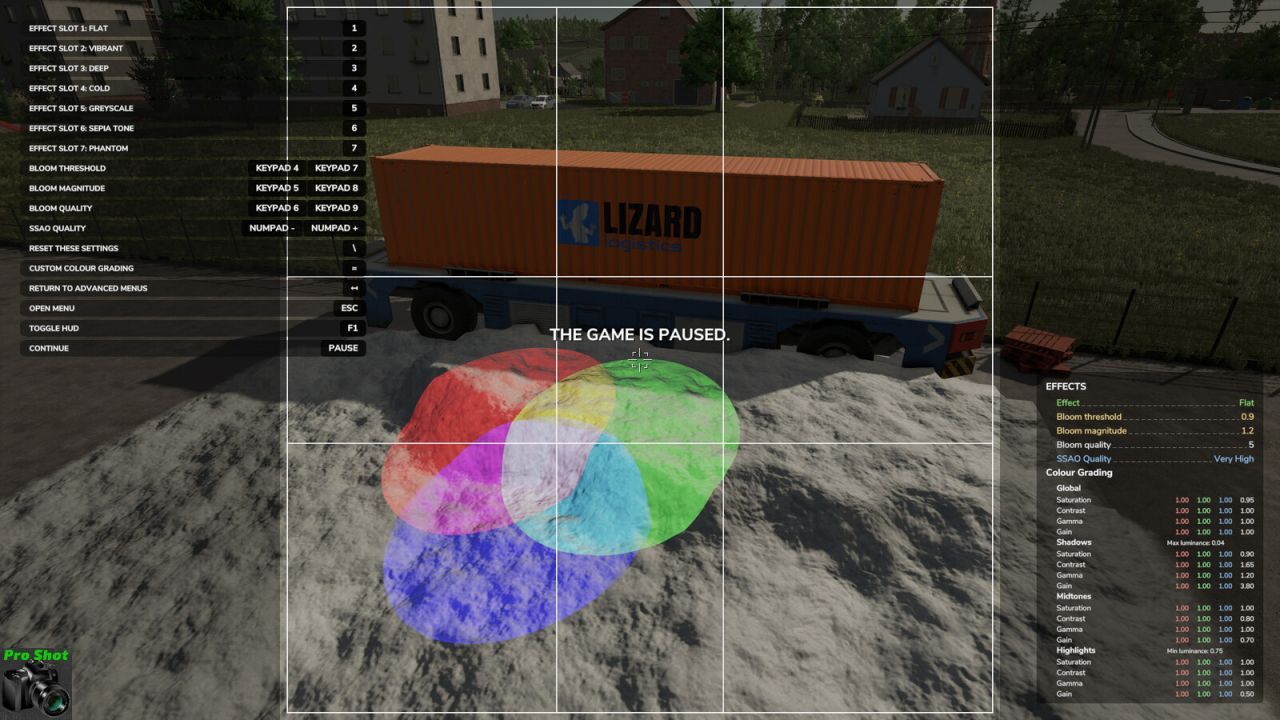
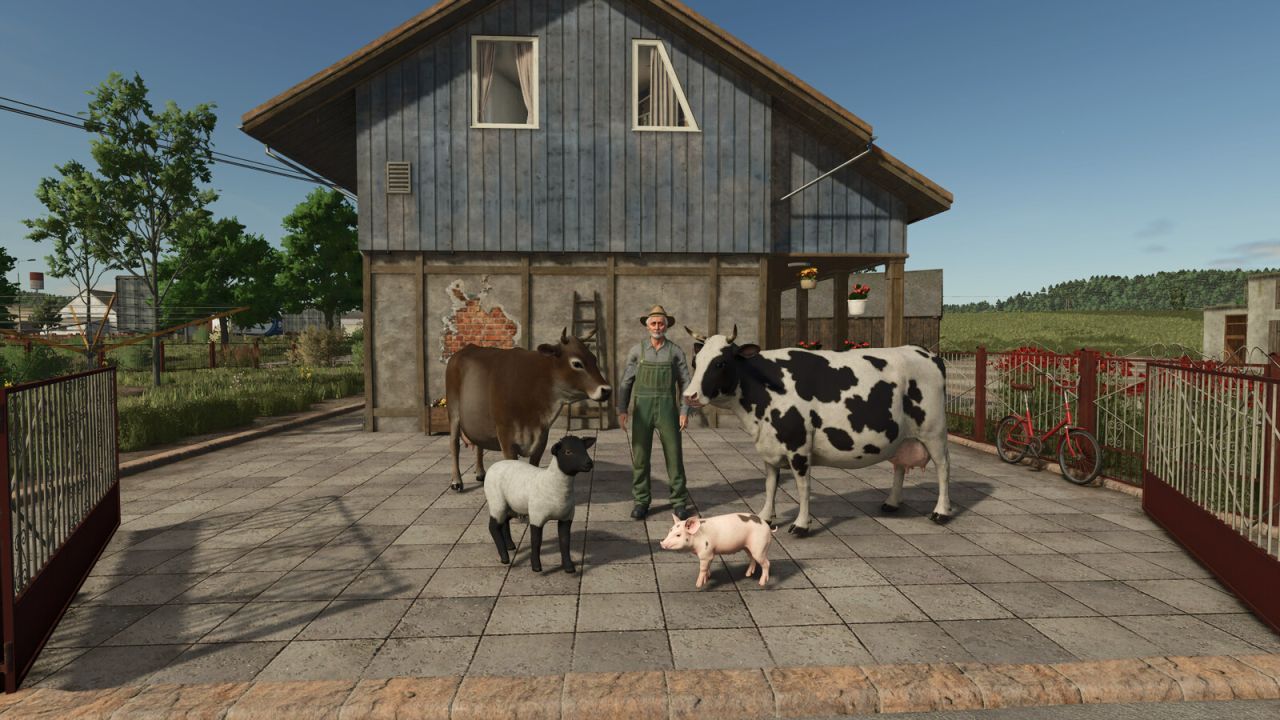
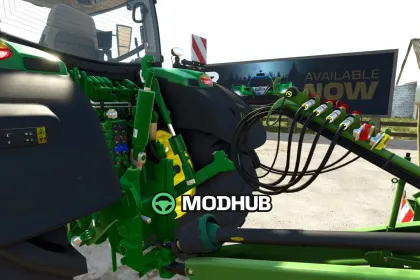
Pro Shot is a script mod for Farming Simulator 25 that turns ordinary screenshots into professional photography. It lets you pause time, freely move the camera, and adjust lighting to frame the perfect shot. The mod supports advanced quality, exposure, field of view, and depth of field settings. It also offers weather, season, time of day changes, and various lighting effects.
• Pause the game with your assigned Pause control to activate Pro Shot and take screenshots
• Free-roaming camera with roll and tilt via mouse and keyboard controls
• Advanced lighting options: colour, temperature, intensity, beam angle, and focus for photo lights
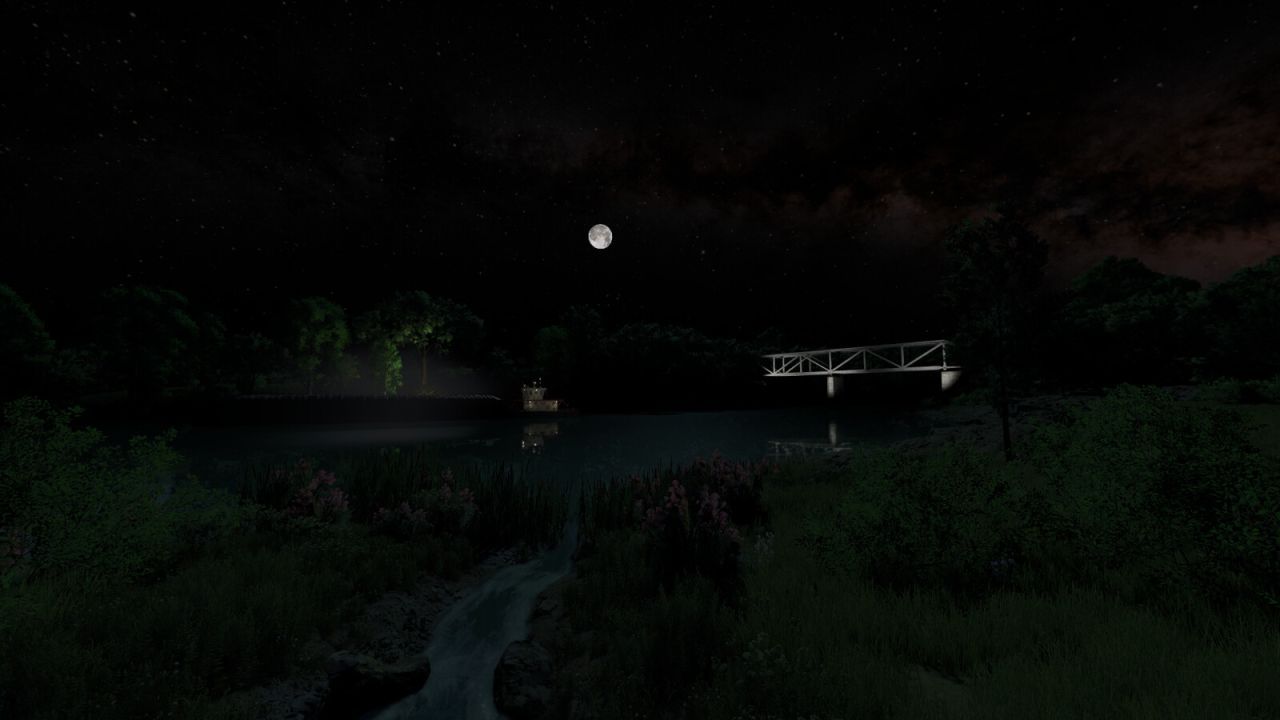
• Change weather, season, snow, fog, haze, hail, and time of day for natural sun and moon progression
• Black and white, sepia tone, and other filters, plus depth of field adjustment
• Modder tools: reload active vehicle, nearby vehicles, or all placeables on the map
• Save and restore up to ten named favourite settings and eight flashlight favourites
• Optional HDR image output with or without a depth map
This mod does not support multiplayer, but all changes are reverted after leaving the pause screen, except tyre tracks and snow.
About Pro Shot Mod for Farming Simulator 25
Pro Shot Mod for Farming Simulator 25 is a mod for Farming Simulator 25. Check the author description, supported game version and dependencies before installing.
How to install the mod
Follow the installation instructions for Pro Shot Mod for Farming Simulator 25, Farming Simulator 25 and your platform.
Download the mod archive using the Download button and read the author instructions.
On PC, copy the mod ZIP without extracting it to Documents/My Games/FarmingSimulator2025/mods. For a bundle, extract the individual mod ZIPs first. macOS and Microsoft Store paths may differ; check Mod Directory in the game log.txt.
Start the game and enable the mod for the selected save or profile, if required.
Test using a backup or a new save. Install any dependencies listed by the author.
System requirements and compatibility
Check the mod description for supported game versions, required DLC and platforms. Compatibility with every version or other mods is not guaranteed. Farming Simulator script mods are for PC/macOS. Console players can only install compatible mods from the in-game GIANTS ModHub.
Frequently asked questions
Is this mod free?
MODHUB does not charge for access to this mod page. Check the terms and download limits of the external file provider.
Can I use this mod in Farming Simulator 25 multiplayer?
Multiplayer support depends on the mod and its author. If supported, the server and players need matching mod versions and required DLC.
What should I check if the mod does not work?
Check the installation folder, archive structure, supported game version, dependencies and game logs. Test the mod separately using a backup save.
How can I check a downloaded mod?
Use trusted author sources, scan the archive and back up your saves. Do not run unrelated installers; a download listing does not guarantee safety or compatibility.