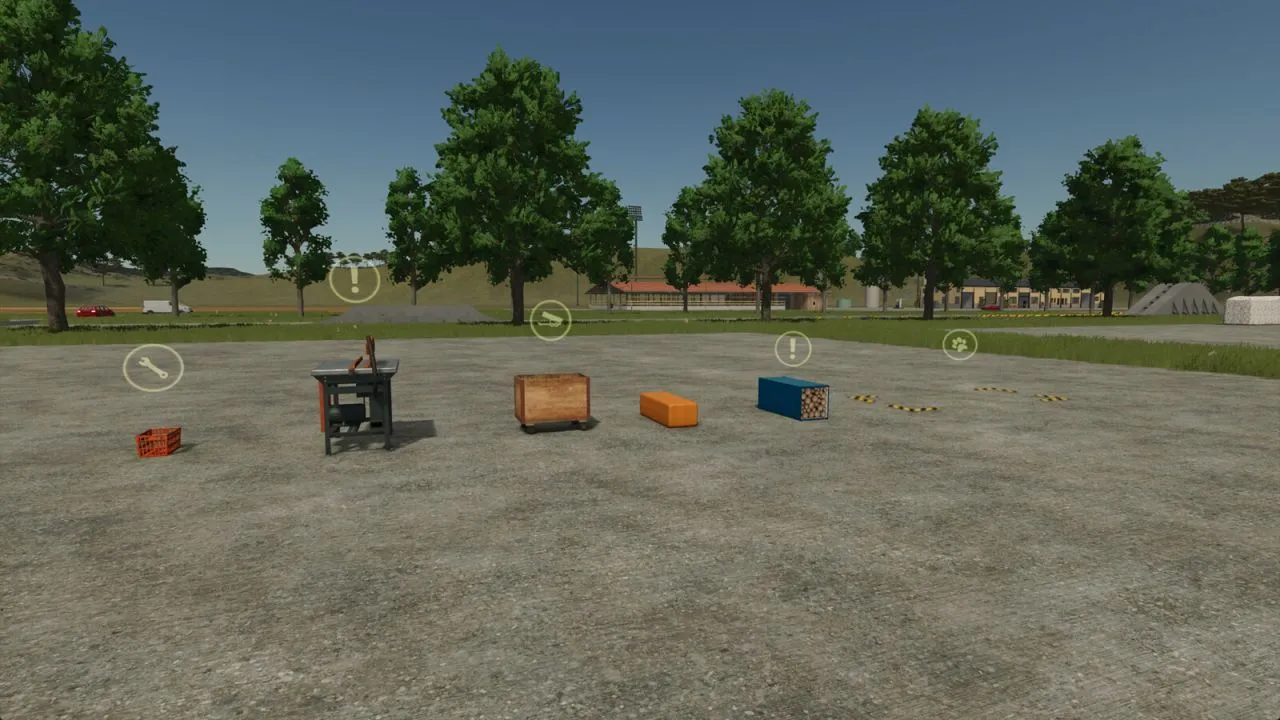
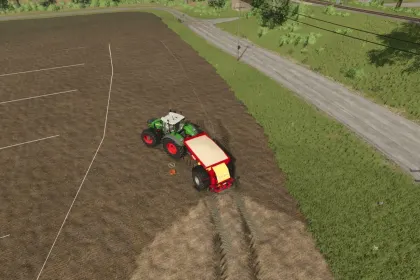
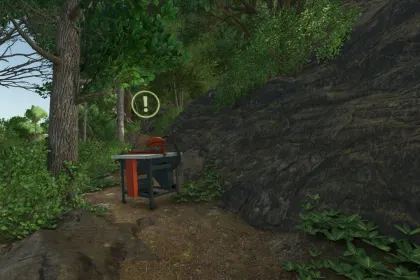
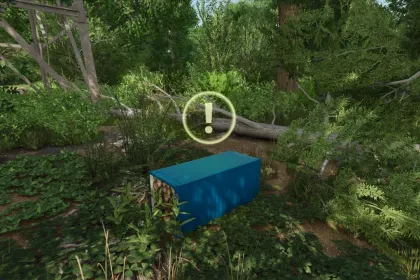
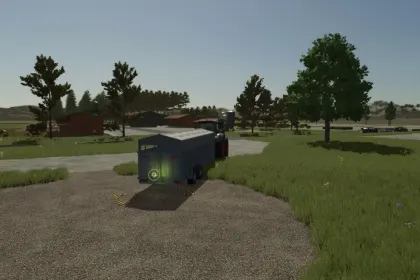
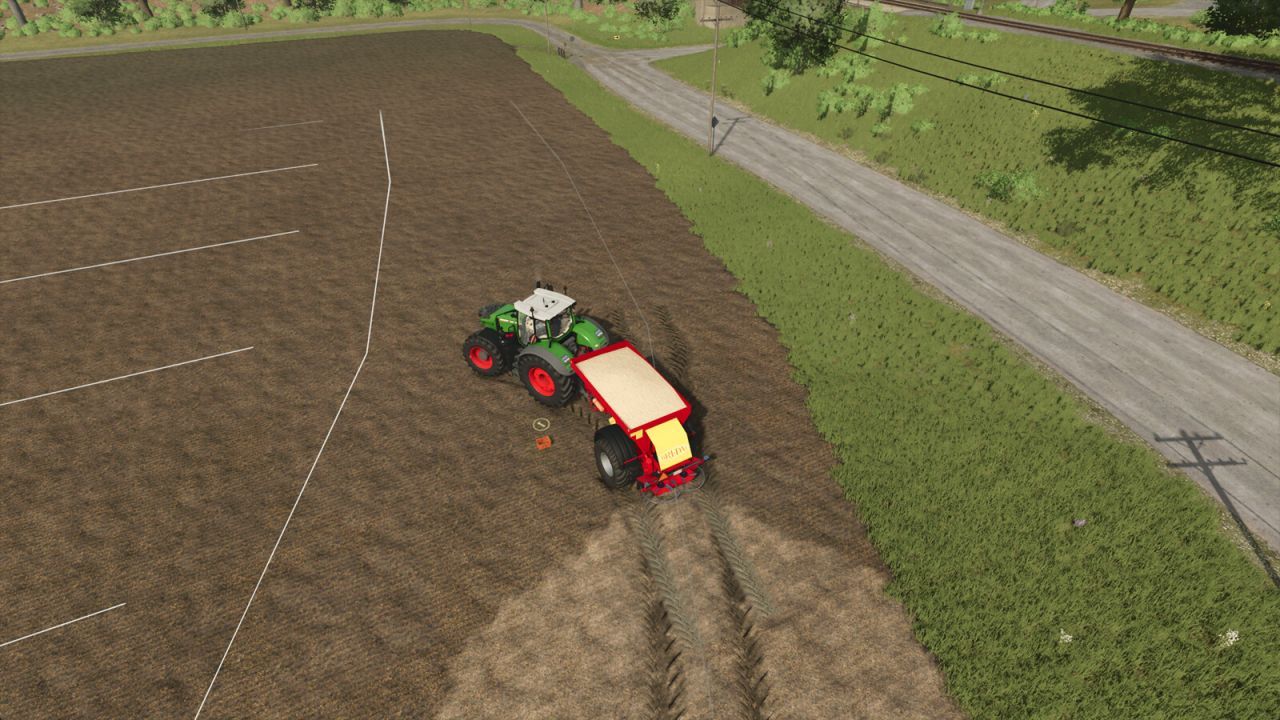
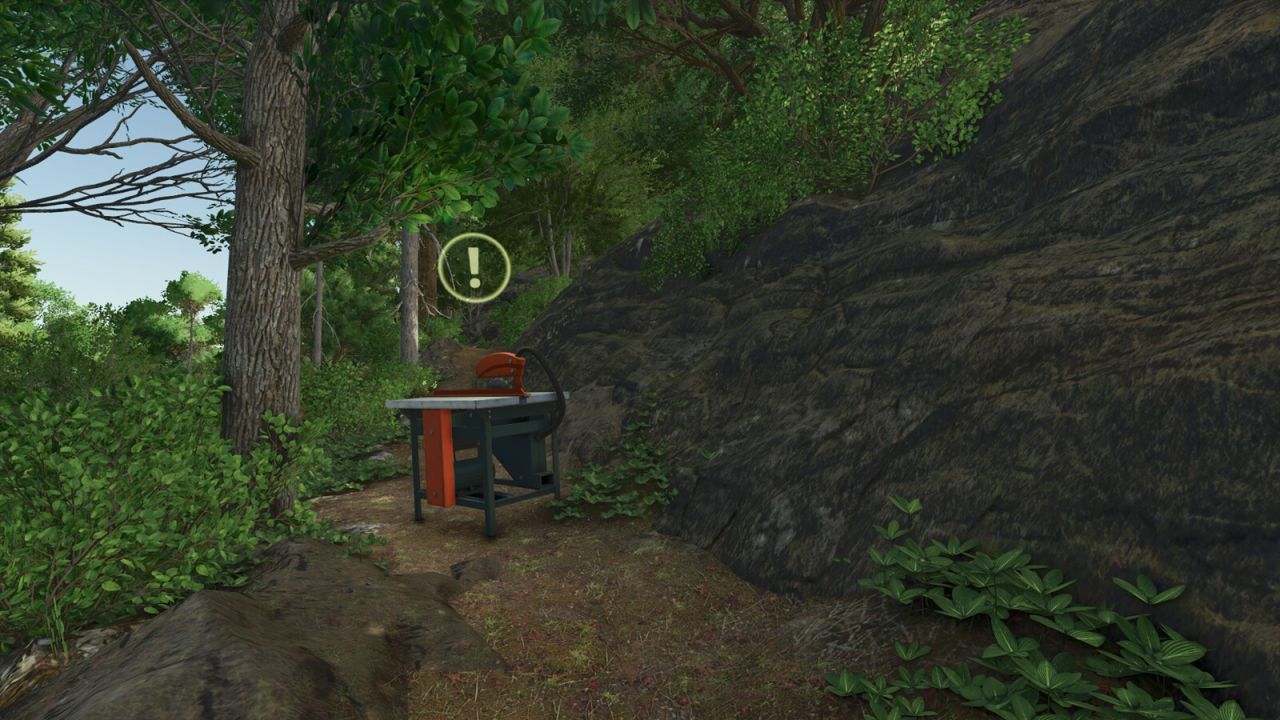
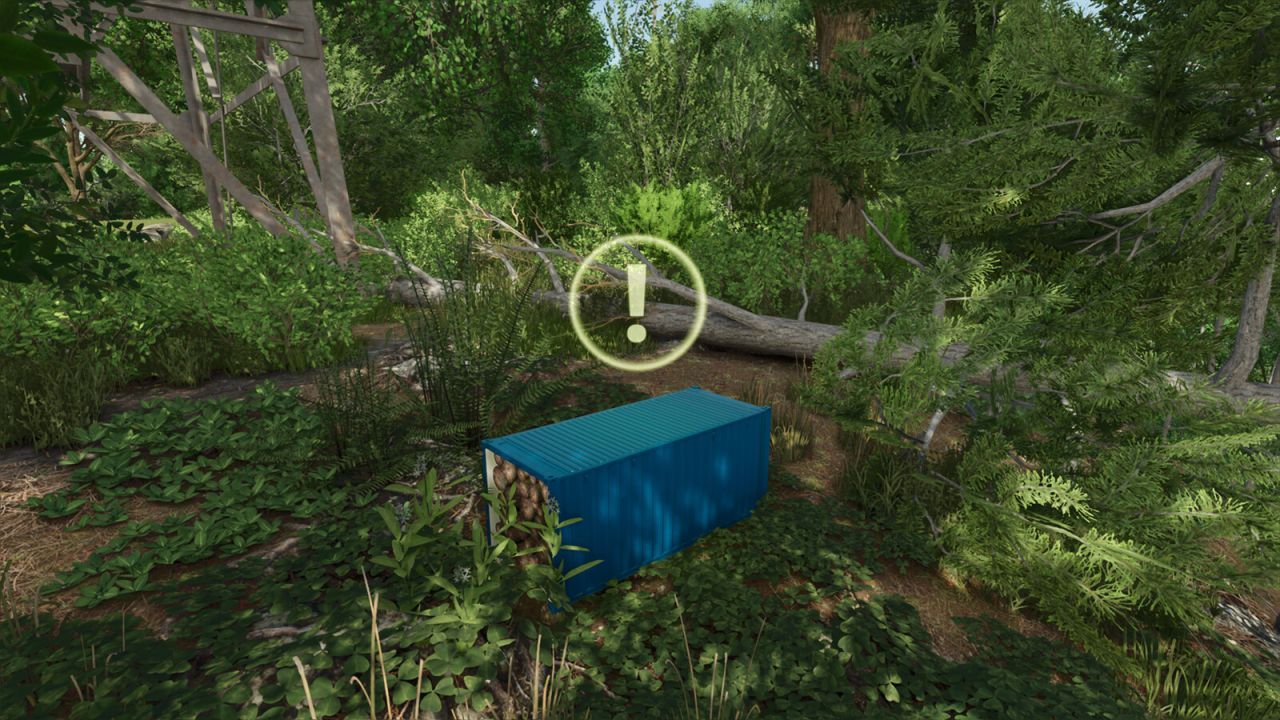
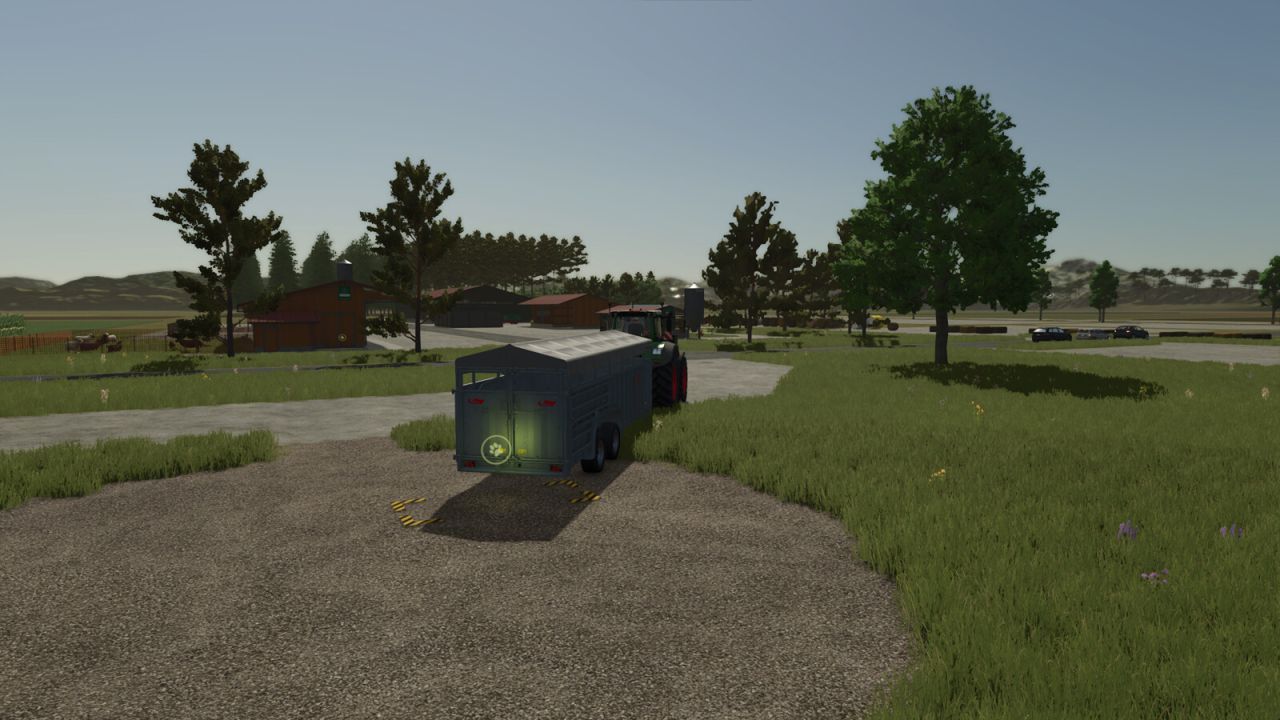
This mod «Mobile Utilities» adds a set of mobile utility stations for forests and farms in Farming Simulator 25.
The items can be moved by hand or placed into a transport box attached to your vehicle (they cannot be strapped). All items reset when you enter the savegame.
• Animal Trader: buy and sell animals (not mobile)
• Mobile Bale Sellpoint: selling point for bales
• Mobile Buying Station: fillable container for fertilizer, lime, and similar fill types
• Mobile Selling Station: selling point for loose crops, products, and bales
• Mobile Wood Sellpoint: selling point for logs; also accepts woodchip bales and woodchip pallets
• Mobile Wood Warehouse: accepts logs and distributes them to other productions that accept wood (incoming wood is converted to prevent distribution to other Wood Warehouses)
Prices and maintenance (as listed): Animal Trader — $500; all other modules — $500; Maintenance: $0.
About «Mobile Utilities for Farming Simulator 25»
This mod is among the best in the «Інше» category for Farming Simulator 25. Adds quality content to the game, tested by the community, without conflicts with other mods.
How to Install the Mod
Installing the "Mobile Utilities for Farming Simulator 25" mod for Farming Simulator 25 takes less than a minute:
Download the mod file from our website by clicking the «Download» button
Extract the archive to Documents/My Games/Farming Simulator 25/mods
Launch the game — the mod will appear in the «Mods» section
Activate the mod in your save and enjoy the new content
System Requirements
The "Mobile Utilities for Farming Simulator 25" mod is compatible with all official Farming Simulator 25 versions. No additional modifications or tweaks required. Works on Windows, macOS, Linux (via ProtonDB) and consoles that support mods.
Frequently Asked Questions
Is this mod free?
Yes, all MODHUB mods are downloaded free of charge, without registration or redirect ads.
Can I use it in Farming Simulator 25 multiplayer?
Yes, the mod is fully compatible with multiplayer. All players must have this version of the mod installed.
What should I do if the mod does not work?
Ensure the archive is extracted to the correct (not nested) folder. Check that mod and game versions match. Leave a comment below — the community will help.
Is the mod safe?
All MODHUB mods are checked by antivirus software and moderators. We do not host executables (.exe), only in-game content.