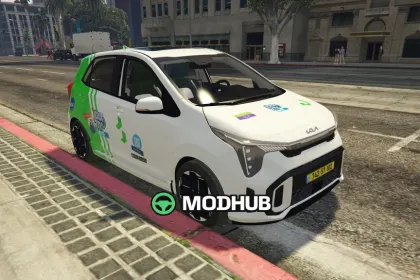
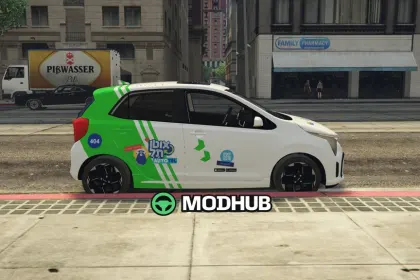
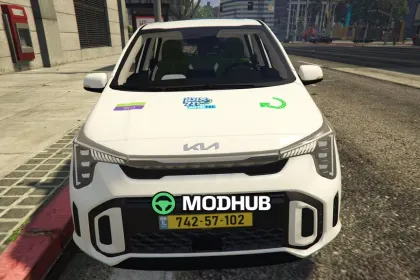
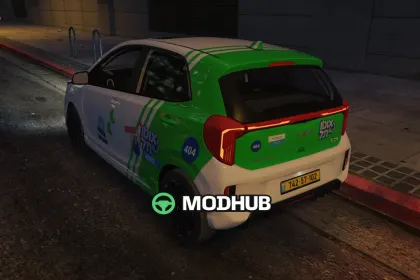
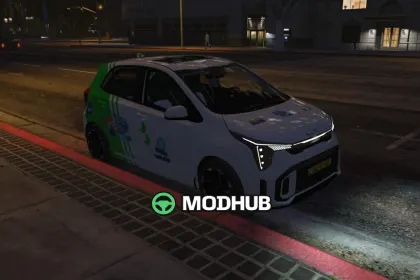
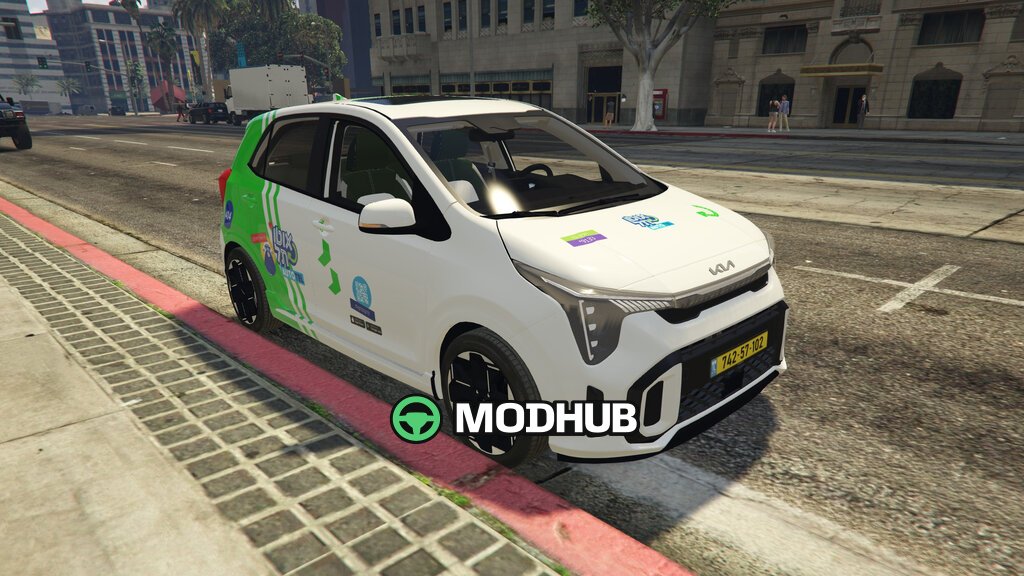
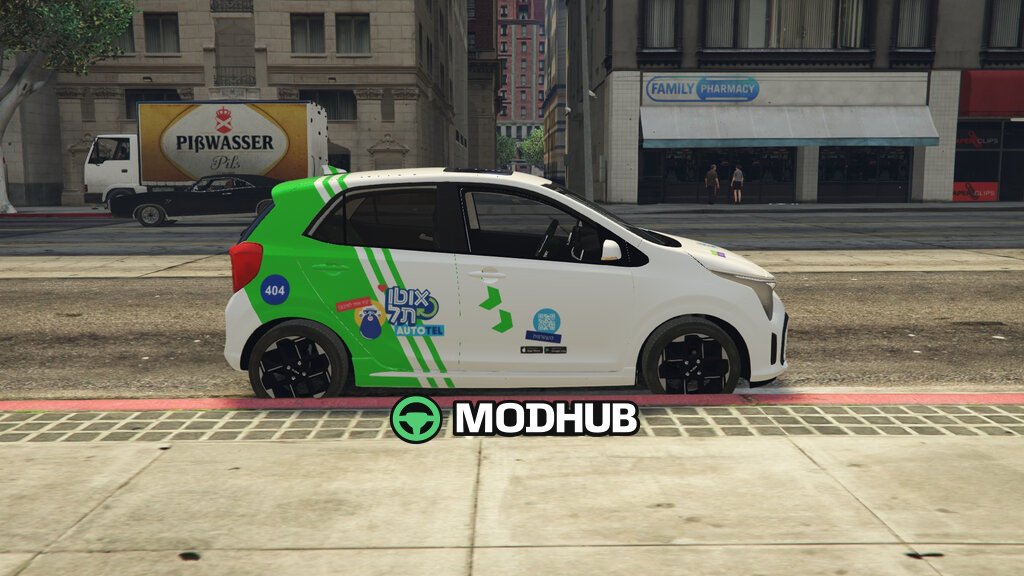
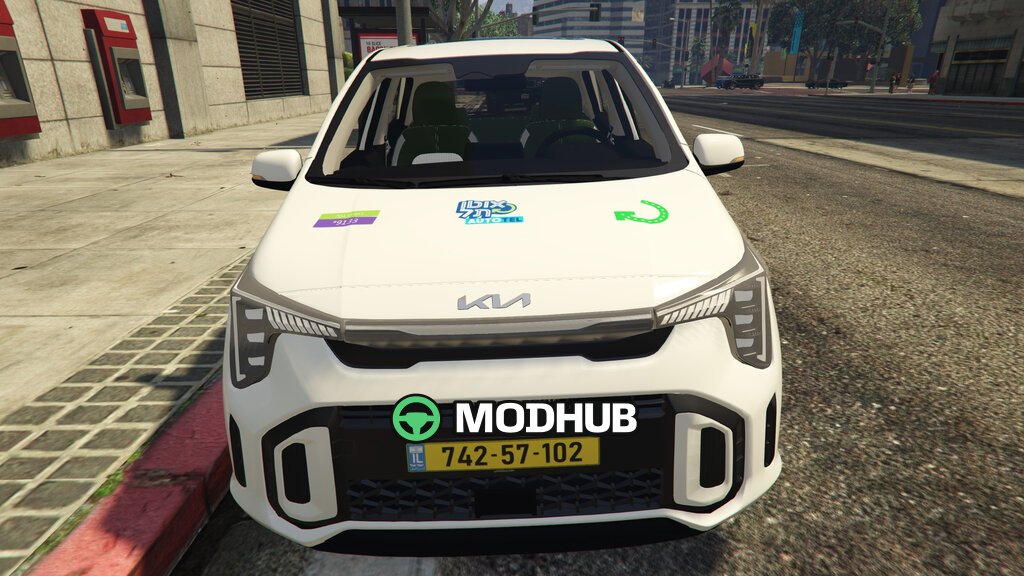
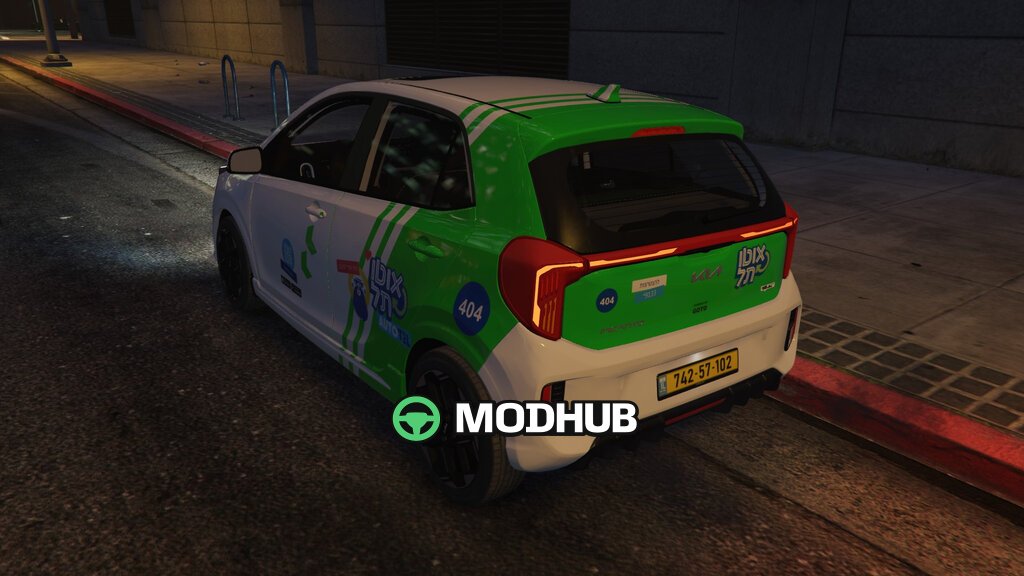
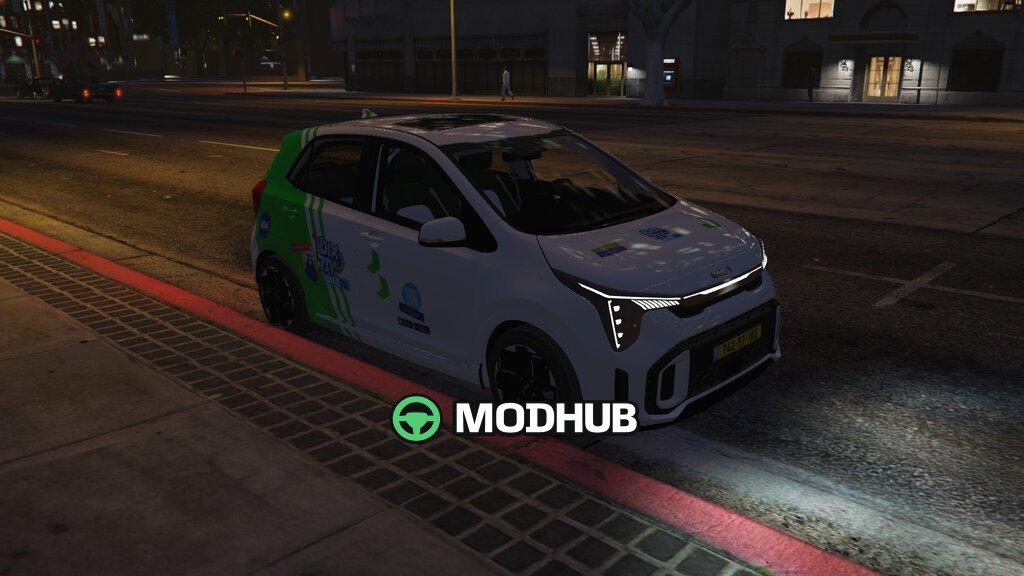
The Kia Picanto 2024 Autotel is a car for GTA 5 that recreates a vehicle from the Tel Aviv car-sharing service Autotel. It features the signature green livery with white stripes, a logo with the bearded character, QR codes and fleet number 404 on the fuel flap. The stickers are placed on a separate 4096-pixel texture, so they look sharp up close. The mod adds a separate car with the model name "autotel" and does not replace the standard Picanto.
• Power and handling match the original Kia Picanto 2024 GT-Line.
• Detailed interior, front and rear LED lights, opening doors, tailgate and bonnet.
• Full damage system based on GTA V's crash structure.
• Installs via Lenny's Mod Loader into the lml folder, spawns as "autotel".
• Optional traffic version replaces every Dilettante with the Autotel Picanto, no trainer needed.
The mod changes no game files, so deleting the folder restores the game completely.
About Kia Picanto 2024 Autotel for GTA 5
Kia Picanto 2024 Autotel for GTA 5 is a mod for GTA 5. Check the author description, supported game version and dependencies before installing.
How to install the mod
Follow the installation instructions for Kia Picanto 2024 Autotel for GTA 5, GTA 5 and your platform.
Download the mod archive using the Download button and read the author instructions.
Use the folder and archive format specified by the mod author for this game.
Start the game and enable the mod for the selected save or profile, if required.
Test using a backup or a new save. Install any dependencies listed by the author.
System requirements and compatibility
Check the mod description for supported game versions, required DLC and platforms. Compatibility with every version or other mods is not guaranteed.
Frequently asked questions
Is this mod free?
MODHUB does not charge for access to this mod page. Check the terms and download limits of the external file provider.
Can I use this mod in GTA 5 multiplayer?
Multiplayer support depends on the mod and its author. If supported, the server and players need matching mod versions and required DLC.
What should I check if the mod does not work?
Check the installation folder, archive structure, supported game version, dependencies and game logs. Test the mod separately using a backup save.
How can I check a downloaded mod?
Use trusted author sources, scan the archive and back up your saves. Do not run unrelated installers; a download listing does not guarantee safety or compatibility.