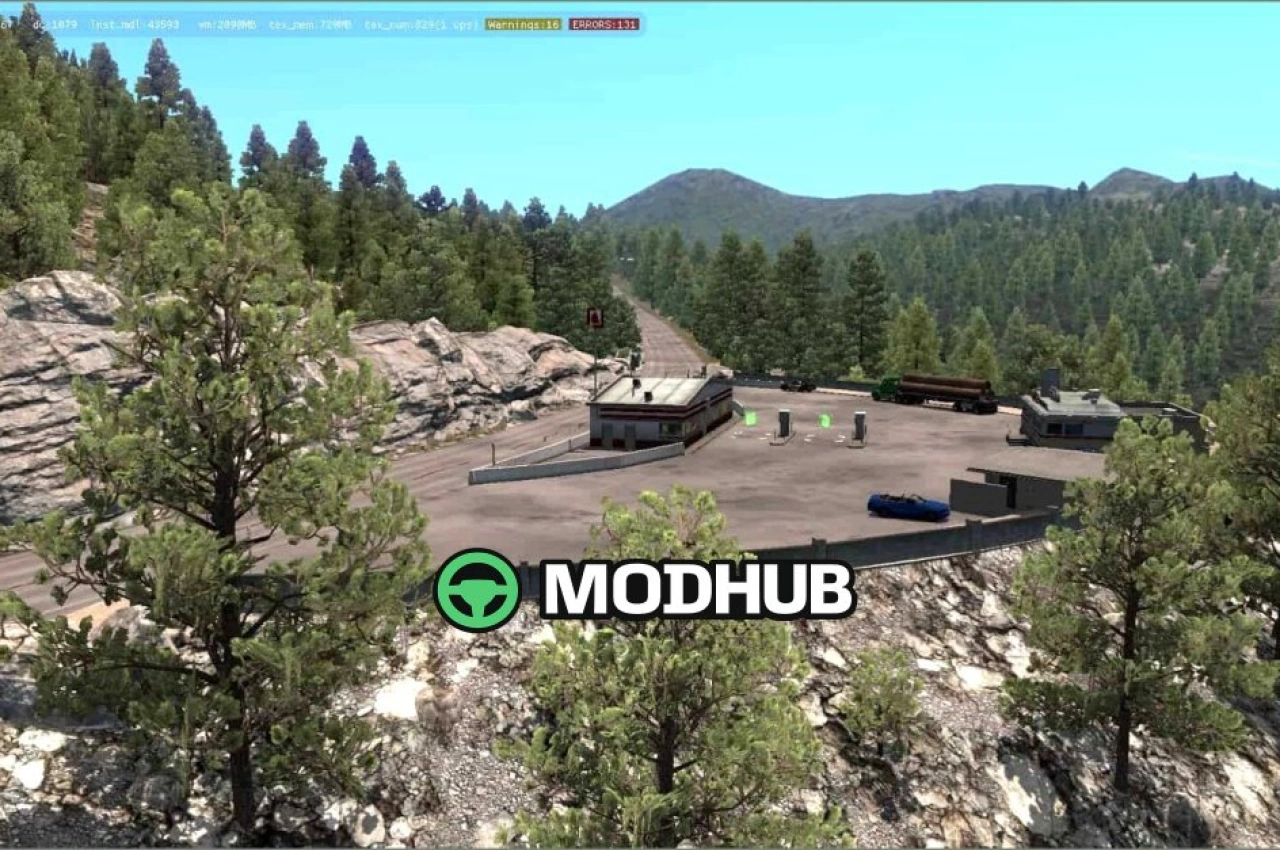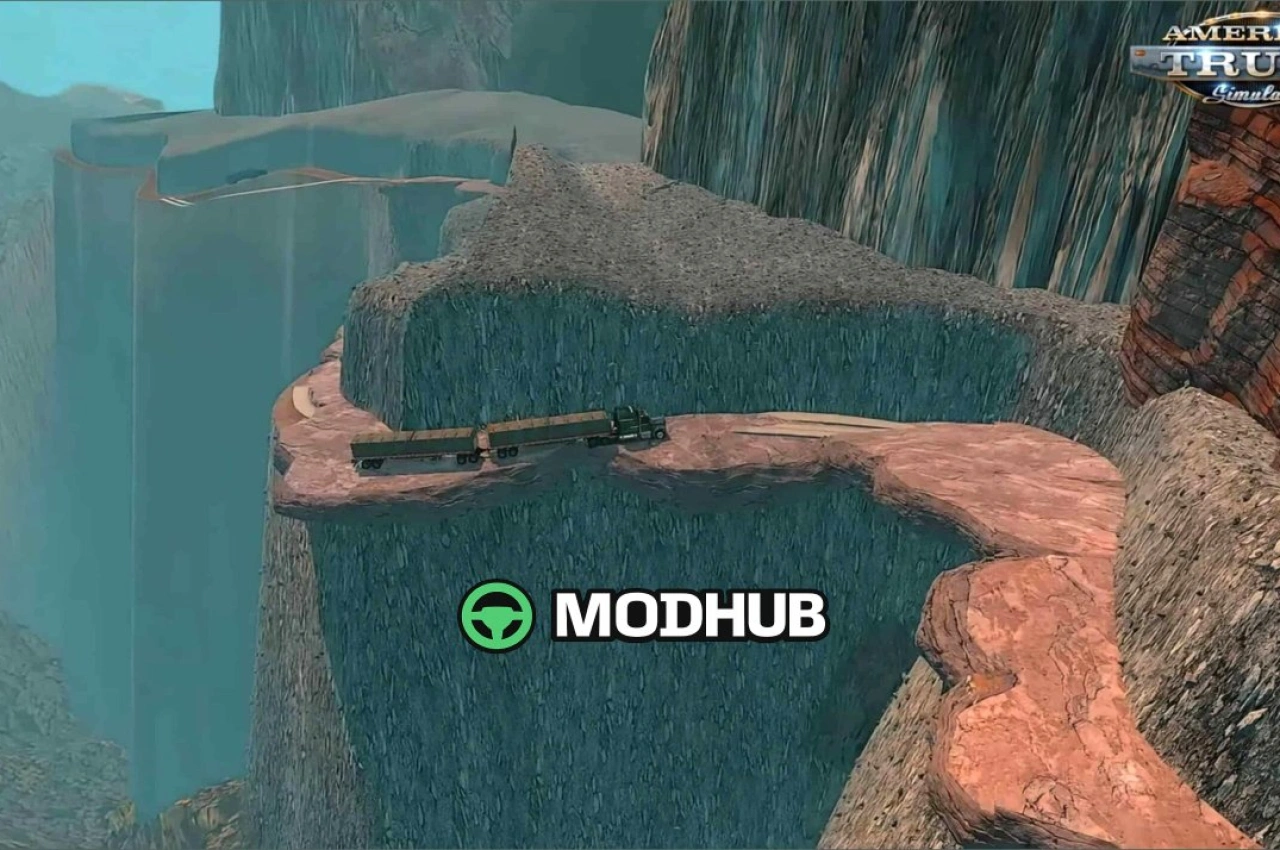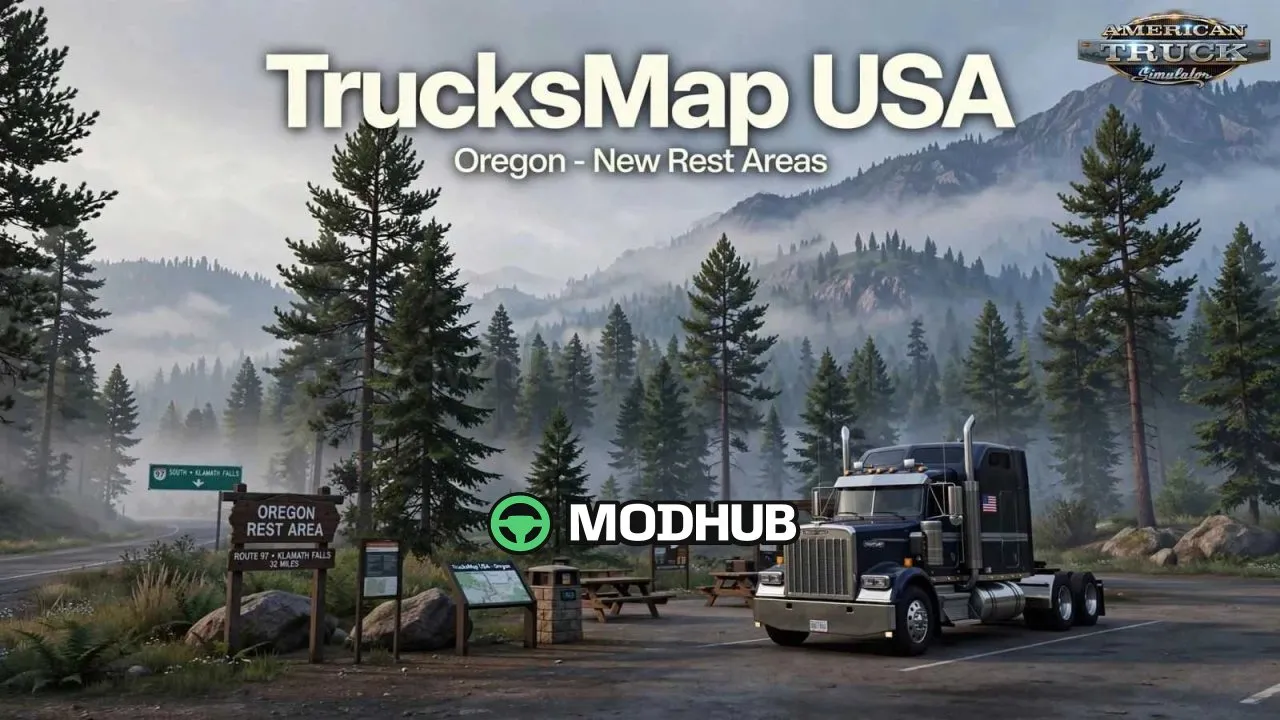
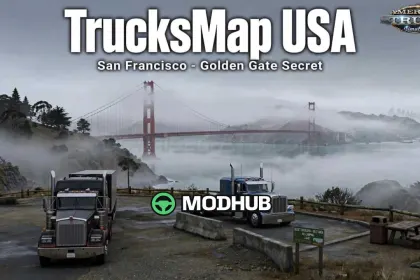
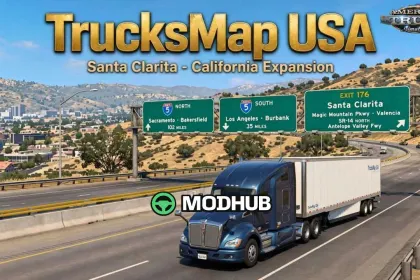
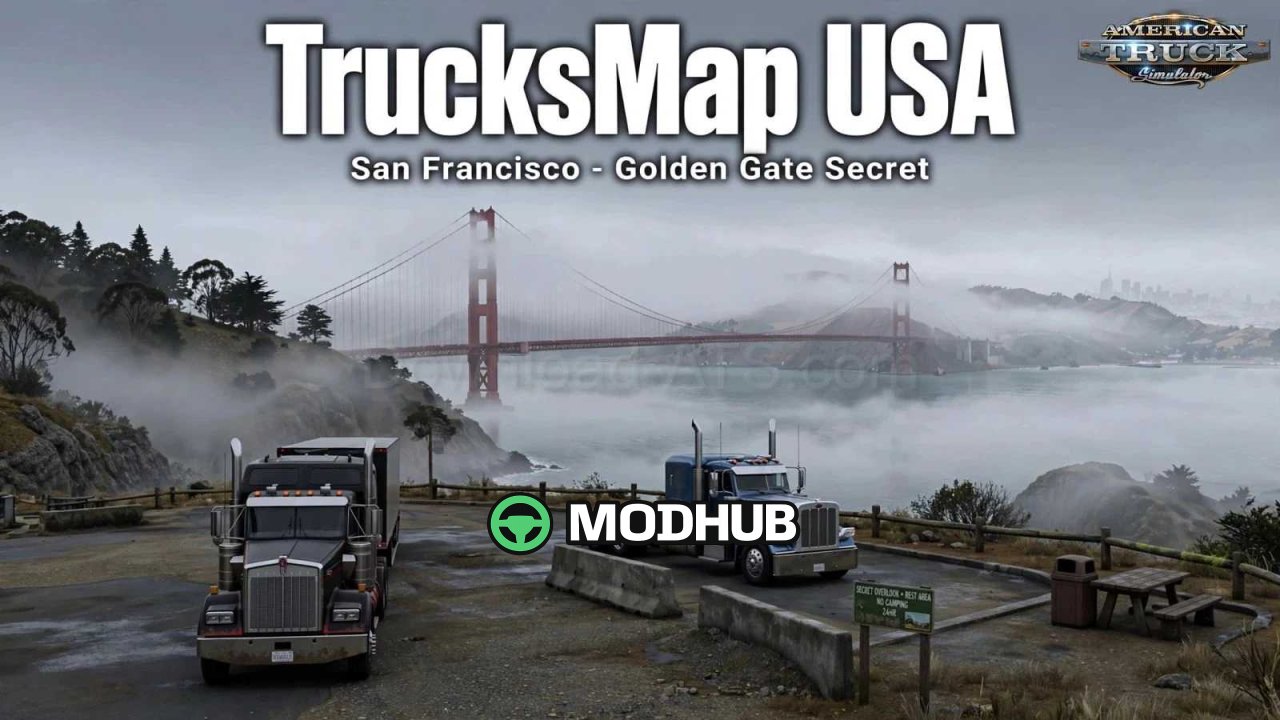
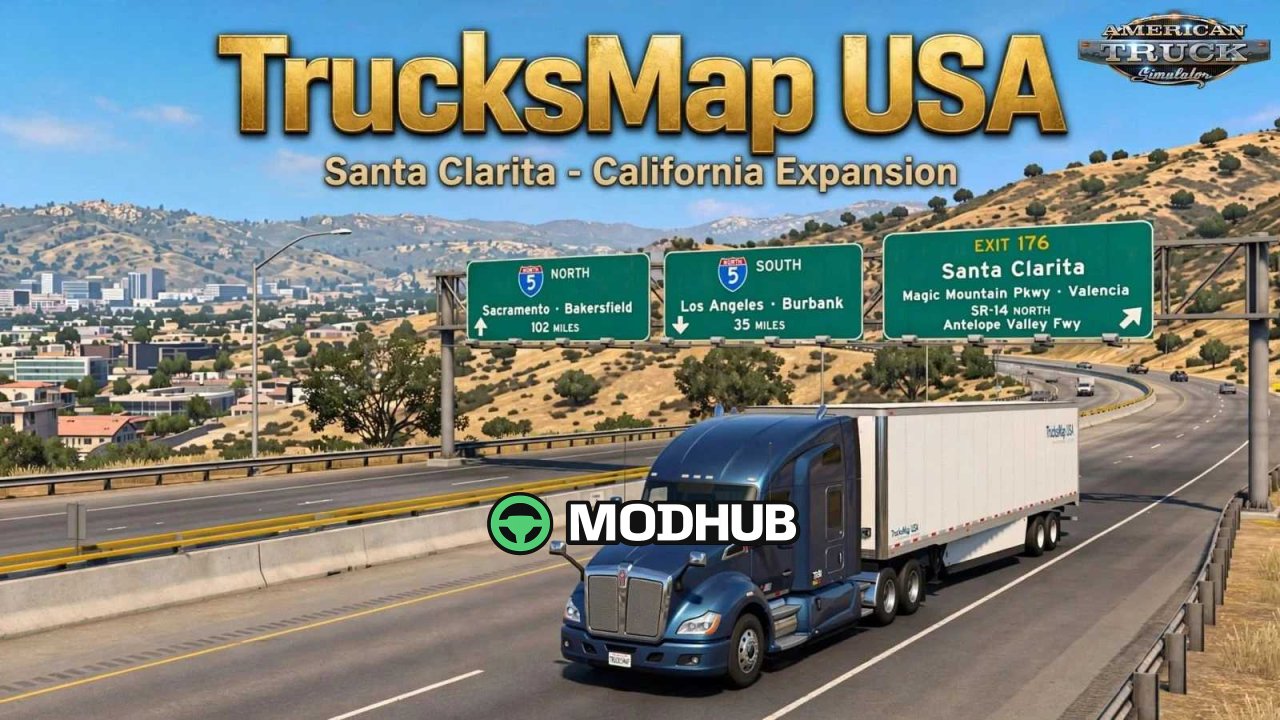
TrucksMap USA v1.7.1.61 is a map modification for American Truck Simulator that adds missing secret roads, new map areas, rest areas and improved roads across California, Nevada and Oregon. The expansion keeps the vanilla base of the game intact while opening extra exploration options for players. In California it introduces the California 99 secret road, the California Aqueduct Vista Point and a hidden rest area near the Golden Gate Bridge. Nevada receives the Wells area, a rest area in Elko and a secret road alongside Route 140 above Winnemucca.
• Secret roads and new areas on the world map
• New rest areas and vista points
• Improved road signs and junctions
• Rest areas on Route 97 towards Klamath Falls
• Lay-by in Jackpot with an adjusted sleep trigger
• Small rest areas opposite the big ones on Route 20 in Oregon
The mod requires the Oregon and Utah DLCs and is incompatible with More American Cities for California; it was tested on game version 1.61.x.
About Map TrucksMap USA v1.7.1.61 for ATS
Map TrucksMap USA v1.7.1.61 for ATS is a mod for American Truck Simulator. Check the author description, supported game version and dependencies before installing.
How to install the mod
Follow the installation instructions for Map TrucksMap USA v1.7.1.61 for ATS, American Truck Simulator and your platform.
Download the mod archive using the Download button and read the author instructions.
Use the folder and archive format specified by the mod author for this game.
Start the game and enable the mod for the selected save or profile, if required.
Test using a backup or a new save. Install any dependencies listed by the author.
System requirements and compatibility
Check the mod description for supported game versions, required DLC and platforms. Compatibility with every version or other mods is not guaranteed.
Frequently asked questions
Is this mod free?
MODHUB does not charge for access to this mod page. Check the terms and download limits of the external file provider.
Can I use this mod in American Truck Simulator multiplayer?
Multiplayer support depends on the mod and its author. If supported, the server and players need matching mod versions and required DLC.
What should I check if the mod does not work?
Check the installation folder, archive structure, supported game version, dependencies and game logs. Test the mod separately using a backup save.
How can I check a downloaded mod?
Use trusted author sources, scan the archive and back up your saves. Do not run unrelated installers; a download listing does not guarantee safety or compatibility.