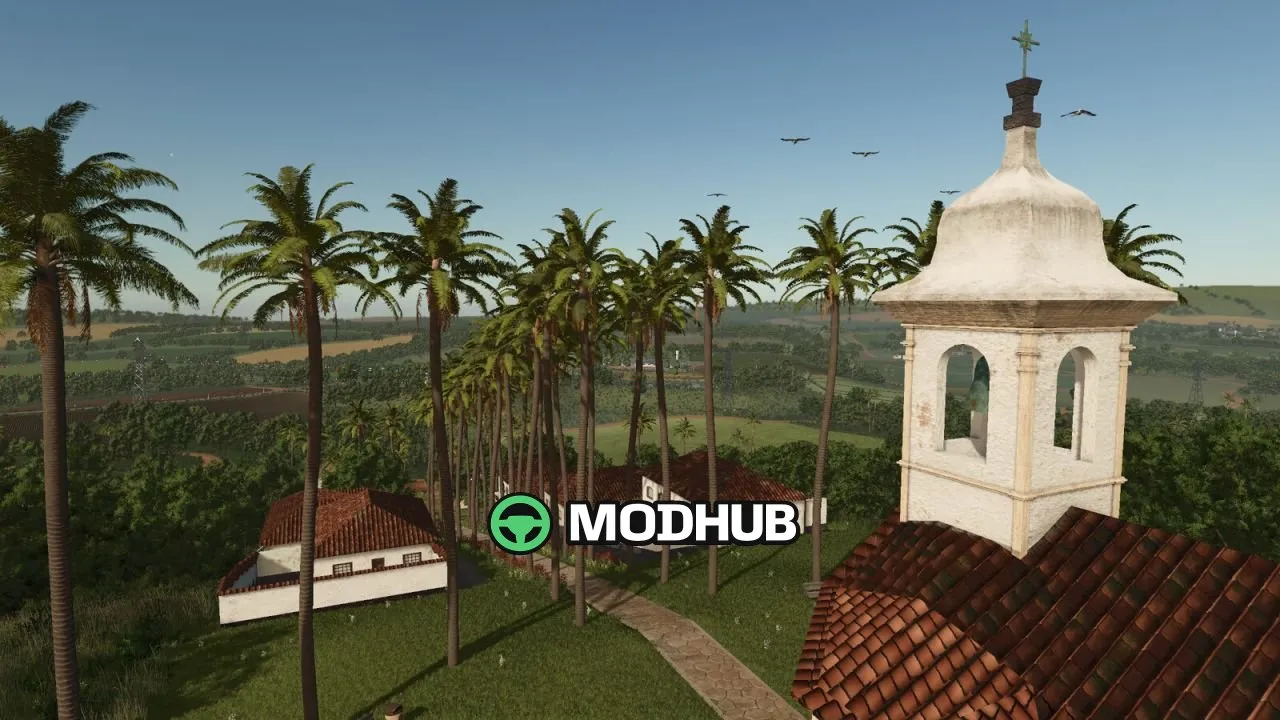
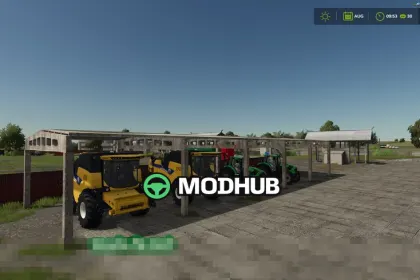
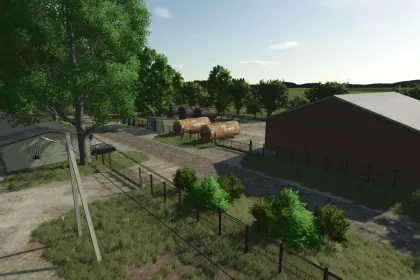
Recanto Da Alvorada Map V1.0 is a Farming Simulator 25 (FS25) map that brings a Brazilian-inspired countryside to your farm management. The region features red soil, blooming coffee groves, and wide peanut fields—so your economy grows through a full production chain. You start as the newest resident and work your way up to becoming one of the biggest producers in the Cerrado.
• 3 grain selling points across the map for grain-related sales in multiple locations
• Dairy: milk sales plus a dairy products factory to turn raw production into sellable goods
• Peanut and coffee processing factories to handle crops from field stage to finished products
• Sawmill and wood processing factory for expanded production beyond farming
• Cooperative for selling products from your factories and 2 supermarkets for distribution
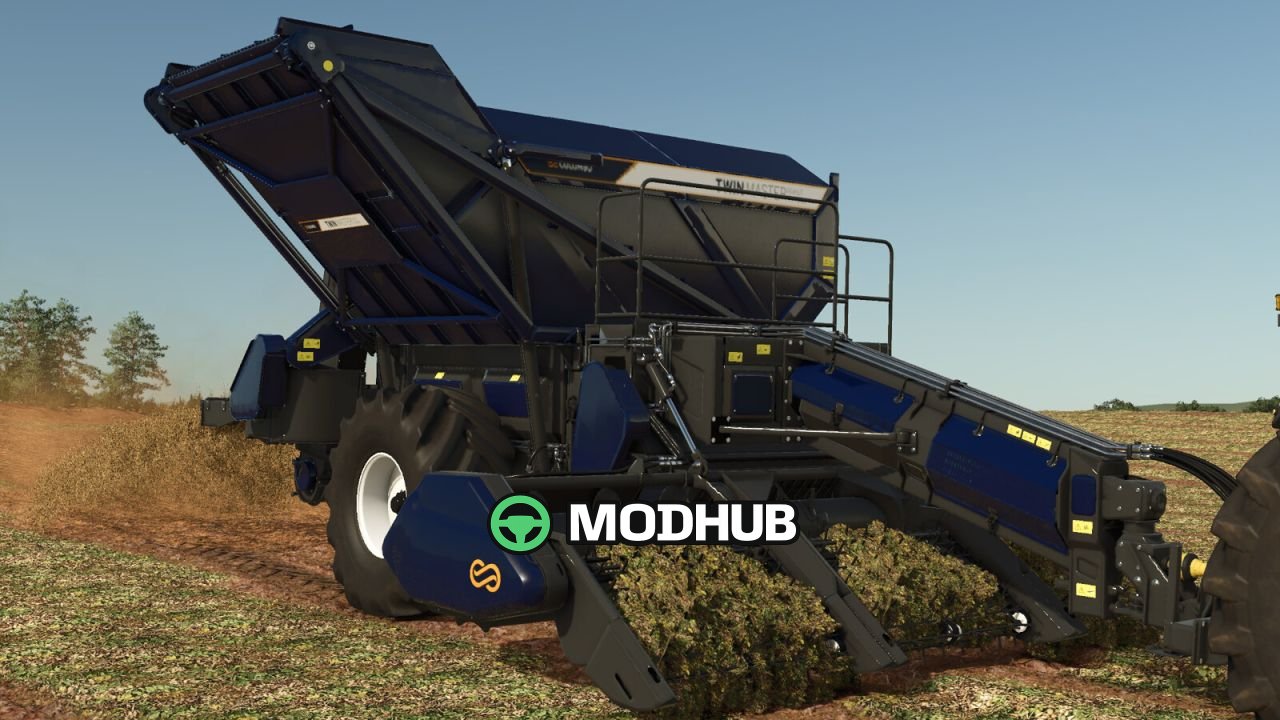
Coffee and peanuts are the core of the gameplay. Coffee follows a clear route from blossom to harvest, then continues through processing all the way to roasted coffee ready for sale. Peanuts follow the same logic: plant and harvest in the fields, then process into peanut candy and peanut butter, sold under your own brand at local shops. These two Brazilian crop loops give the map a strong identity and keep production goals varied.
• Cotton bale sales for additional revenue streams
• Sugar cane processing plant to process sugar cane into market-ready output
• Lime purchasing point to support soil management
• 3 fuel stations across the map for easier operations and logistics
• Livestock traders and a town restaurant where you can also sell your productions
For practical farming operations, the map includes workshop options and service areas at the dealership and at Lizard Motors, helping you maintain vehicles as your production scales. With enough content to support long sessions and multiplayer play, Recanto Da Alvorada Map V1.0 offers a structured economy with plenty of places to grow, process, and sell.
About Recanto Da Alvorada Map V1.0 for FS25
Recanto Da Alvorada Map V1.0 for FS25 is a mod for Farming Simulator 25. Check the author description, supported game version and dependencies before installing.
How to install the mod
Follow the installation instructions for Recanto Da Alvorada Map V1.0 for FS25, Farming Simulator 25 and your platform.
Download the mod archive using the Download button and read the author instructions.
On PC, copy the mod ZIP without extracting it to Documents/My Games/FarmingSimulator2025/mods. For a bundle, extract the individual mod ZIPs first. macOS and Microsoft Store paths may differ; check Mod Directory in the game log.txt.
Start the game and enable the mod for the selected save or profile, if required.
Test using a backup or a new save. Install any dependencies listed by the author.
System requirements and compatibility
Check the mod description for supported game versions, required DLC and platforms. Compatibility with every version or other mods is not guaranteed. Farming Simulator script mods are for PC/macOS. Console players can only install compatible mods from the in-game GIANTS ModHub.
Frequently asked questions
Is this mod free?
MODHUB does not charge for access to this mod page. Check the terms and download limits of the external file provider.
Can I use this mod in Farming Simulator 25 multiplayer?
Multiplayer support depends on the mod and its author. If supported, the server and players need matching mod versions and required DLC.
What should I check if the mod does not work?
Check the installation folder, archive structure, supported game version, dependencies and game logs. Test the mod separately using a backup save.
How can I check a downloaded mod?
Use trusted author sources, scan the archive and back up your saves. Do not run unrelated installers; a download listing does not guarantee safety or compatibility.