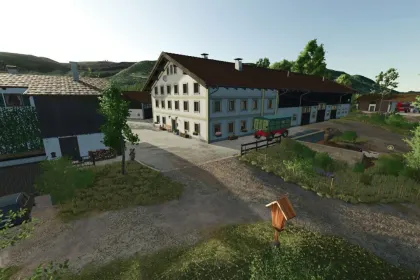
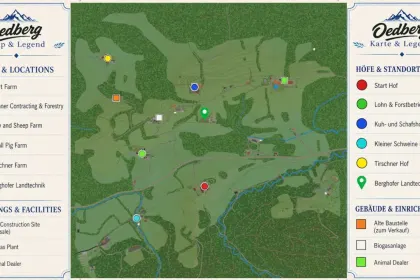
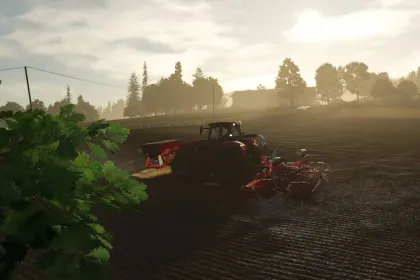
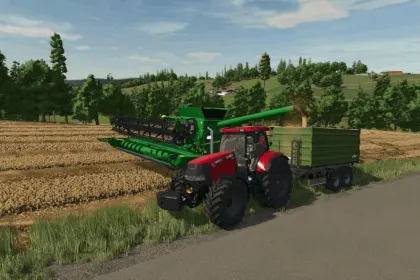
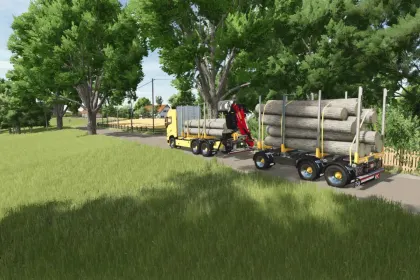
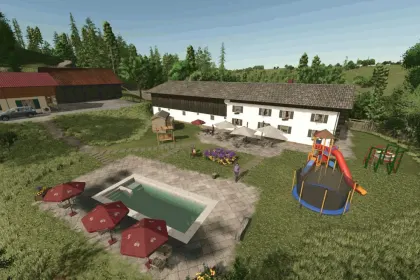
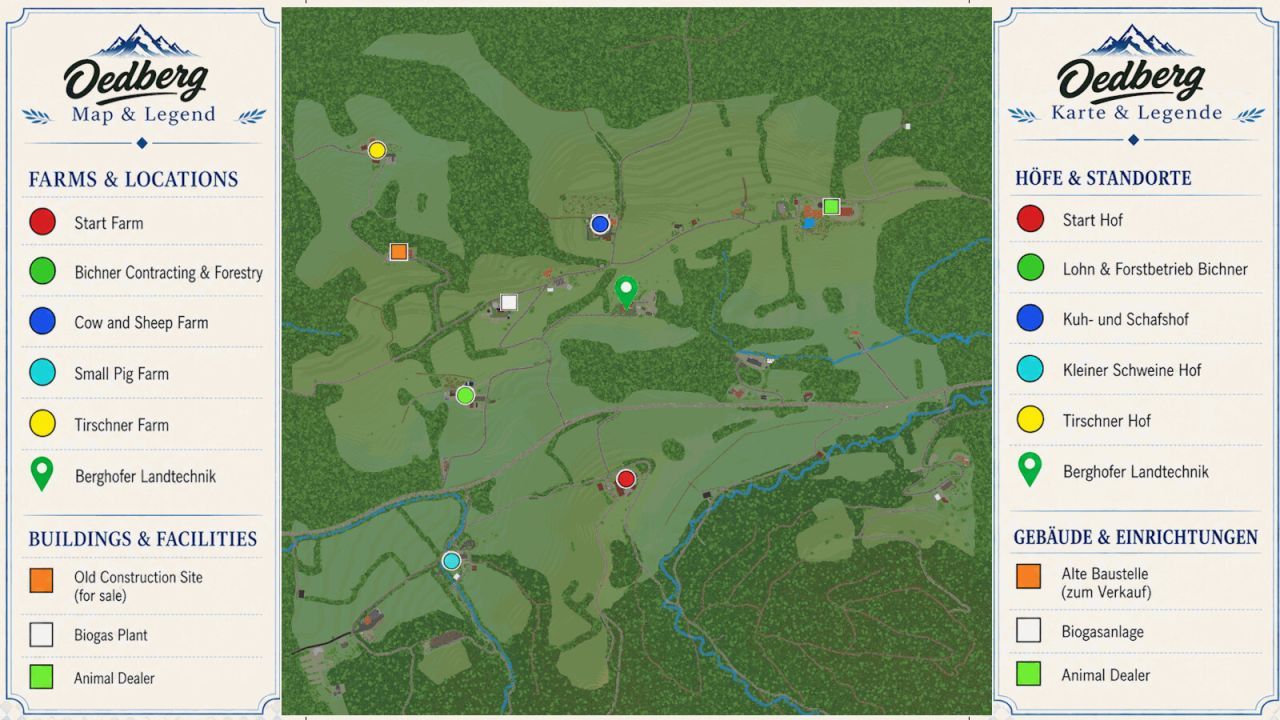
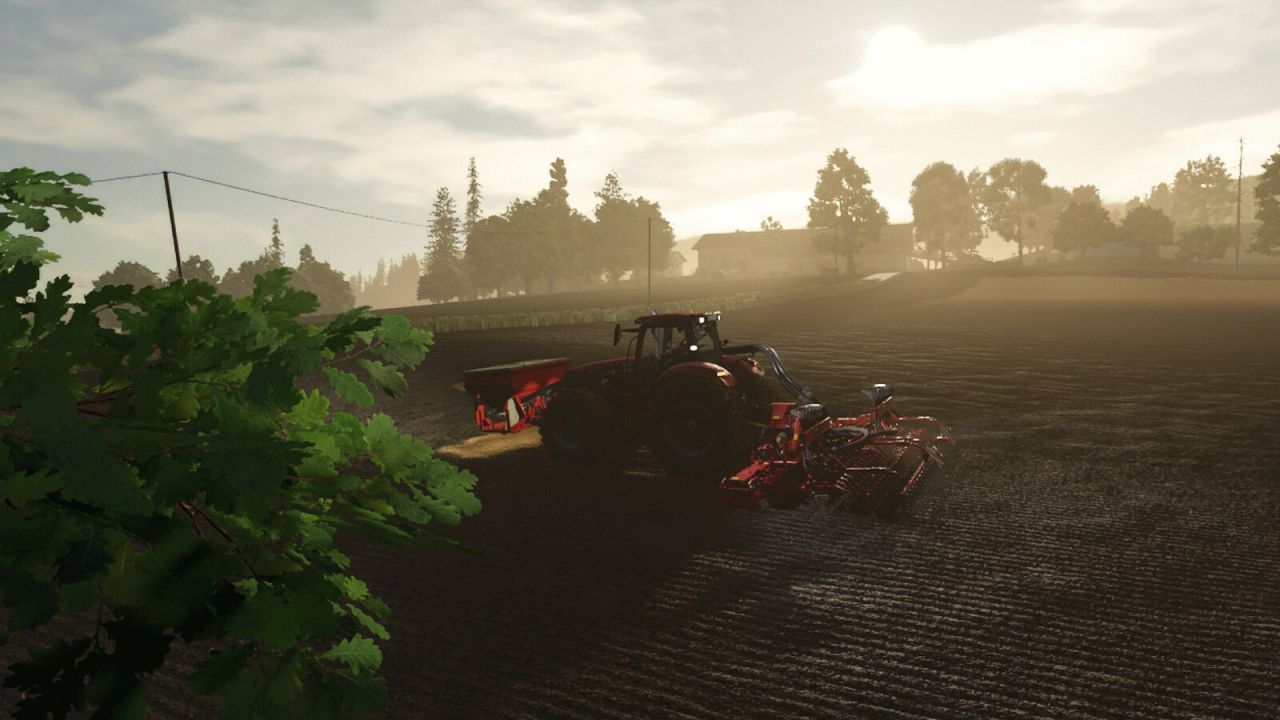
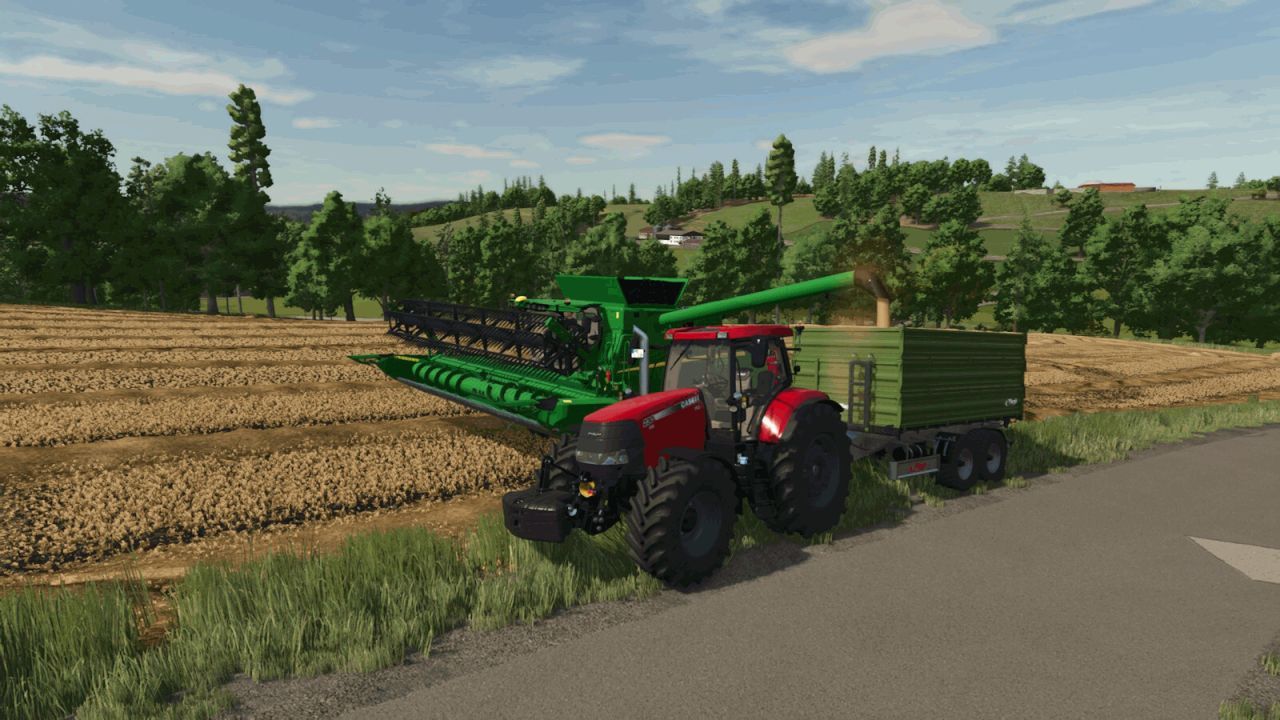
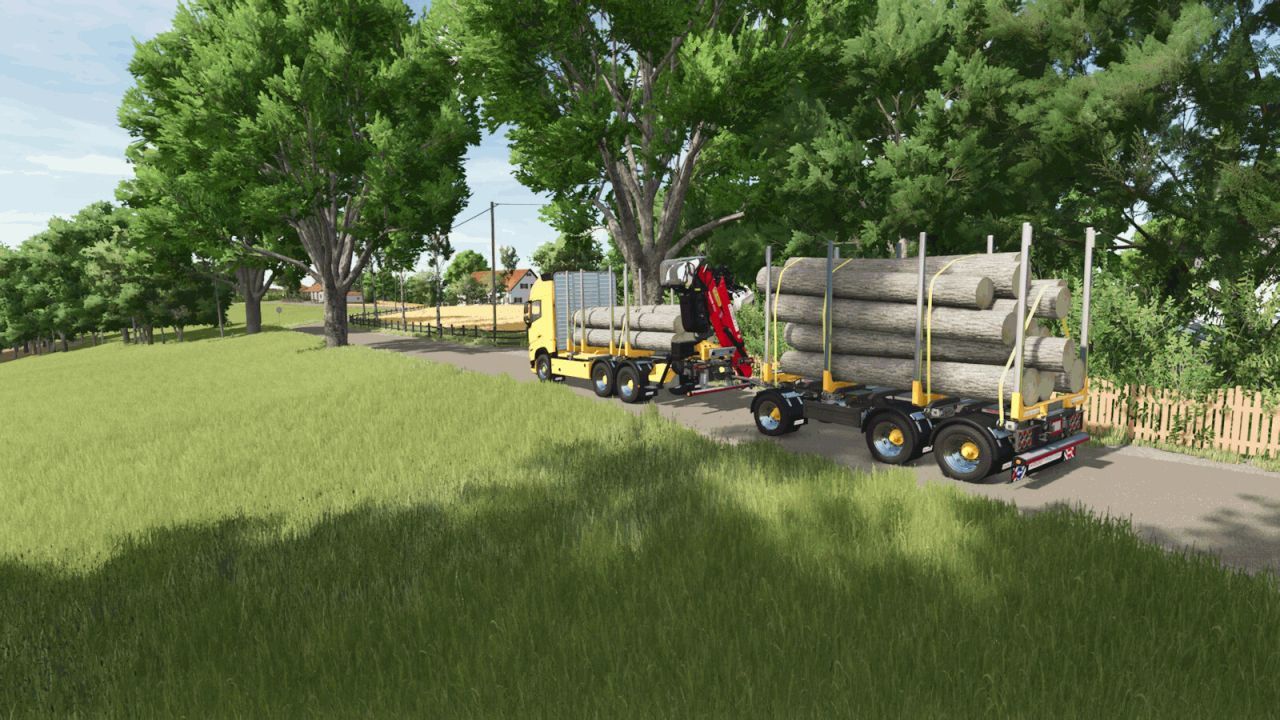
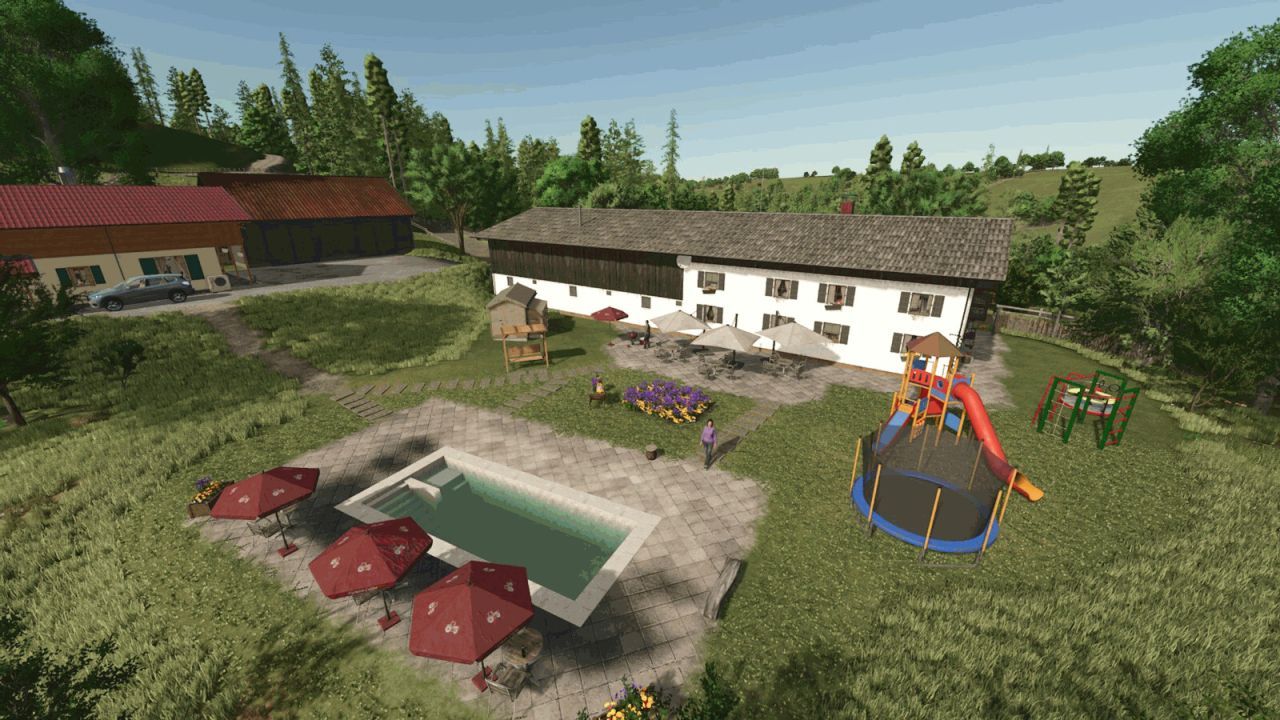
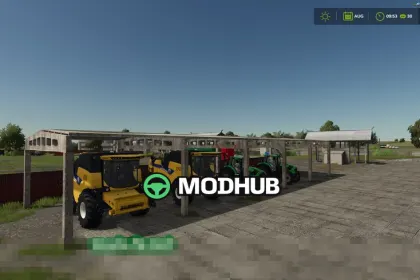
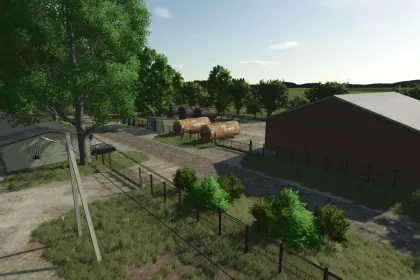
Oedberg at the Tegernsee is a map for Farming Simulator 25 that transports players to the picturesque Bavarian region around Lake Tegernsee. It blends traditional farming with the characteristic scenery surrounding the lake, offering a diverse range of agricultural activities. The map features a mix of small farmsteads, larger operations, forestry, and various regional production facilities. Whether you run a small family farm, a modern contracting business, or a large-scale agricultural operation, there is a place for everyone at Oedberg.
• Over 100 fields, meadows, and grassland areas of varying sizes and shapes
• Multi-fruit support, biogas plant, bunker silos, and production facilities
• Authentic road, field, and path network for realistic navigation
• Numerous regional sales points and production chains
• Custom-designed farmsteads based on real-life references and abundant details
• Custom map objects, decorations, and adapted buildings throughout the map
• Hidden surprises and discoverable elements that encourage exploration
The map also includes a console-friendly version with some painted foliage removed to ensure compatibility.
About Map Oedberg at the Tegernsee for Farming Simulator 25
Map Oedberg at the Tegernsee for Farming Simulator 25 is a mod for Farming Simulator 25. Check the author description, supported game version and dependencies before installing.
How to install the mod
Follow the installation instructions for Map Oedberg at the Tegernsee for Farming Simulator 25, Farming Simulator 25 and your platform.
Download the mod archive using the Download button and read the author instructions.
On PC, copy the mod ZIP without extracting it to Documents/My Games/FarmingSimulator2025/mods. For a bundle, extract the individual mod ZIPs first. macOS and Microsoft Store paths may differ; check Mod Directory in the game log.txt.
Start the game and enable the mod for the selected save or profile, if required.
Test using a backup or a new save. Install any dependencies listed by the author.
System requirements and compatibility
Check the mod description for supported game versions, required DLC and platforms. Compatibility with every version or other mods is not guaranteed. Farming Simulator script mods are for PC/macOS. Console players can only install compatible mods from the in-game GIANTS ModHub.
Frequently asked questions
Is this mod free?
MODHUB does not charge for access to this mod page. Check the terms and download limits of the external file provider.
Can I use this mod in Farming Simulator 25 multiplayer?
Multiplayer support depends on the mod and its author. If supported, the server and players need matching mod versions and required DLC.
What should I check if the mod does not work?
Check the installation folder, archive structure, supported game version, dependencies and game logs. Test the mod separately using a backup save.
How can I check a downloaded mod?
Use trusted author sources, scan the archive and back up your saves. Do not run unrelated installers; a download listing does not guarantee safety or compatibility.