Map Berdyansk Road to the Sea of Azov v1.61 for ETS2
11 83 v1.0 25.09.2026
1 / 5
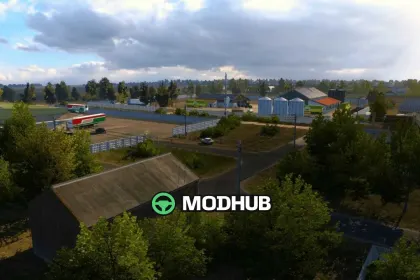
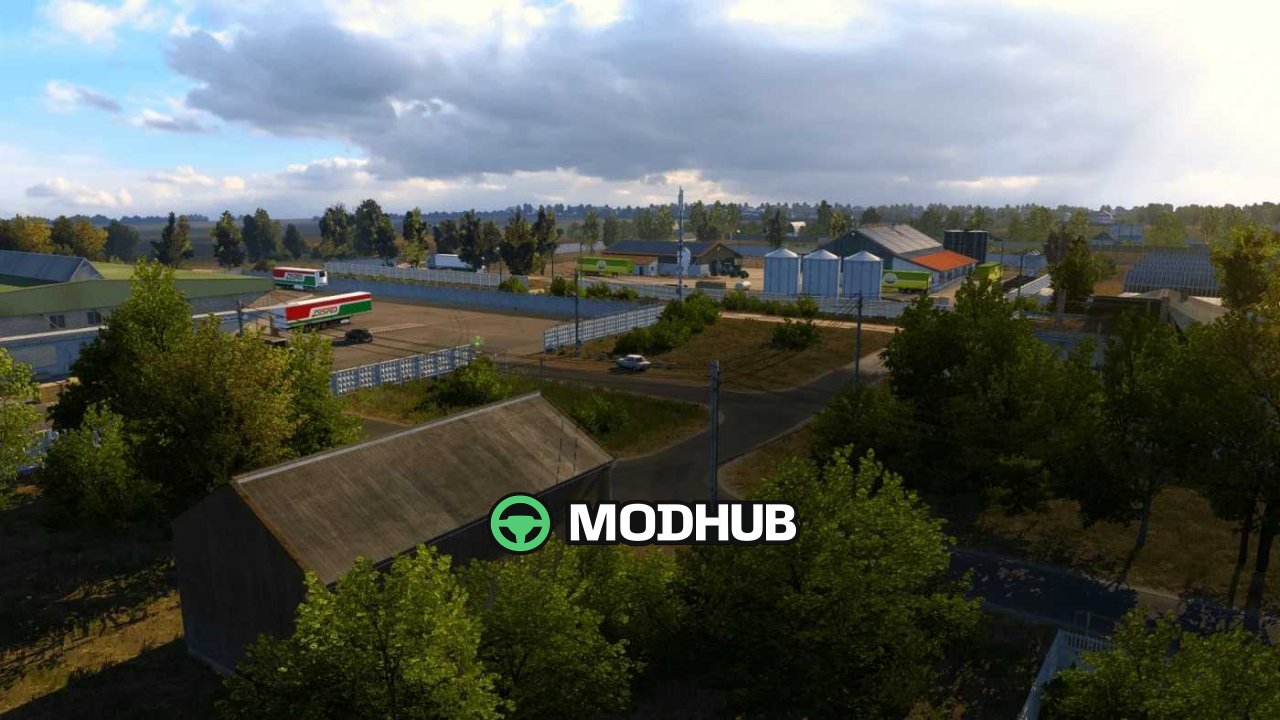
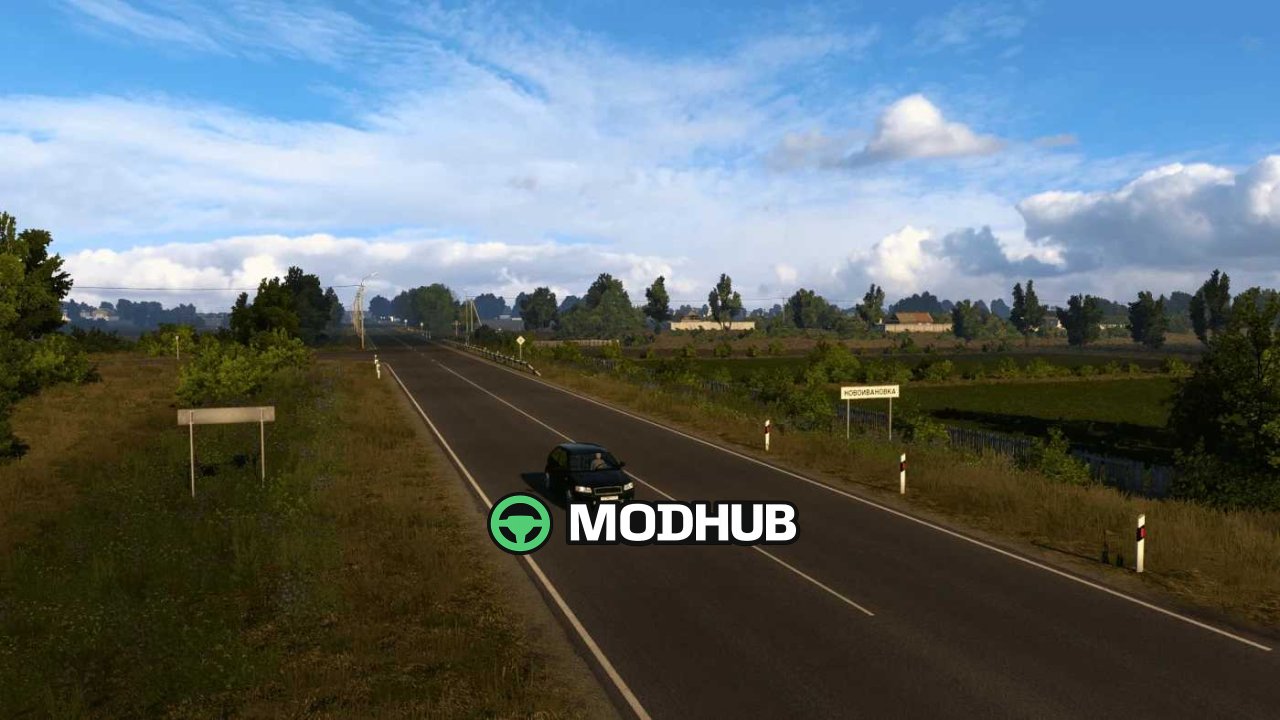
Berdyansk Road to the Sea of Azov v1.61 is a standalone map mod for Euro Truck Simulator 2 that recreates the road infrastructure of southern Russia and the route to the Azov Sea coast in detail. The map uses a 1:1 scale for maximum realism. It offers over 700 real kilometres of roads. All official map DLCs are required, otherwise functionality is not guaranteed.
• Over 700 real kilometres of roads at 1:1 scale
• More than 50 settlements, including Berdyansk
• New road section: Pologi – Novovasilyevka and a new district of Berdyansk
• Hidden roads to discover
• Added bus stations (inactive) and minor adjustments
The map is compatible with version 1.61.x and requires the DLCs Going East, Scandinavia, Vive la France, Italia, Beyond the Baltic Sea, Road to the Black Sea, Iberia and West Balkans.
About «Map Berdyansk Road to the Sea of Azov v1.61 for ETS2»
This mod is among the best in the «Карти» category for Euro Truck Simulator 2. Adds quality content to the game, tested by the community, without conflicts with other mods.
How to Install the Mod
Installing the "Map Berdyansk Road to the Sea of Azov v1.61 for ETS2" mod for Euro Truck Simulator 2 takes less than a minute:
Download the mod file from our website by clicking the «Download» button
Extract the archive to Documents/My Games/Euro Truck Simulator 2/mods
Launch the game — the mod will appear in the «Mods» section
Activate the mod in your save and enjoy the new content
System Requirements
The "Map Berdyansk Road to the Sea of Azov v1.61 for ETS2" mod is compatible with all official Euro Truck Simulator 2 versions. No additional modifications or tweaks required. Works on Windows, macOS, Linux (via ProtonDB) and consoles that support mods.
Frequently Asked Questions
Is this mod free?
Yes, all MODHUB mods are downloaded free of charge, without registration or redirect ads.
Can I use it in Euro Truck Simulator 2 multiplayer?
Yes, the mod is fully compatible with multiplayer. All players must have this version of the mod installed.
What should I do if the mod does not work?
Ensure the archive is extracted to the correct (not nested) folder. Check that mod and game versions match. Leave a comment below — the community will help.
Is the mod safe?
All MODHUB mods are checked by antivirus software and moderators. We do not host executables (.exe), only in-game content.