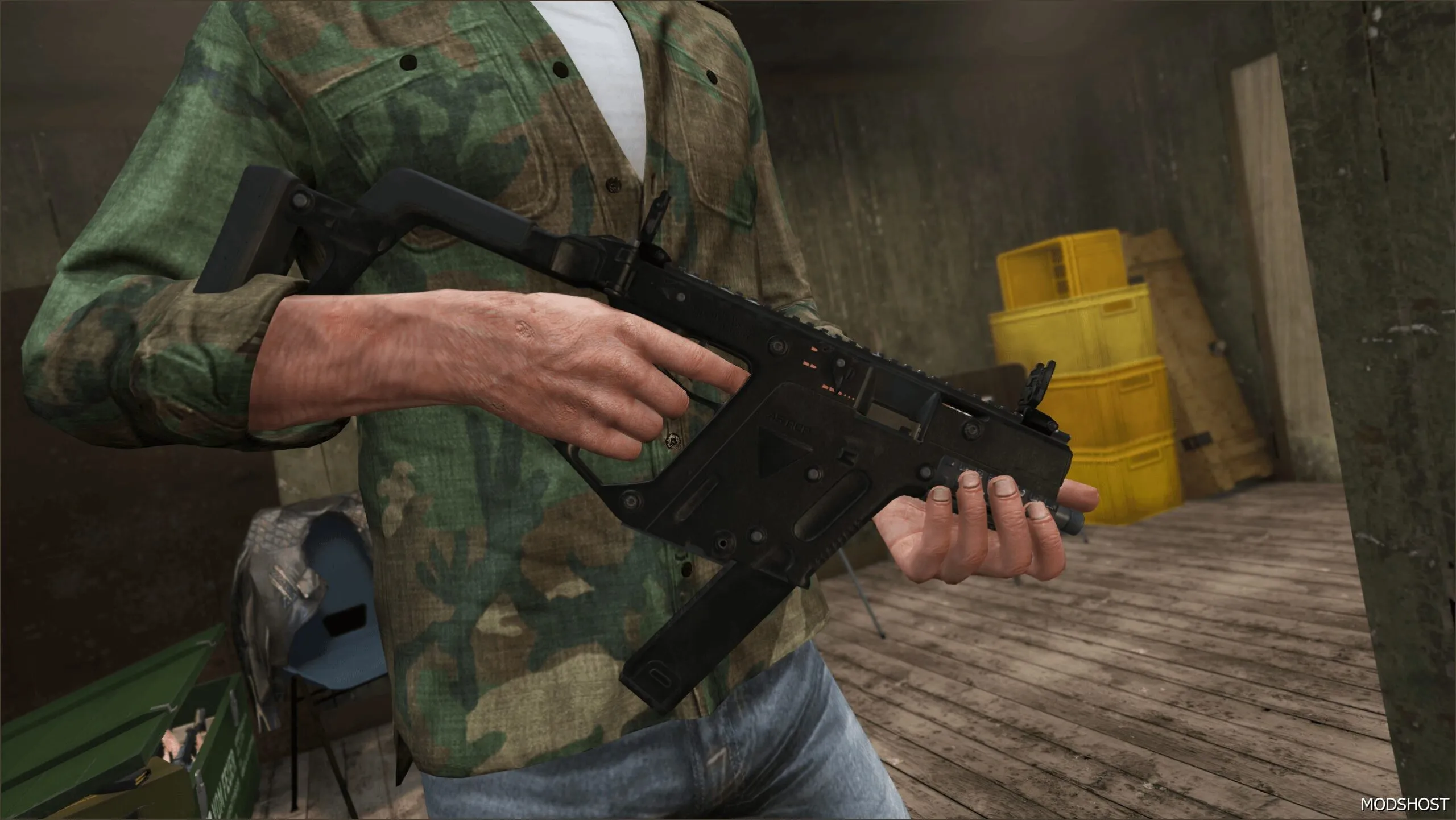
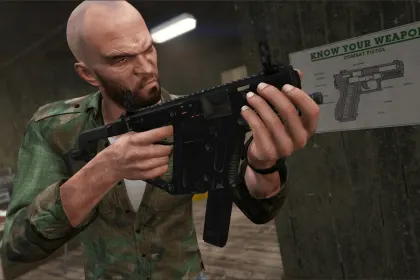
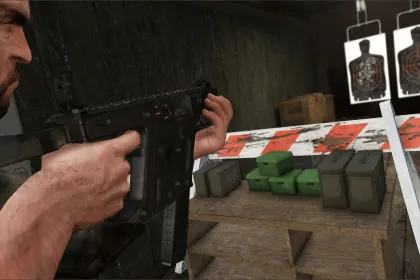
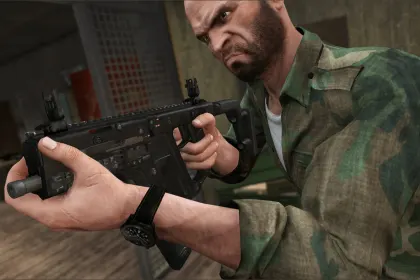
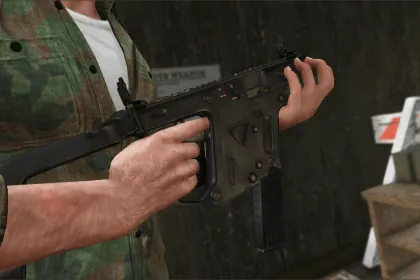
This weapon mod for GTA 5 adds the INS2 TDI Vector to your arsenal. It introduces a submachine gun with a fast, close-quarters playstyle, while keeping the visuals and in-hand handling focused on realism.
• Weapon type: INS2 TDI Vector submachine gun
• Rate of fire: fast shooting for quick fights
• Accuracy: controlled aim and consistent handling
• Animations: refined firing and reload motions
• Visuals: a new weapon model that fits GTA 5 style
• Gameplay focus: designed for aggressive push-and-engage moments
INS2 TDI Vector is ideal when you want momentum in every encounter. The weapon’s movement during firing helps you maintain presence during chaotic battles, and the overall look blends naturally with the Los Santos environment.
Once installed, the gun functions as a standalone option in your loadout, making it easy to pair with other weapon categories. If you like rapid engagements and responsive weapon feel, this mod adds a practical and stylish upgrade to GTA 5 combat.
About INS2 TDI Vector Grand Theft Auto V Мод на зброю
INS2 TDI Vector Grand Theft Auto V Мод на зброю is a mod for GTA 5. Check the author description, supported game version and dependencies before installing.
How to install the mod
Follow the installation instructions for INS2 TDI Vector Grand Theft Auto V Мод на зброю, GTA 5 and your platform.
Download the mod archive using the Download button and read the author instructions.
Use the folder and archive format specified by the mod author for this game.
Start the game and enable the mod for the selected save or profile, if required.
Test using a backup or a new save. Install any dependencies listed by the author.
System requirements and compatibility
Check the mod description for supported game versions, required DLC and platforms. Compatibility with every version or other mods is not guaranteed.
Frequently asked questions
Is this mod free?
MODHUB does not charge for access to this mod page. Check the terms and download limits of the external file provider.
Can I use this mod in GTA 5 multiplayer?
Multiplayer support depends on the mod and its author. If supported, the server and players need matching mod versions and required DLC.
What should I check if the mod does not work?
Check the installation folder, archive structure, supported game version, dependencies and game logs. Test the mod separately using a backup save.
How can I check a downloaded mod?
Use trusted author sources, scan the archive and back up your saves. Do not run unrelated installers; a download listing does not guarantee safety or compatibility.