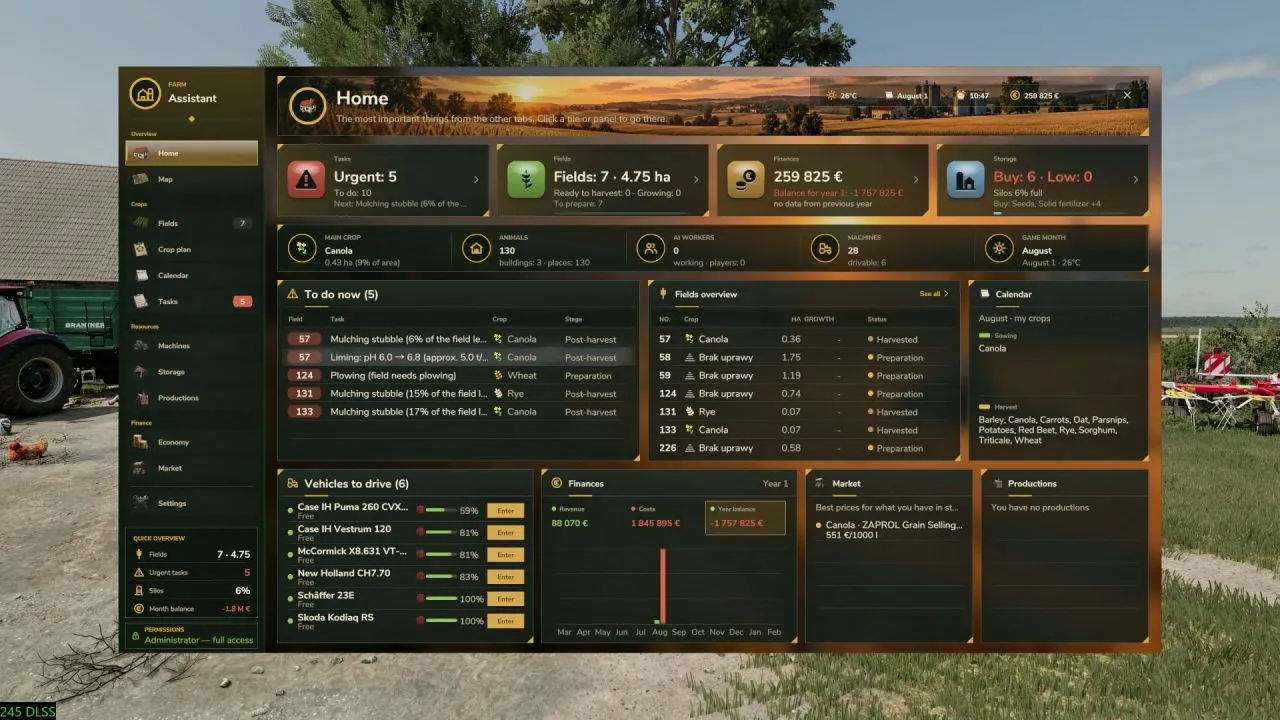
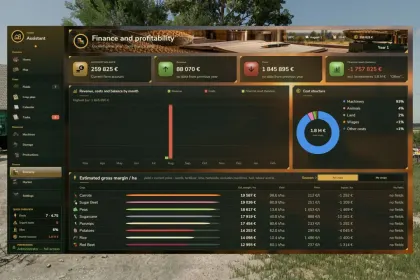
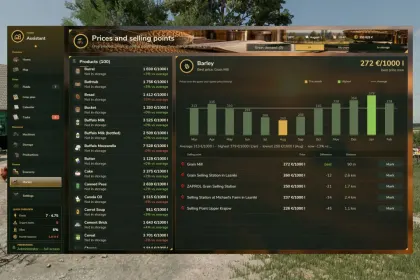
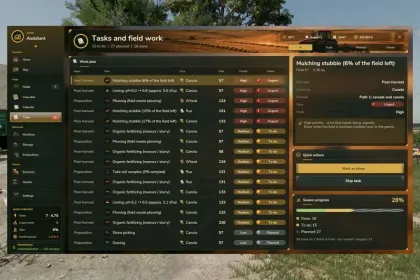
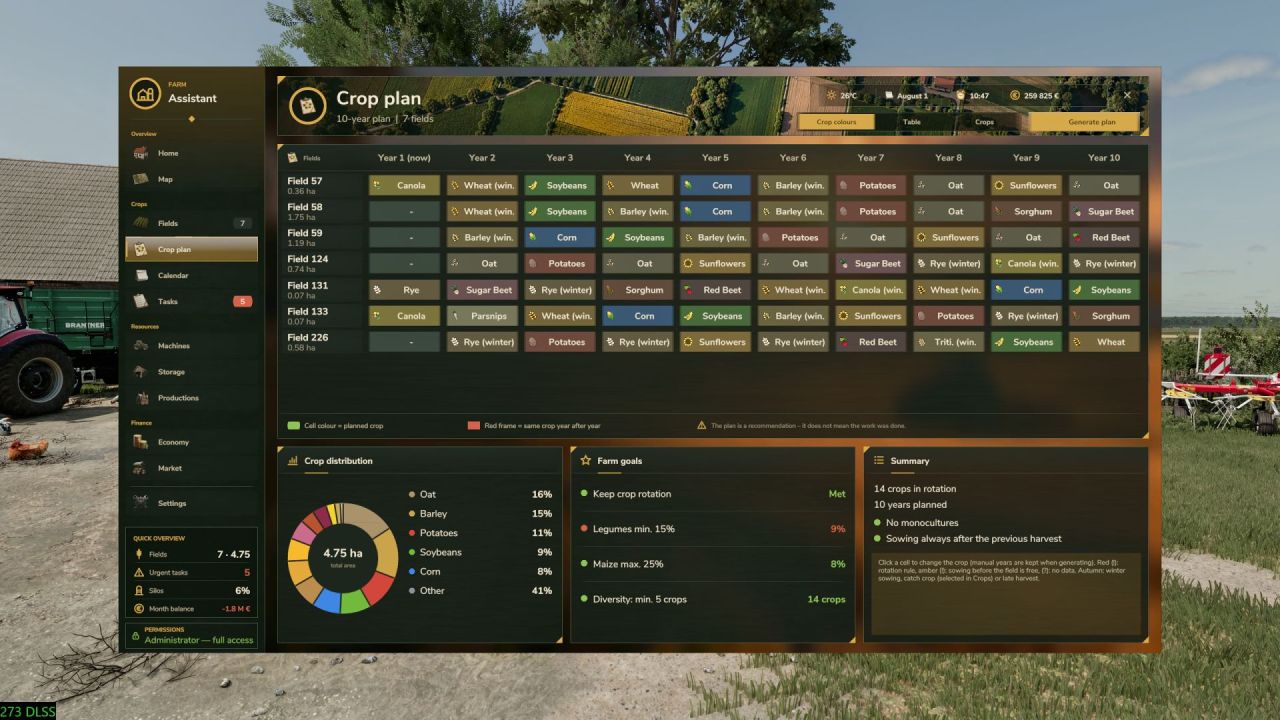
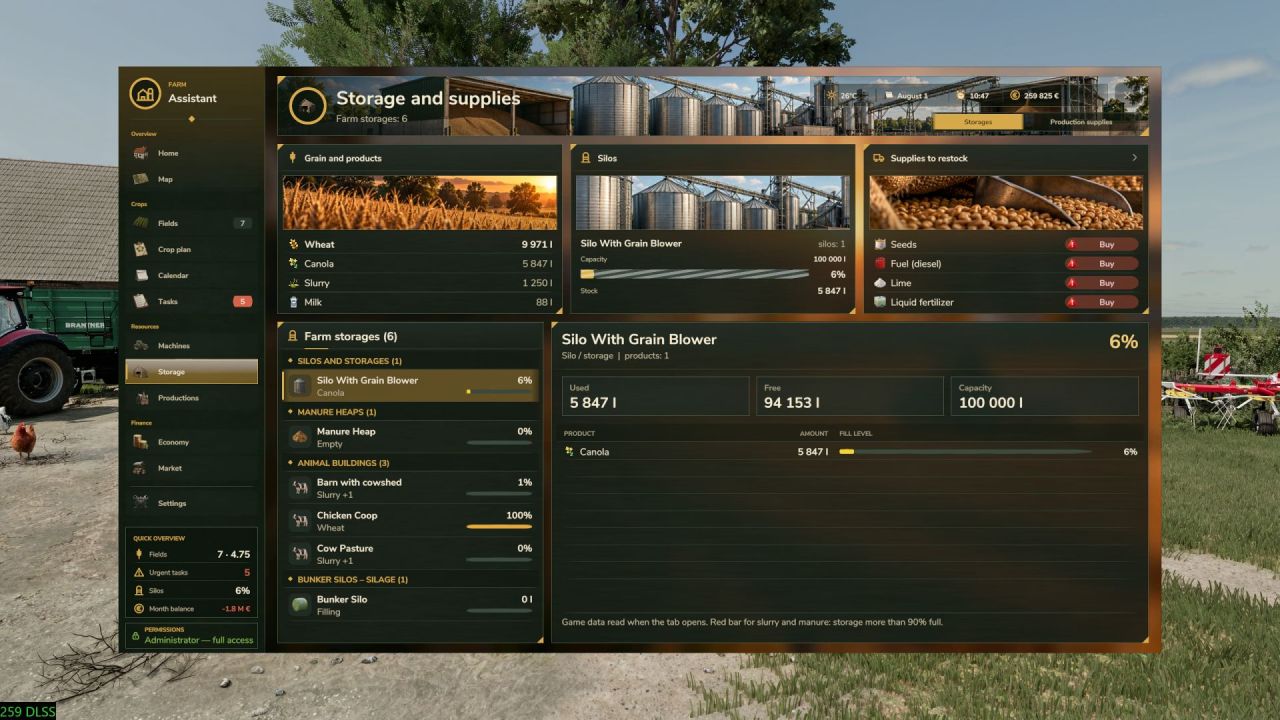
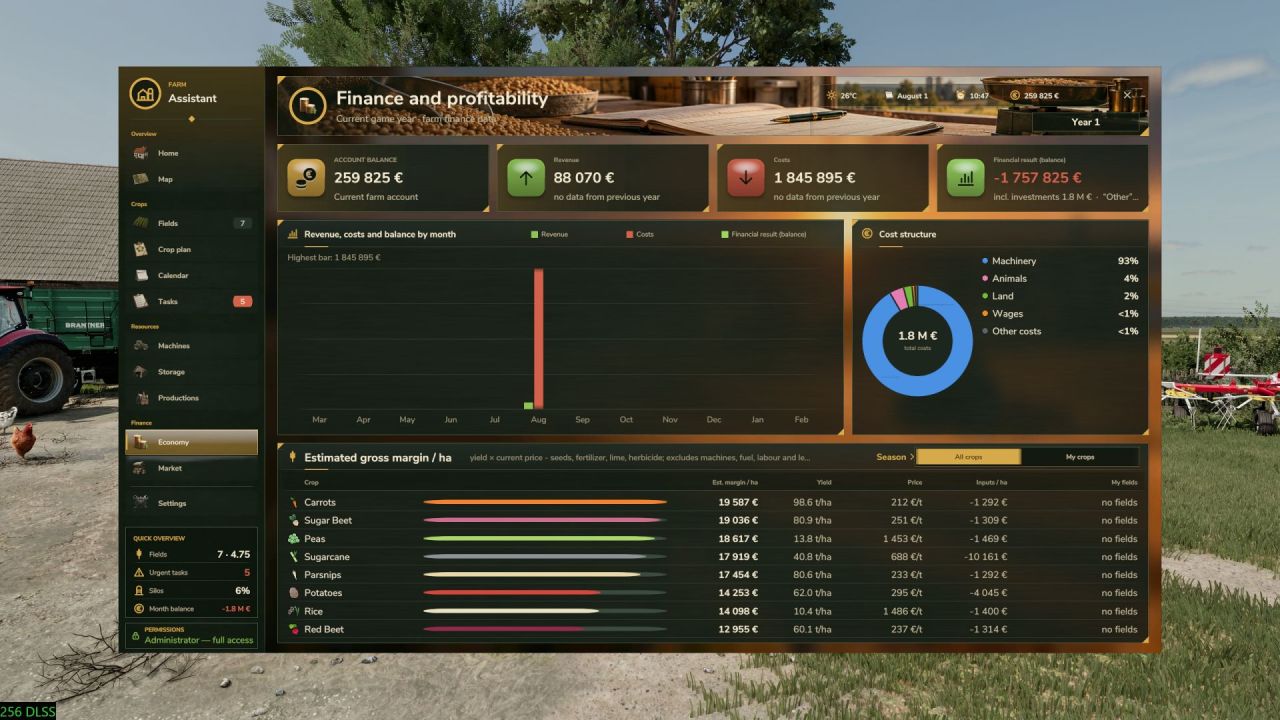
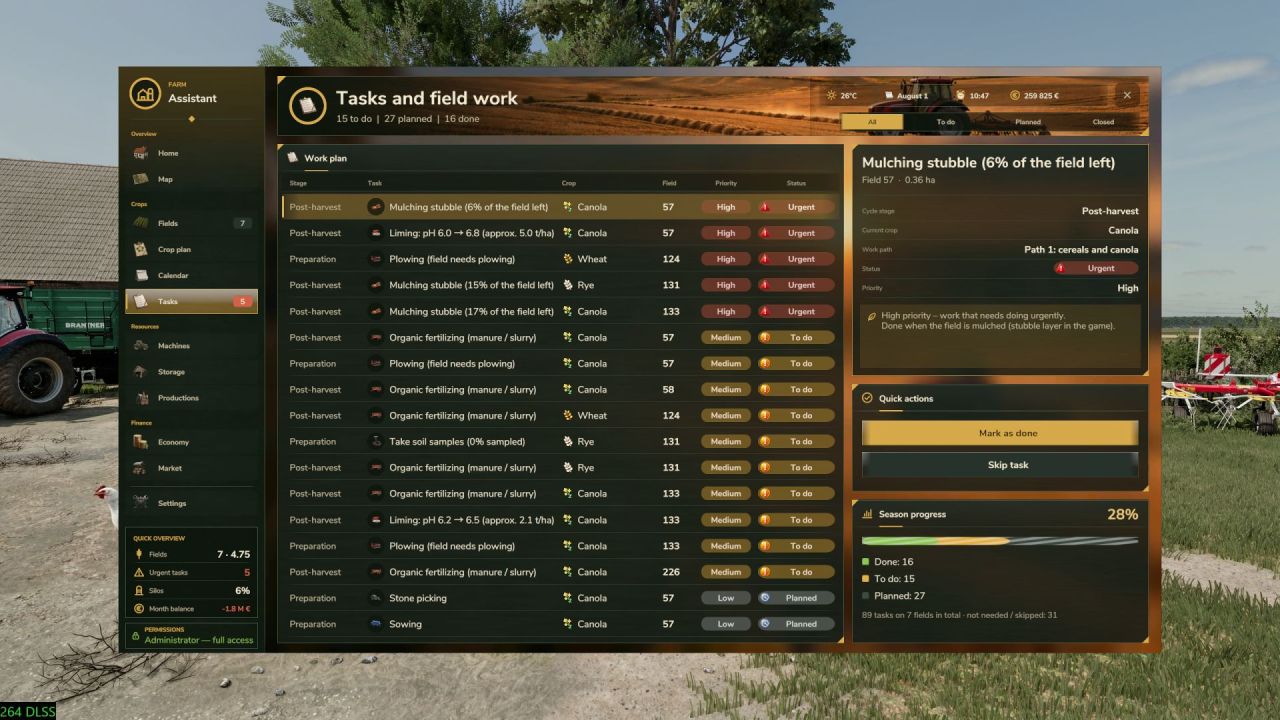
FarmAssistent is a farm management script for Farming Simulator 25 that provides advanced tools for field monitoring, work planning, crop rotation, finances, and storage management. It combines all aspects of farm management into one convenient interface. The script supports multiplayer and dedicated servers. FarmAssistent helps make informed decisions and optimize farm operations.
• Advanced field management: monitor crop types, growth stages, fertilization, weeds, and other parameters.
• Intelligent field work planner: automatic analysis of field conditions and recommendations for next operations.
• Multi-year crop rotation planner: generate plans based on available crops and seasonal calendars.
• Interactive farm map: overview of fields and their status with different layers.
• Economy and market: monitor finances, selling prices, and profitability estimates.
• Storage, production, and machinery management: track supplies, machinery condition, and production facilities.
• Agricultural calendar and weather: view sowing and harvesting periods, warnings about precipitation and frost.
• Field journal and seasonal reports: work history and annual summaries.
• Modern interface with four themes and English/Polish language support.
FarmAssistent is an advisory tool and does not perform automatic farm actions.
About FarmAssistent for Farming Simulator 25
FarmAssistent for Farming Simulator 25 is a mod for Farming Simulator 25. Check the author description, supported game version and dependencies before installing.
How to install the mod
Follow the installation instructions for FarmAssistent for Farming Simulator 25, Farming Simulator 25 and your platform.
Download the mod archive using the Download button and read the author instructions.
On PC, copy the mod ZIP without extracting it to Documents/My Games/FarmingSimulator2025/mods. For a bundle, extract the individual mod ZIPs first. macOS and Microsoft Store paths may differ; check Mod Directory in the game log.txt.
Start the game and enable the mod for the selected save or profile, if required.
Test using a backup or a new save. Install any dependencies listed by the author.
System requirements and compatibility
Check the mod description for supported game versions, required DLC and platforms. Compatibility with every version or other mods is not guaranteed. Farming Simulator script mods are for PC/macOS. Console players can only install compatible mods from the in-game GIANTS ModHub.
Frequently asked questions
Is this mod free?
MODHUB does not charge for access to this mod page. Check the terms and download limits of the external file provider.
Can I use this mod in Farming Simulator 25 multiplayer?
Multiplayer support depends on the mod and its author. If supported, the server and players need matching mod versions and required DLC.
What should I check if the mod does not work?
Check the installation folder, archive structure, supported game version, dependencies and game logs. Test the mod separately using a backup save.
How can I check a downloaded mod?
Use trusted author sources, scan the archive and back up your saves. Do not run unrelated installers; a download listing does not guarantee safety or compatibility.