Blender Add-on Texture-Bake-Machine V1.0.0.2 for FS25
11 93 v1.0 18.09.2026
1 / 5
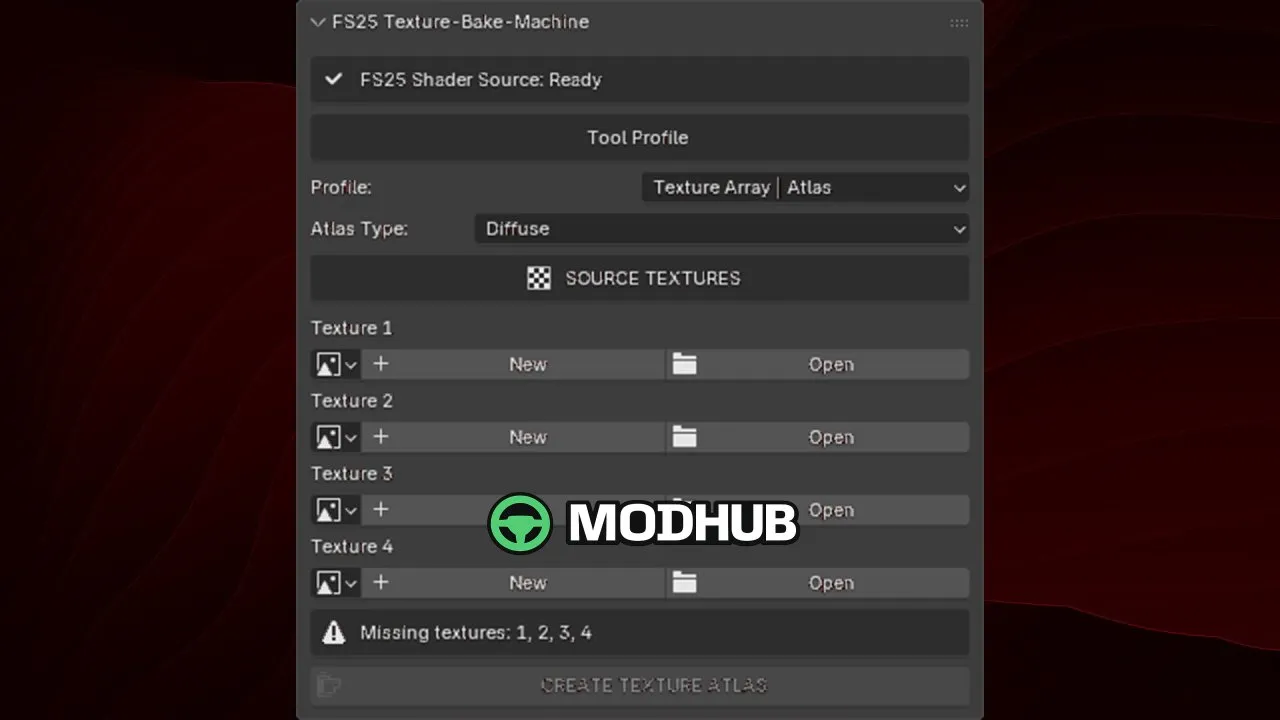
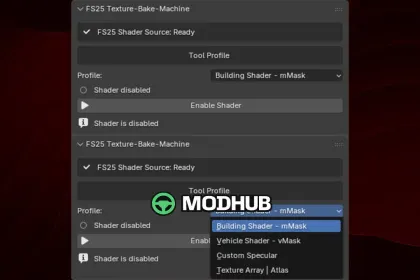
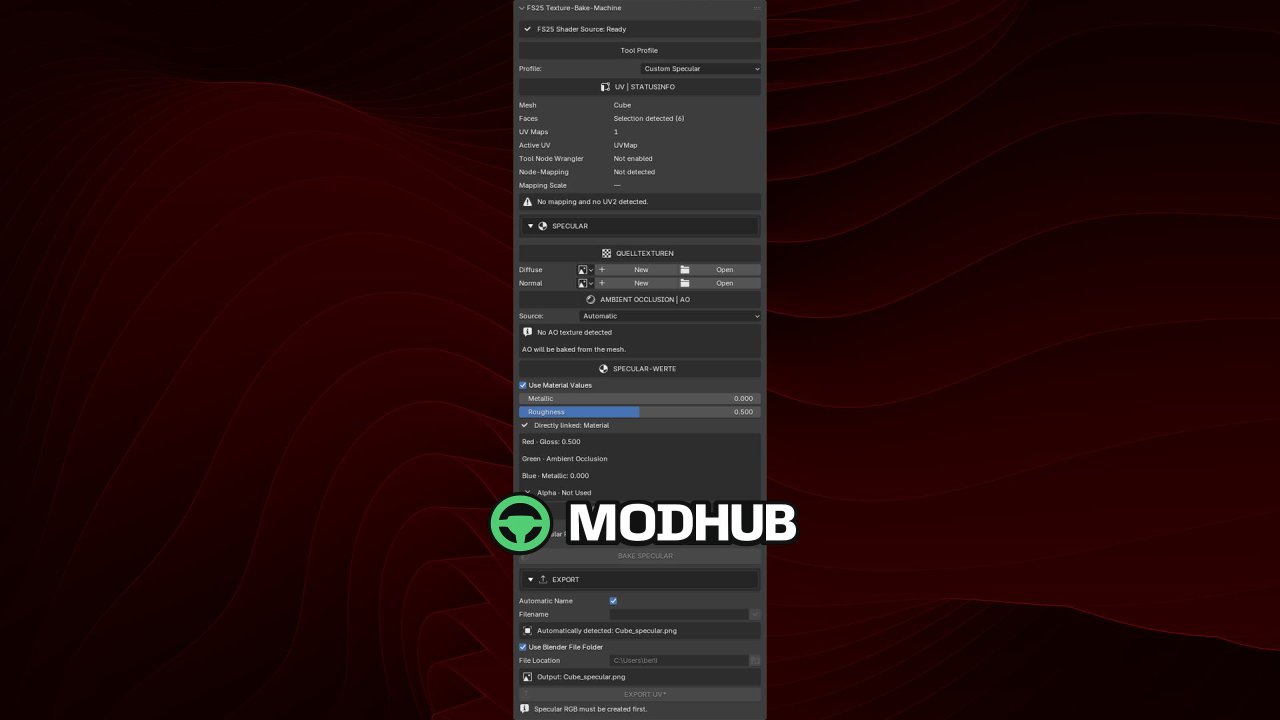
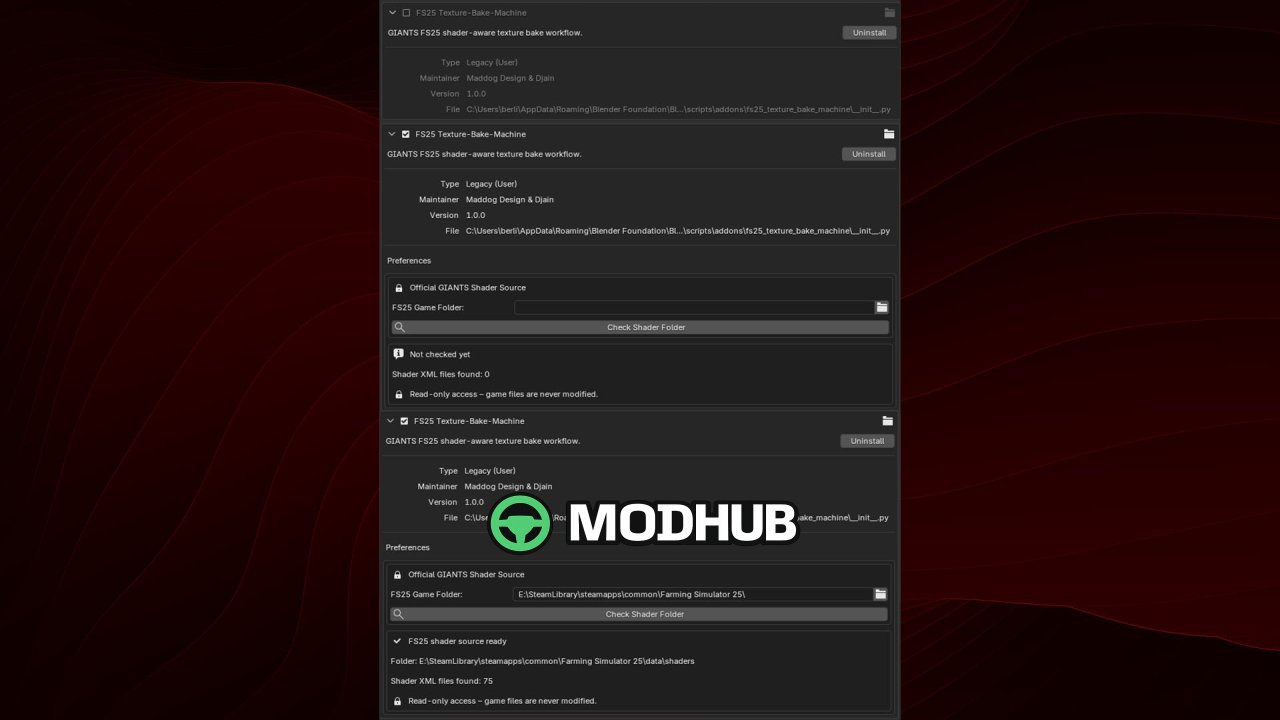
Blender add-on for Farming Simulator 25: Texture-Bake-Machine V1.0.0.2 prepares and packs texture maps for GIANTS FS25 workflows using a compact sidebar tool.
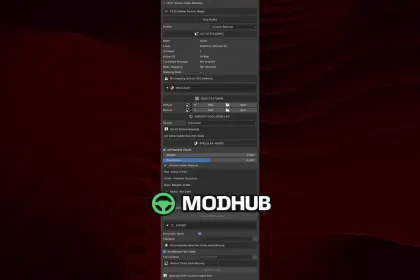
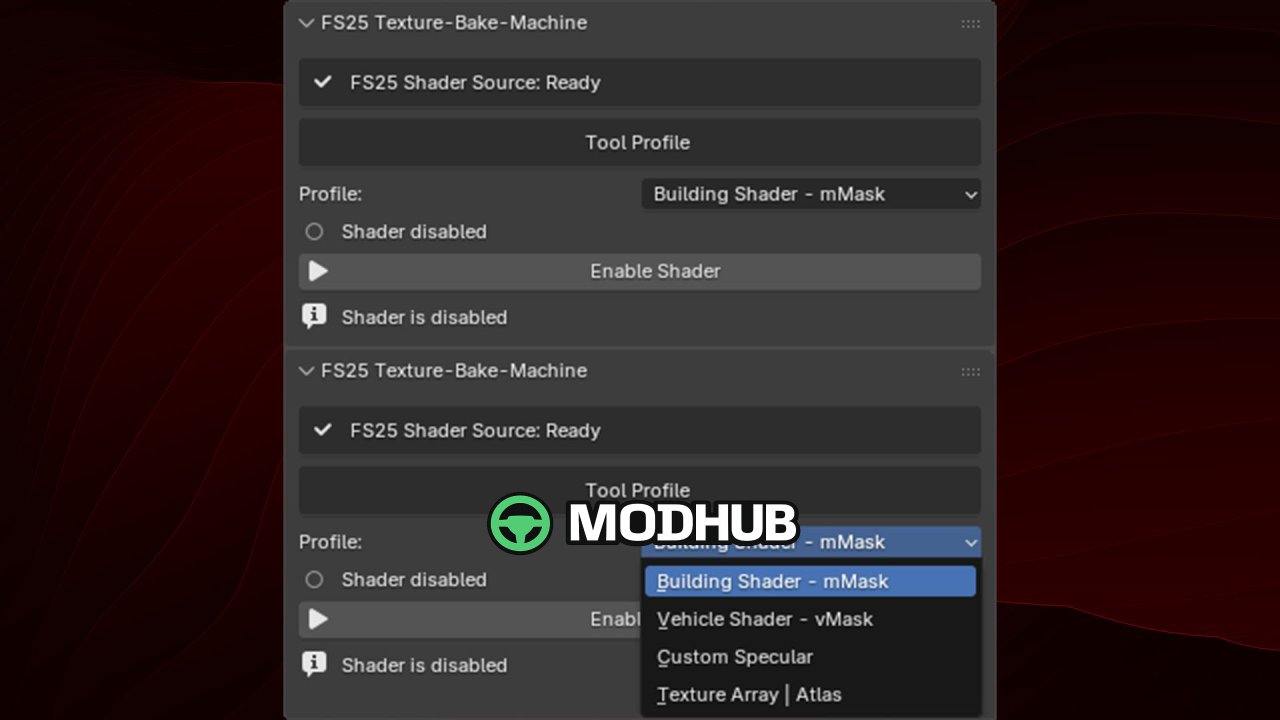
• Creates Building Shader mMask and Vehicle Shader vMask channel layouts
• Builds Ambient Occlusion baking automatically, plus custom channel packing
• Generates Texture Array / Texture Atlas from 2 to 4 source textures (Texture 3/4 optional)
• Exports PNGs with automatic or custom file names
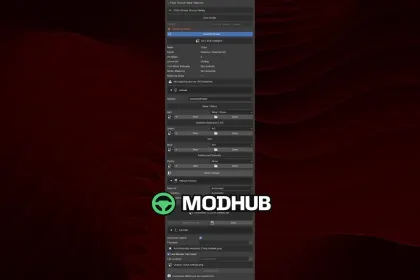
• Channel mapping: Red Wear/Gloss, Green Ambient Occlusion, Blue Dirt, Alpha optional channel; Specular: Red Gloss, Green AO, Blue Metallic, Alpha unused
• Includes a native progress display inside Blender
• Supports the new v1.0.0.2 “I3D Export” profile and exports via the official GIANTS I3D Exporter
About «Blender Add-on Texture-Bake-Machine V1.0.0.2 for FS25»
This mod is among the best in the «Скрипти» category for Farming Simulator 25. Adds quality content to the game, tested by the community, without conflicts with other mods.
How to Install the Mod
Installing the "Blender Add-on Texture-Bake-Machine V1.0.0.2 for FS25" mod for Farming Simulator 25 takes less than a minute:
Download the mod file from our website by clicking the «Download» button
Extract the archive to Documents/My Games/Farming Simulator 25/mods
Launch the game — the mod will appear in the «Mods» section
Activate the mod in your save and enjoy the new content
System Requirements
The "Blender Add-on Texture-Bake-Machine V1.0.0.2 for FS25" mod is compatible with all official Farming Simulator 25 versions. No additional modifications or tweaks required. Works on Windows, macOS, Linux (via ProtonDB) and consoles that support mods.
Frequently Asked Questions
Is this mod free?
Yes, all MODHUB mods are downloaded free of charge, without registration or redirect ads.
Can I use it in Farming Simulator 25 multiplayer?
Yes, the mod is fully compatible with multiplayer. All players must have this version of the mod installed.
What should I do if the mod does not work?
Ensure the archive is extracted to the correct (not nested) folder. Check that mod and game versions match. Leave a comment below — the community will help.
Is the mod safe?
All MODHUB mods are checked by antivirus software and moderators. We do not host executables (.exe), only in-game content.