DF INDUSTRIES Transshipment Terminal v1.1 for FS25
13 101 v1.0 24.09.2026
1 / 4
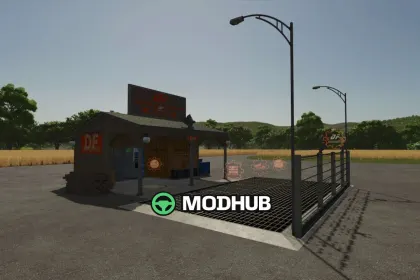
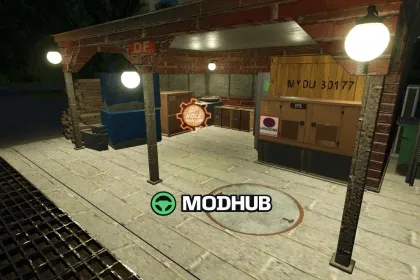
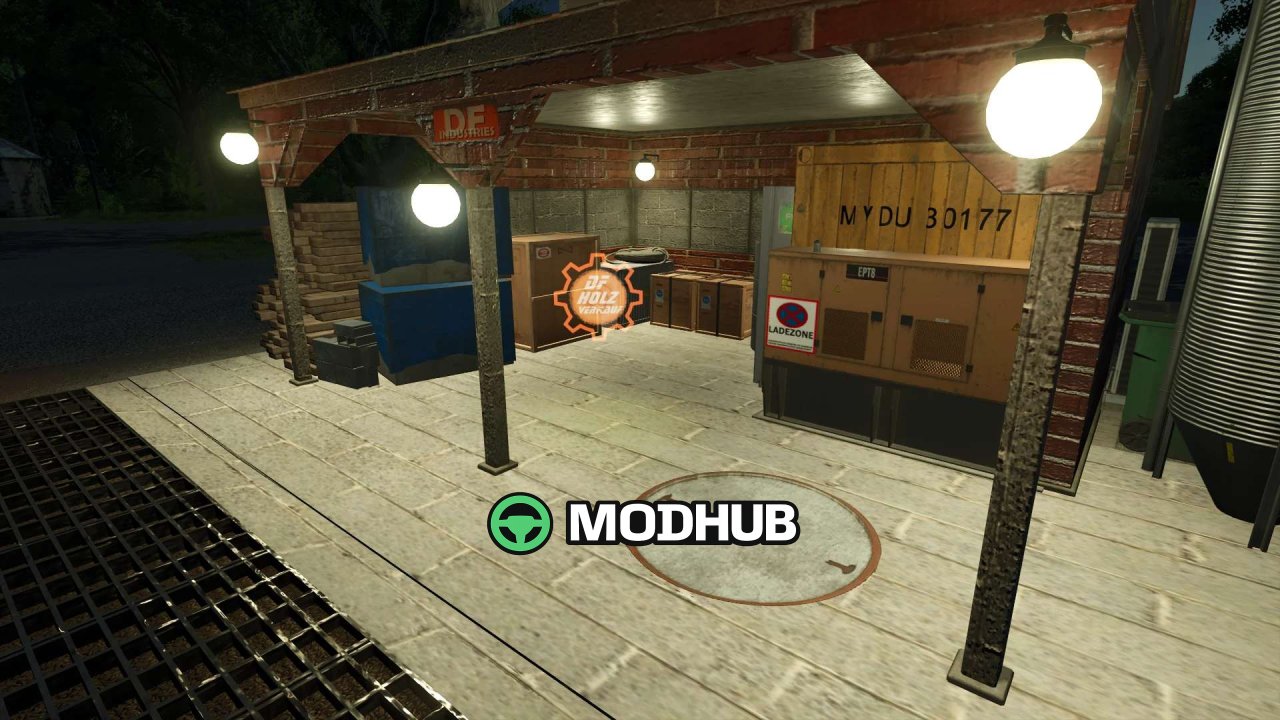
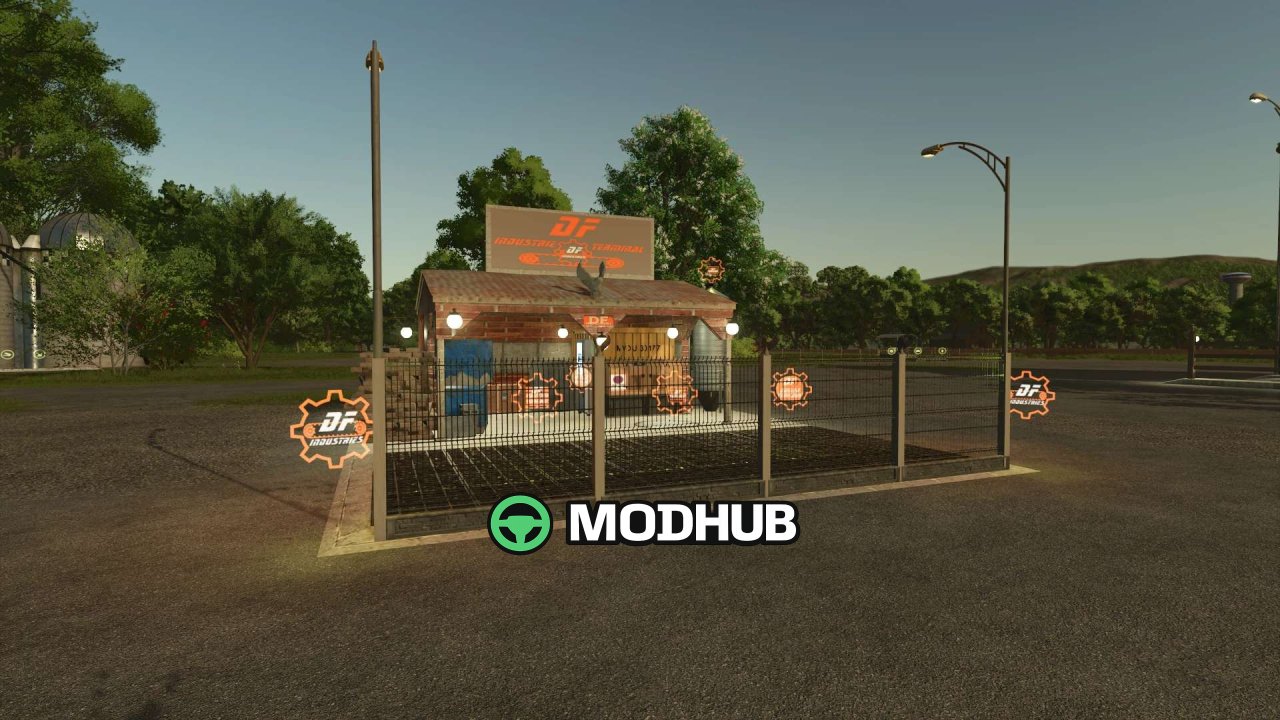
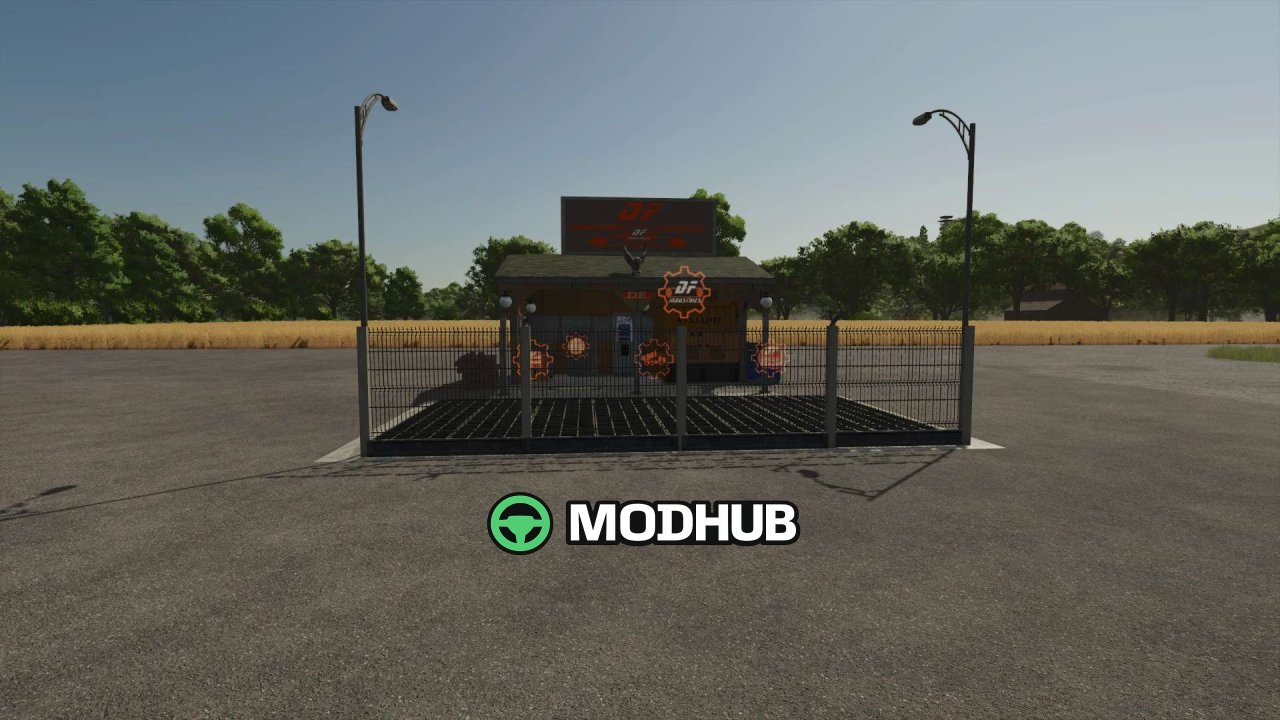
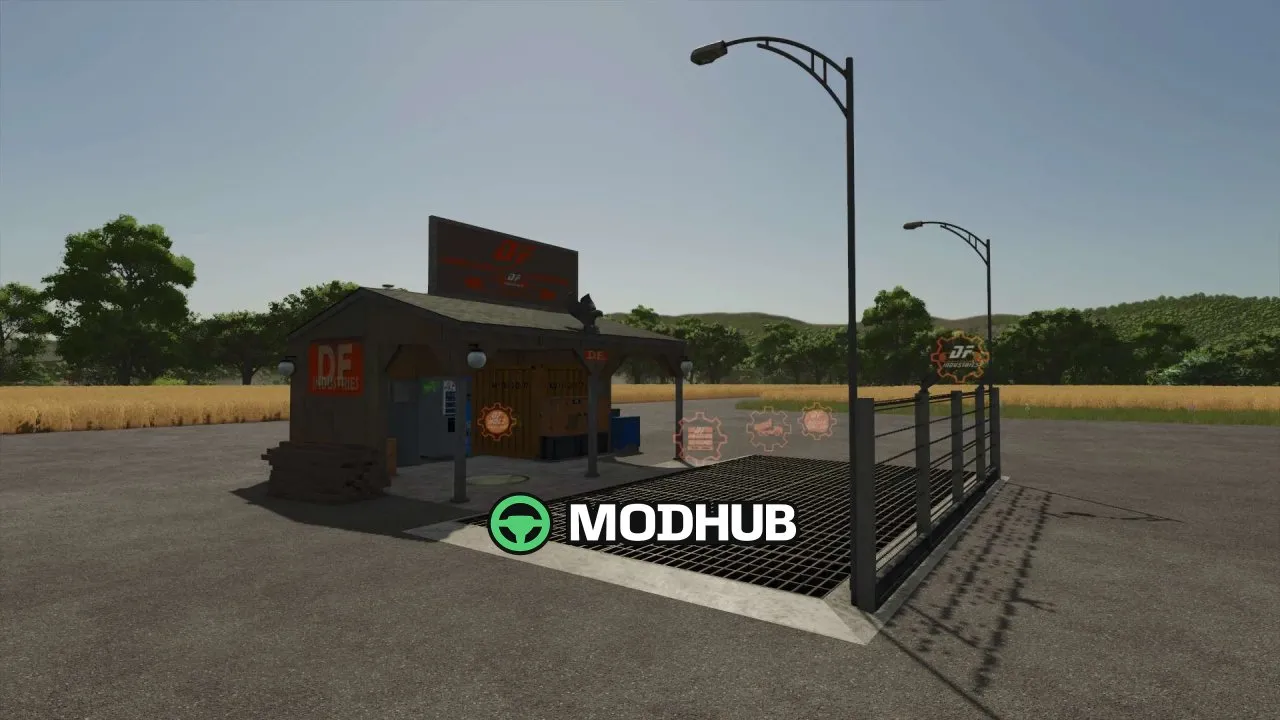
A buildings mod for Farming Simulator 25: DF INDUSTRIES Transshipment Terminal v1.1 adds a compact unloading hub that upgrades your farm logistics.
• Type: transshipment/unloading terminal based on tinyShed03
• Coverage: accepts all crops, pallets, and production goods from the base game
• Farm footprint: optimized to 6 slots
• Look: realistic brick and corrugated iron styling
• Industrial fencing: full fence set with barbed wire
• Brand details: three DF eagle statues
• Lighting concept: deep industrial orange streetlights plus glowing neon-style icons
• Trigger HUD element: floating DF orange conveyor-belt gear icon at the interaction point
• Shop price: €25,000 (no daily maintenance costs)
• Version 1.1 changes: re-textured building, removed some decorative elements, and fixed TestRunner warnings/errors and Lua callstack issues
About «DF INDUSTRIES Transshipment Terminal v1.1 for FS25»
This mod is among the best in the «Будівлі» category for Farming Simulator 25. Adds quality content to the game, tested by the community, without conflicts with other mods.
How to Install the Mod
Installing the "DF INDUSTRIES Transshipment Terminal v1.1 for FS25" mod for Farming Simulator 25 takes less than a minute:
Download the mod file from our website by clicking the «Download» button
Extract the archive to Documents/My Games/Farming Simulator 25/mods
Launch the game — the mod will appear in the «Mods» section
Activate the mod in your save and enjoy the new content
System Requirements
The "DF INDUSTRIES Transshipment Terminal v1.1 for FS25" mod is compatible with all official Farming Simulator 25 versions. No additional modifications or tweaks required. Works on Windows, macOS, Linux (via ProtonDB) and consoles that support mods.
Frequently Asked Questions
Is this mod free?
Yes, all MODHUB mods are downloaded free of charge, without registration or redirect ads.
Can I use it in Farming Simulator 25 multiplayer?
Yes, the mod is fully compatible with multiplayer. All players must have this version of the mod installed.
What should I do if the mod does not work?
Ensure the archive is extracted to the correct (not nested) folder. Check that mod and game versions match. Leave a comment below — the community will help.
Is the mod safe?
All MODHUB mods are checked by antivirus software and moderators. We do not host executables (.exe), only in-game content.