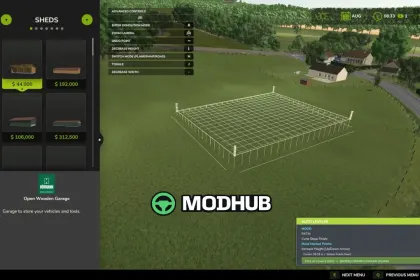
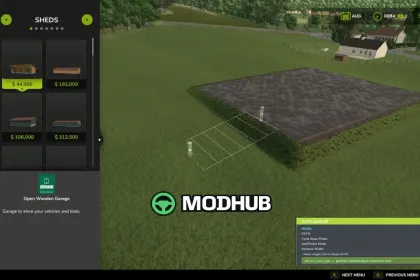
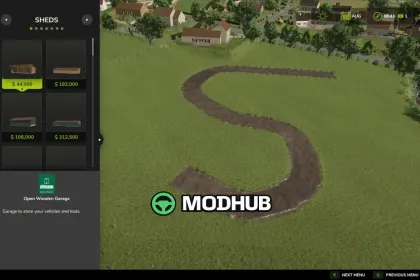
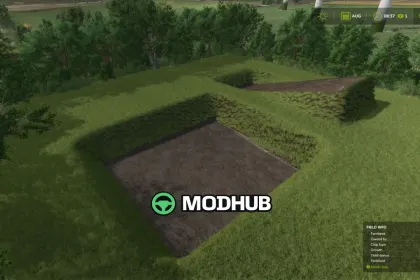
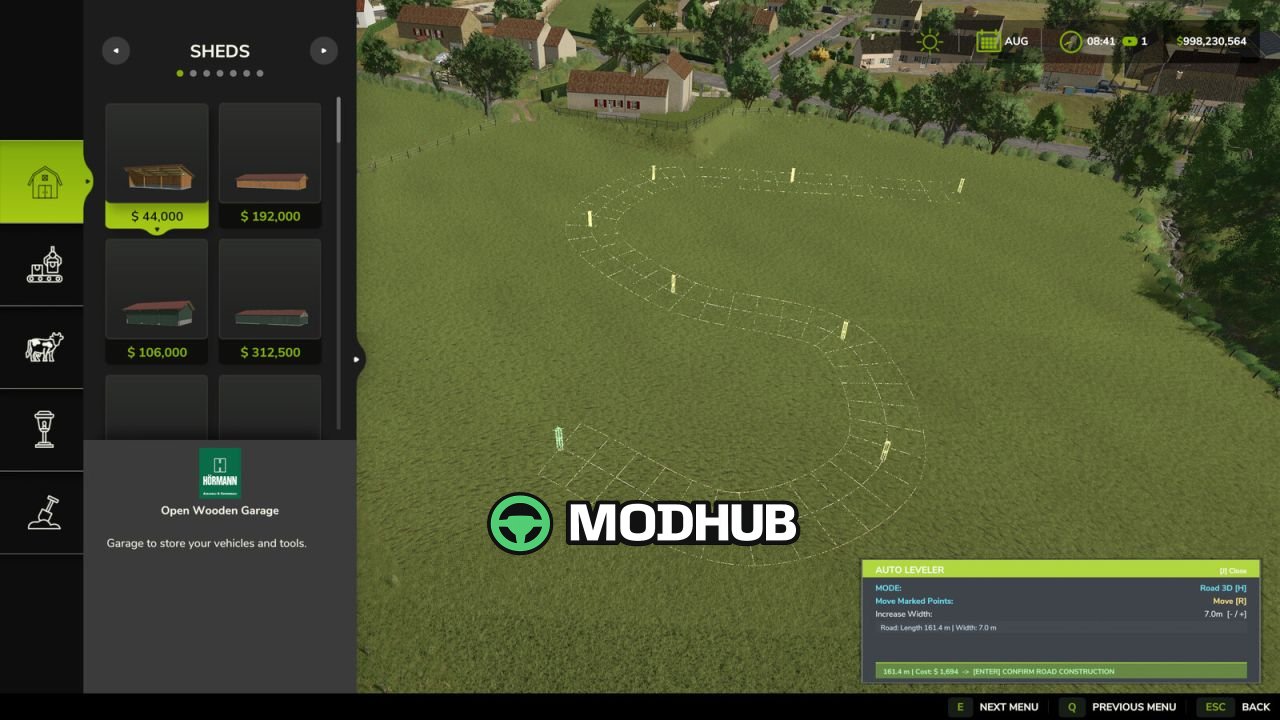
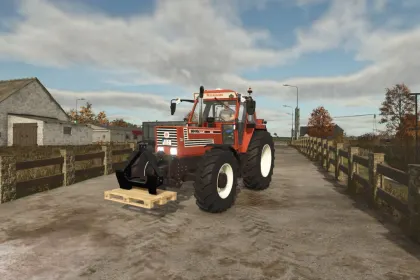
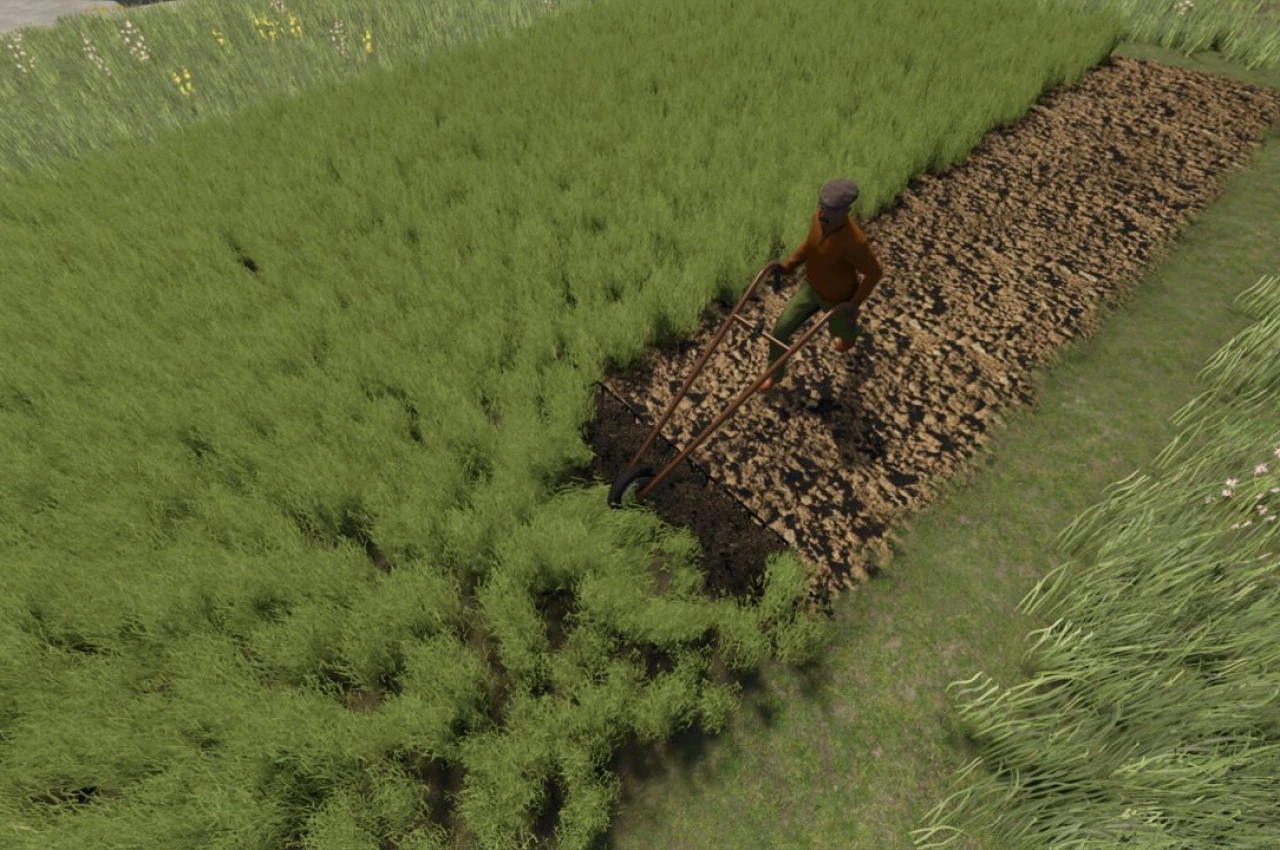
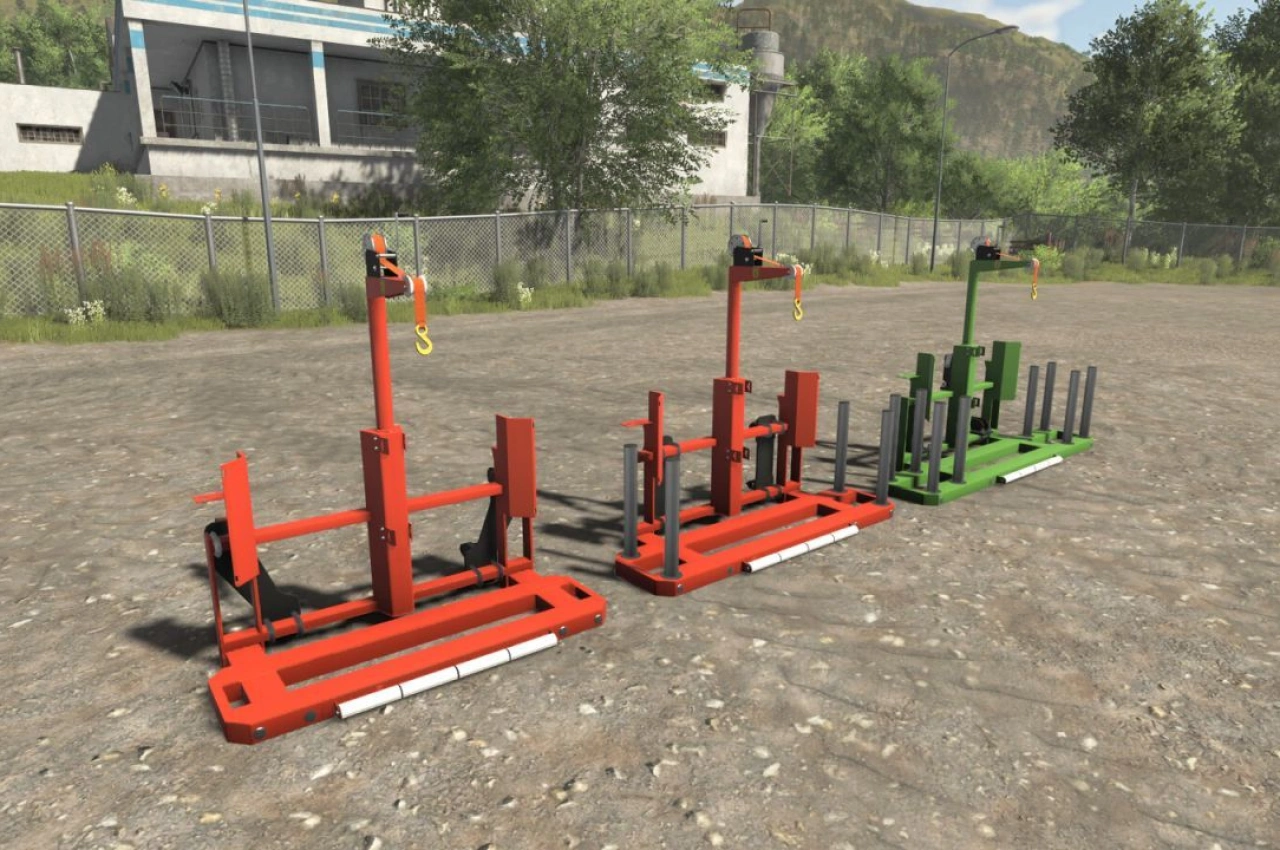
Auto Leveler is a terraforming tool for Farming Simulator 25 that replaces manual brush work with precise 3D plane planning. Instead of dragging brushes for hours, you mark the boundary corners of a zone, preview the elevation plane in real time and press Enter to flatten the area instantly. The mod also builds ramps with adjustable width and dirt roads that follow the terrain contours smoothly. Everything runs inside the construction menu, where the interface opens with the J key.
• Exact plane leveling with 90°/45° orthogonal snap and magnetic guide lines
• Smooth edge transitions (Talude) of 2 m, 4 m or 6 m instead of vertical cuts
• 3D ramp builder with width from 2 to 30 m and live slope percentage readout
• Dirt road builder 3–8 m wide with automatic clearing of grass, crops and stones
• Live m² area calculation and estimated cost preview before confirming
Controls on H, X, Y, R, T and the arrow keys let you switch modes and adjust points quickly without leaving the menu.
About Auto Leveler – Landscaping Terraformer, Slopes & Roads V1.1 for FS25
Auto Leveler – Landscaping Terraformer, Slopes & Roads V1.1 for FS25 is a mod for Farming Simulator 25. Check the author description, supported game version and dependencies before installing.
How to install the mod
Follow the installation instructions for Auto Leveler – Landscaping Terraformer, Slopes & Roads V1.1 for FS25, Farming Simulator 25 and your platform.
Download the mod archive using the Download button and read the author instructions.
On PC, copy the mod ZIP without extracting it to Documents/My Games/FarmingSimulator2025/mods. For a bundle, extract the individual mod ZIPs first. macOS and Microsoft Store paths may differ; check Mod Directory in the game log.txt.
Start the game and enable the mod for the selected save or profile, if required.
Test using a backup or a new save. Install any dependencies listed by the author.
System requirements and compatibility
Check the mod description for supported game versions, required DLC and platforms. Compatibility with every version or other mods is not guaranteed. Farming Simulator script mods are for PC/macOS. Console players can only install compatible mods from the in-game GIANTS ModHub.
Frequently asked questions
Is this mod free?
MODHUB does not charge for access to this mod page. Check the terms and download limits of the external file provider.
Can I use this mod in Farming Simulator 25 multiplayer?
Multiplayer support depends on the mod and its author. If supported, the server and players need matching mod versions and required DLC.
What should I check if the mod does not work?
Check the installation folder, archive structure, supported game version, dependencies and game logs. Test the mod separately using a backup save.
How can I check a downloaded mod?
Use trusted author sources, scan the archive and back up your saves. Do not run unrelated installers; a download listing does not guarantee safety or compatibility.