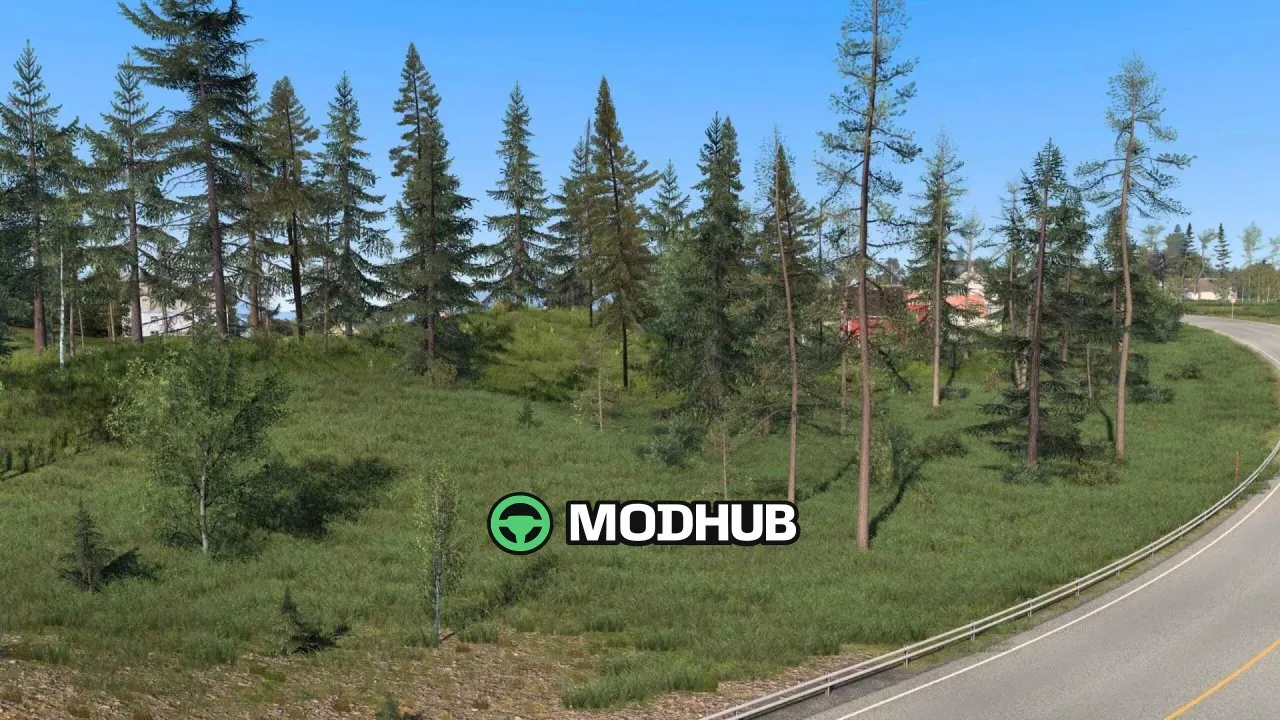
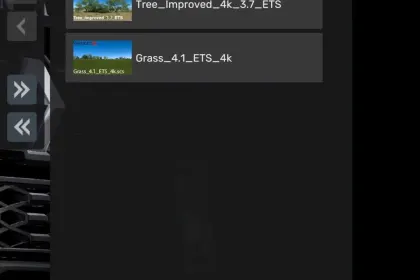
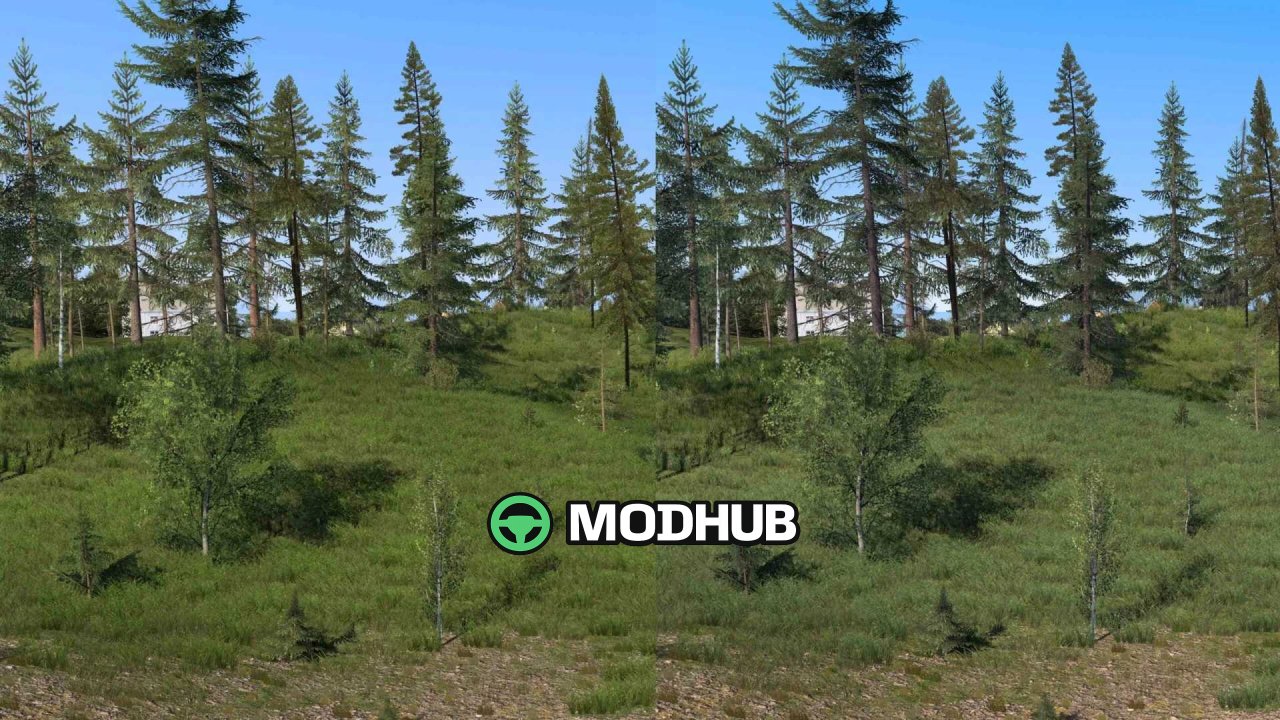
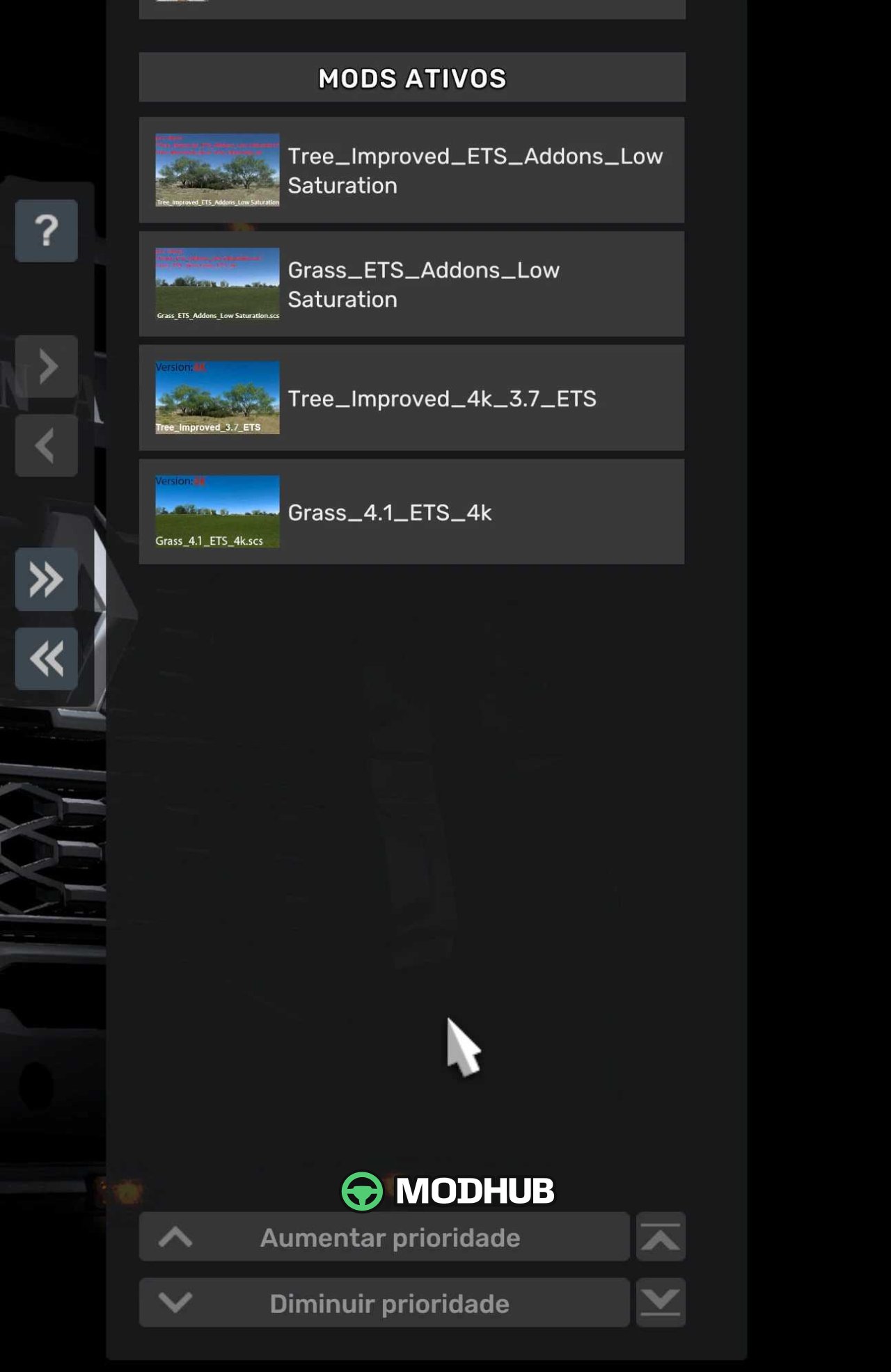
Tree Improved Addons Low Saturation v1.0 is a graphics addon for Euro Truck Simulator 2 that reduces the saturation of grass and trees. It is designed for players who want a more natural and subdued look for vegetation without overly bright colors. The mod is compatible only with the classic version of ETS2 and does not work with the Steam version. To function correctly, place the file Tree_Improved_ETS_Addons_Low Saturation above Tree_Improved_4k or Tree_Improved_2k in the mod manager.
• Reduces the color saturation of grass and trees for a more realistic appearance.
• Works as an addon for the base Tree_Improved_4k and Tree_Improved_2k mods.
• Compatible exclusively with the classic version of ETS2, not with the Steam version.
• Must be loaded with higher priority than the main texture mods.
This addon helps create a softer and more natural atmosphere during your journeys in Euro Truck Simulator 2.
About «Tree Improved Addons Low Saturation v1.0 for ETS2»
This mod is among the best in the «Інше» category for Euro Truck Simulator 2. Adds quality content to the game, tested by the community, without conflicts with other mods.
How to Install the Mod
Installing the "Tree Improved Addons Low Saturation v1.0 for ETS2" mod for Euro Truck Simulator 2 takes less than a minute:
Download the mod file from our website by clicking the «Download» button
Extract the archive to Documents/My Games/Euro Truck Simulator 2/mods
Launch the game — the mod will appear in the «Mods» section
Activate the mod in your save and enjoy the new content
System Requirements
The "Tree Improved Addons Low Saturation v1.0 for ETS2" mod is compatible with all official Euro Truck Simulator 2 versions. No additional modifications or tweaks required. Works on Windows, macOS, Linux (via ProtonDB) and consoles that support mods.
Frequently Asked Questions
Is this mod free?
Yes, all MODHUB mods are downloaded free of charge, without registration or redirect ads.
Can I use it in Euro Truck Simulator 2 multiplayer?
Yes, the mod is fully compatible with multiplayer. All players must have this version of the mod installed.
What should I do if the mod does not work?
Ensure the archive is extracted to the correct (not nested) folder. Check that mod and game versions match. Leave a comment below — the community will help.
Is the mod safe?
All MODHUB mods are checked by antivirus software and moderators. We do not host executables (.exe), only in-game content.