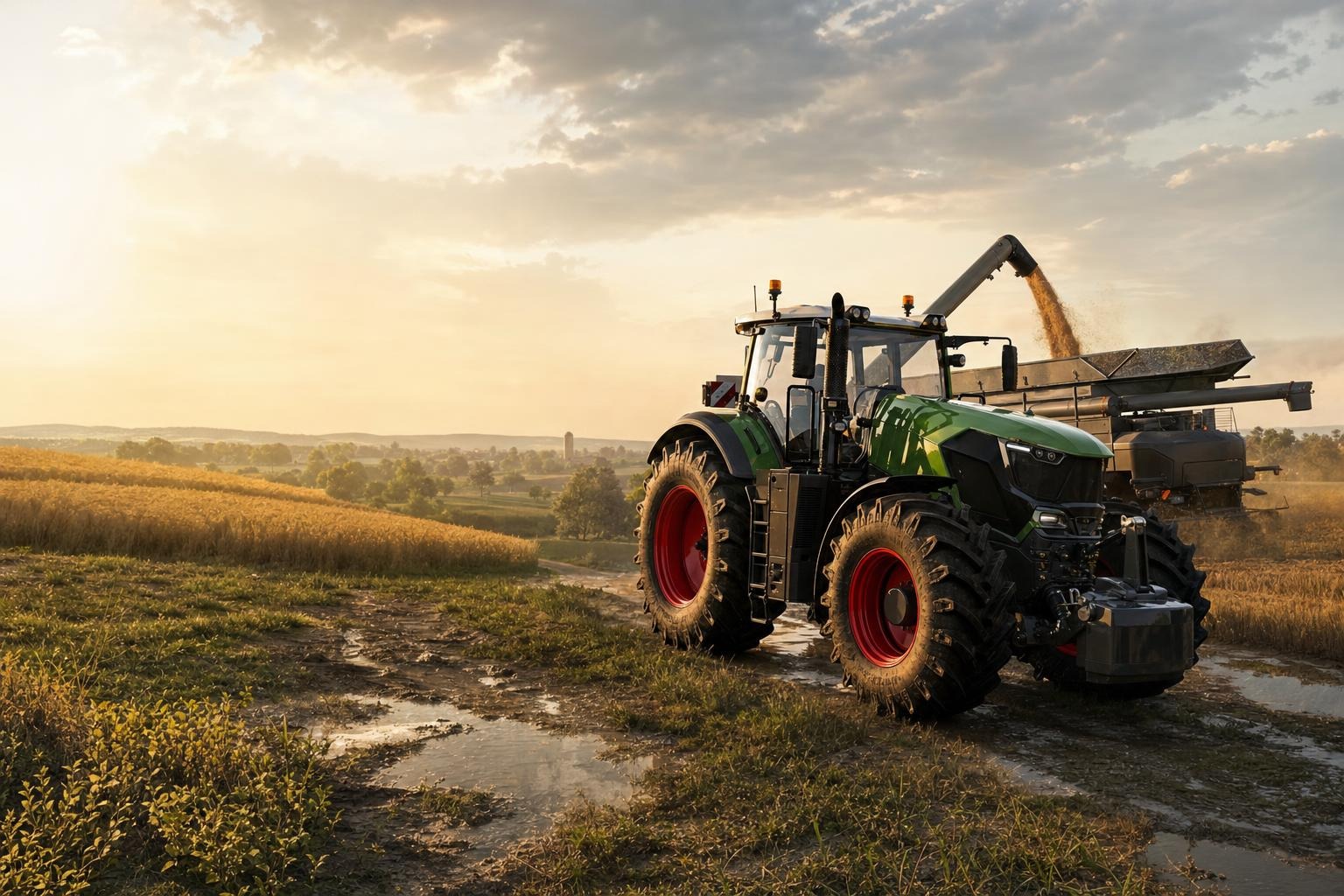
How to Increase Cow Barn and Pig Farm Capacity in FS 25: Building a Mega Farm (XML Editing)
Animal husbandry in Farming Simulator 25 is a very profitable business, but it has one significant drawback. Standard animal buildings, even those from mods, usually have quite strict limits. For example, a large cow barn can hold only 80 head.
But what if you want to build a real business empire and keep a herd of 500 or even 1000 cows? You'll have to fill almost half the map with identical sheds. It doesn't look great, takes up valuable land, and also puts a strain on your computer, causing FPS to drop.
Fortunately, this problem can be solved very simply. In this guide, we'll show you how to turn any compact building into a super-capacity mega farm by editing just a few lines in the mod's XML file.
Golden rule: before you start editing, always make a backup of the original mod .zip archive. Better safe than sorry.
Step 1: Open the mod files
First, you need a mod for any cow barn, pig farm, sheep pasture, or chicken coop.
- Extract the
.ziparchive of the building mod to a convenient folder on your desktop. - Find the main XML file of this building. It's usually named after the animal type, for example:
cowBarn.xml,pigsty.xml, orsheepPasture.xml. - Open this file in Notepad++ or even regular Notepad.
At this stage, the main thing is not to rush. One wrong file, and you'll be going in circles trying to figure out what went wrong.
Step 2: Increase the animal limit
Press Ctrl + F and find the section:
<animals>Inside this block, find the parameter responsible for the maximum number of animals. Most often it looks like this:
<animals type="COW">
    <maxNumAnimals>80</maxNumAnimals>
</animals>
Now simply change the number 80 to any value you need. Want a thousand cows in one shed? No problem:
<animals type="COW">
    <maxNumAnimals>1000</maxNumAnimals>
</animals>
And that's it — from now on, the building can hold many more animals. Simple and effective. As they say, genius is simplicity.
Step 3: Pro secret — increase feeder capacity
Here's where many people make a mistake. After changing maxNumAnimals, the player enters the game, buys 1000 cows — and the circus begins. The standard feeder is designed for the old limit, so food, water, and straw run out in just a few in-game minutes.
As a result, you'll have to practically live next to the barn with a feed mixer. That's not a farm, that's a hassle.
To avoid this, you need to increase the capacity of the trough for:
- food;
- water;
- straw.
In the same XML file, a bit lower, find the sections:
<food capacity="60000" />
<water capacity="40000" />
<straw capacity="30000" />
The capacity parameter means capacity in liters.
If you increased the number of animals by about 10 times, it makes sense to increase these values by about 10 times as well. The simplest way is to just add one zero:
<food capacity="600000" />
<water capacity="400000" />
<straw capacity="300000" />
Now your 1000 animals won't eat and drink everything in a few minutes, and the farm will run much more stable.
It's important to remember: if you only increase the number of animals but forget about food and water, the whole idea will go down the drain.
Step 4: Pack the mod back
After making all changes, you need to properly pack the mod back into an archive.
- Save the changes in your text editor.
- Select all files and folders of the extracted mod.
- Add them to a ZIP archive.
- Choose compression method "Normal" or "No compression".
- Move the new
.ziparchive to the folder:
Documents/My Games/FarmingSimulator2025/modsThen launch the game, buy the updated building, and enjoy your mega farm without extra copies of the same barn all over the map.
Why this is really useful
This edit gives several advantages at once:
- saves space on the map;
- fewer identical buildings;
- better farm appearance;
- less load on the computer;
- easier to manage a large number of animals.
In other words, you're not just increasing a number in XML, you're actually making your farm more convenient and smarter. Without unnecessary fuss and without a dozen identical pens.
Common mistakes
- changing only
maxNumAnimalsbut forgetting aboutfood,water, andstraw; - editing the wrong XML file;
- not making a backup;
- incorrectly repacking the mod back into ZIP;
- setting too high values without testing and then wondering about strange building behavior.
So it's better to do everything wisely first than to deal with the consequences later.
Conclusion
Increasing the capacity of cow barns, pig farms, sheep pastures, or chicken coops in FS 25 is one of the easiest ways to build a true mega farm without cluttering the map. Just change the maxNumAnimals parameter, and then don't forget to adjust the capacity for food, water, and straw.
As a result, you get a compact, convenient, and very profitable livestock base. And all this — thanks to just a few lines in XML. A small edit, but the effect is like night and day.
FAQ
Which parameter is responsible for the number of animals in a building?
Most often it's <maxNumAnimals> inside the <animals> block.
Can I increase the capacity of a pig farm or chicken coop the same way?
Yes, the same principle works for cow barns, pig farms, sheep pastures, chicken coops, and other animal buildings.
Why does my feed run out instantly after increasing the number of animals?
Because the standard values for food, water, and straw remained at the old limit. They also need to be increased.
How high can I raise maxNumAnimals?
Technically, you can set large values, such as 500 or 1000. But it's better to test gradually to see how it works in the game.
Is it necessary to make a backup of the mod?
Yes, absolutely. This is a basic rule of any editing, so that in case of an error you can quickly restore the original.