How to Remove Mods from Farming Simulator 22 Without Damaging Your Saves
In Farming Simulator 22, mods affect far more than just tractors, trucks, and decorations. They can also be referenced inside your save: placed vehicles, production/warehouse states, contracts, map-specific objects, and script logic. That’s why a simple “delete from the mods folder” often leads to missing vehicles, stuck contracts, or even a save that won’t load. The safest approach is to remove mods in a controlled way—first disabling them and only then deleting the files—so you can test that your save still loads.
1) Back up your saves before you touch anything
Before changing anything, create a backup copy of your saves folder. Copy it to another location (different drive or a dated folder). Some problems show up only when loading a specific map or when a script tries to access a file that no longer exists. A backup lets you recover instantly instead of guessing what broke.
If you frequently test new mods, use a practical rule: one play session = one batch of changes. Then, if something goes wrong, you can identify the culprit quickly and roll back without wasting time.
2) Figure out which mods your save actually uses
Not every mod is equally risky. Maps and script-heavy mods are the most likely to “bind” to a save. If your active save is on Карта Renewed Land для Farming Simulator 22, the save can contain references to map objects (terrain layouts, production points, custom structures). Removing that map mod without a proper swap or an earlier restore is one of the fastest ways to break loading.
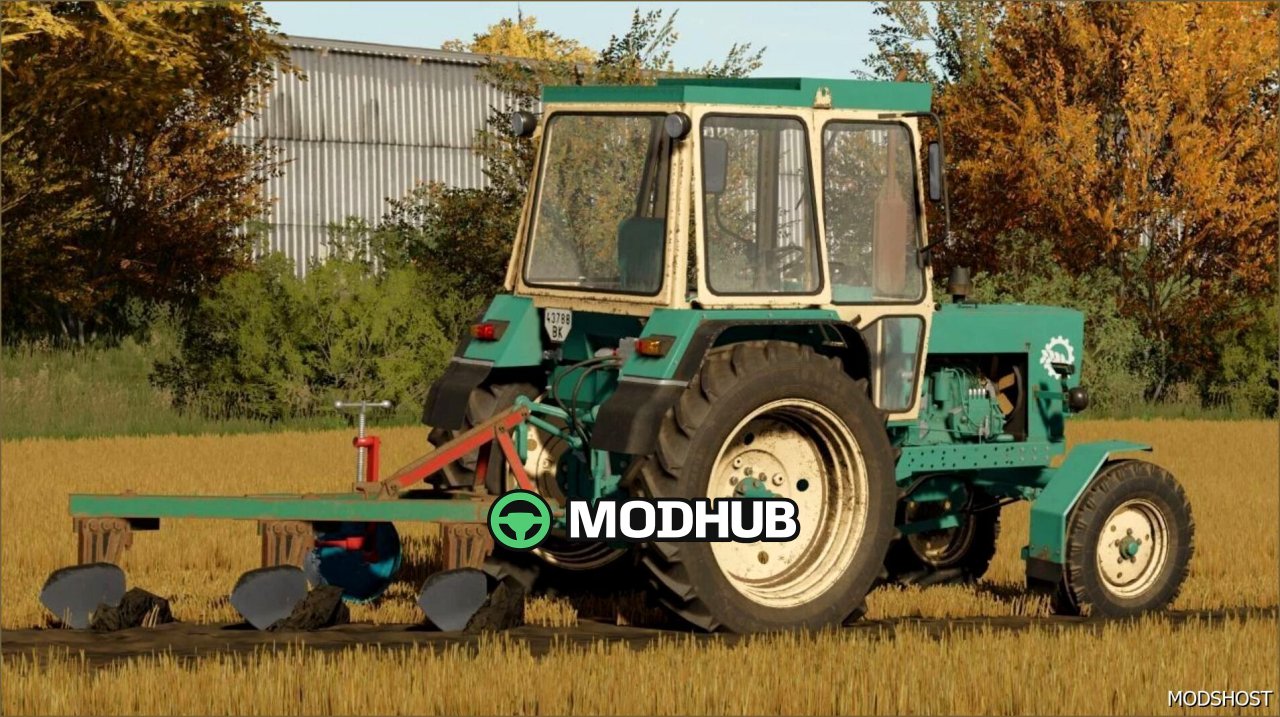
Vehicle mods can also be critical if you own or placed them. For example, if you used Трактор K-703MA для Farming Simulator 22, deleting it while it still exists in your save may cause “dangling” references—either the vehicle won’t appear or it appears broken/missing parts.
Transport mods used for logistics/contracts are similar. The КамАЗ 5320 - потужний та надійний мод для Farming Simulator 22 can be referenced by your hauling workflow. If it’s still assigned to tasks or present in your fleet, remove it safely (sell/pack/clear) before deletion.
3) Disable mods first—don’t delete files immediately
The safest workflow is: disable the mod in the game/mod manager, restart the game, and load the affected save. If everything loads, then you can delete the mod files. This gives you a chance to detect issues while you can still restore the mod easily.
Cosmetic or “decor” mods are often less dangerous. For instance, Контейнер для шоуруму FS25 FS22 - стильний та функціональний may only be placed in the world. Still, it’s worth verifying: does your save store any interactive state, script behavior, or placement that depends on the mod?
Some mods bundle fixes and scripts. For example, Виправлений пак John Deere Skid Steer FS22 - надійний та ефективний may rely on particular scripting behavior. Removing it abruptly is more likely to cause trouble than removing a purely visual asset.
4) A reliable step-by-step procedure
- Step 1: Back up your saves folder.
- Step 2: Disable the mods you plan to remove in the in-game mod menu (or the mod manager), then restart the game.
- Step 3: Load the save you care about. If it loads normally, the removed mod might not have been critical.
- Step 4: If you see errors, missing vehicles, or broken tasks—turn the mods back on and diagnose the dependency.
- Step 5: Only after a successful load test should you delete the mod files from disk.
5) Clear modded vehicles so your save has fewer references
The most common cause of broken saves is removing a mod while its vehicles/implements still exist in the save. Before you remove the mod:
- Sell the vehicle from the shop or remove it from your farm (use the game’s available sell/remove actions).
- If it’s tied to contracts, complete the contract first or ensure the equipment is no longer needed.
- Check for workers/automation that could depend on that modded equipment (missions often keep the vehicle/implement as part of the running setup).
Example: if you used Mercedes Benz Sprinter V1.2 - Вражаючий та потужний мод for deliveries or fleet management, remove it from your operation (sell/pack it) before disabling and deleting the mod.
6) Watch for dependencies and conflicts
Saves can be sensitive to mod versions and mod conflicts. Sometimes the “culprit” isn’t the mod you removed, but another mod that depends on it (shared script libraries, overlapping object IDs, etc.). If you installed many mods, remove them one by one (or in small groups) and test loading each time.
For maps, be especially careful. If you played on Хаапаваара 1988 V0.0.0.1 - унікальна карта для Farming Simulator 22, your save may store map-specific configuration and objects. Deleting the map mod without an earlier restore or a proper “move to another map” plan can corrupt the world state. Keep the map mods until you actually switch maps.
7) If the save won’t load
Don’t delete more mods right away. Restore your backup or re-enable the mods that were active during the last working load. Then:
- Bring back map and key vehicle mods first.
- Try loading with a minimal “known-good” set: only essentials required by the save.
- If the break happened after updating a mod, roll back that specific mod version (older working versions are often safer than guesswork).
If you tested multiple machines, such as FS25 UMZ 6KL - Потужний трактор для Farming Simulator 22, double-check that it’s not still present as stored equipment or assigned assets. “Not visible” doesn’t always mean “not referenced”.
8) Keep experimental mods in separate saves
A clean strategy is to dedicate certain saves (or profiles) to certain mod sets. Vehicle mods can be isolated to an “experiment” save, while your main progress stays on a minimal, stable mod list. For map experiments, create a separate save per map and avoid mixing it with mods you intend to uninstall later.
9) Final checklist before deleting mod files permanently
- The modded vehicles used on the farm/fields are sold or removed.
- Your active map remains the same—or you have a restore point for reverting.
- Any mod that the save depends on is not disabled.
- You tested loading after disabling the mod, before deleting files.
- You have a backup in case scripts break later.
Follow this workflow, and you can remove mods from Farming Simulator 22 with minimal risk to your saves: disable first, test loading, and clear modded objects from the world before deleting the actual files.