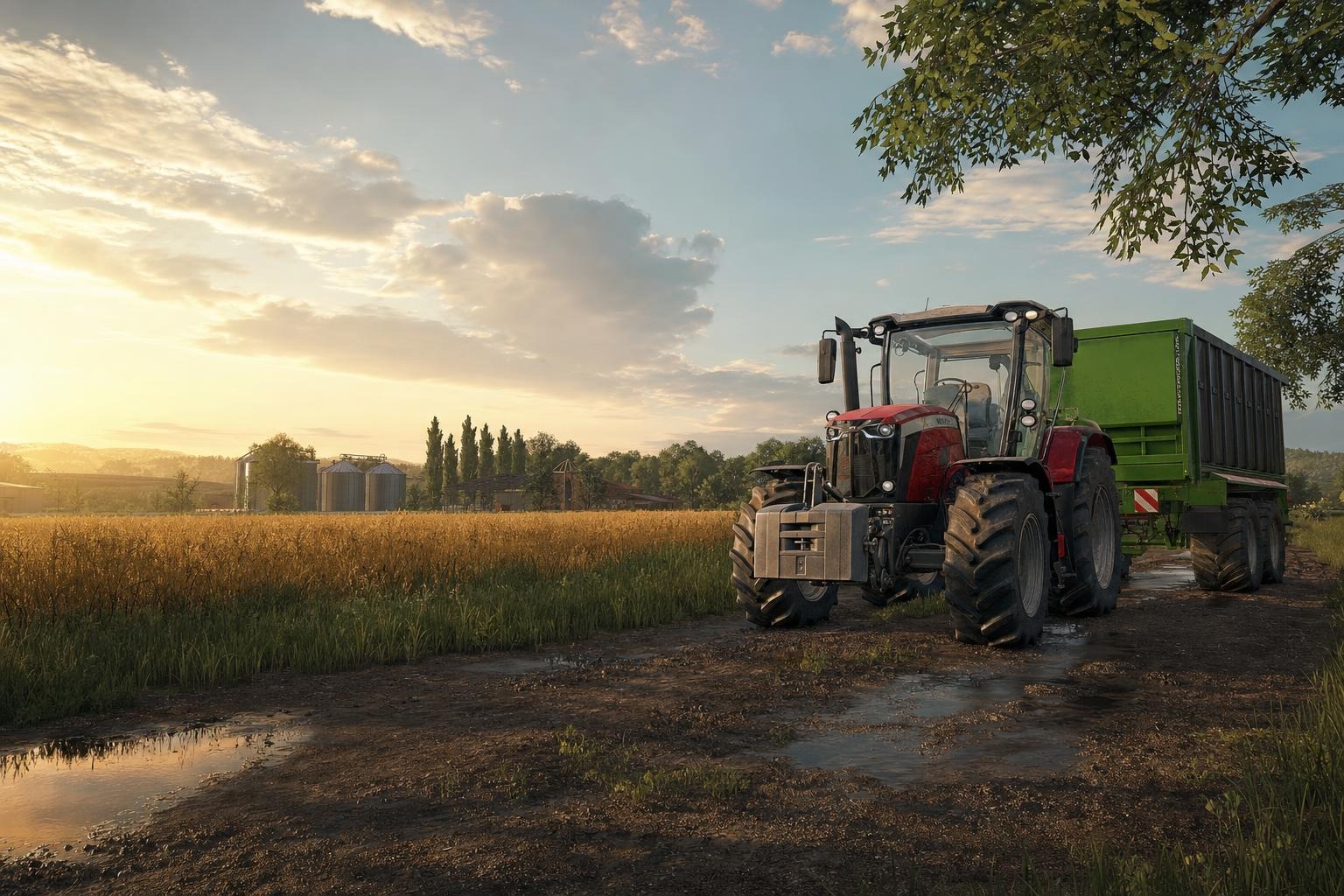
Mods for Farming Simulator 25 for weak PCs: what to install
When Farming Simulator 25 runs on a modest PC, the best approach is not to install every interesting mod you see, but to choose additions that improve daily farm work without bloating the save or overloading the system. On weaker hardware, the safest choices are usually small utility vehicles, simple tools, and a limited number of script-based features. Big maps, huge production chains, and heavily animated vehicle packs can still be fun, but they are much riskier if your machine already struggles with the base game.
If you install external ZIP mods on PC or macOS, keep them in the usual mods directory. For Windows Steam/GIANTS setups that is typically %USERPROFILE%\Documents\My Games\FarmingSimulator2025\mods. On macOS Steam/GIANTS it is usually ~/Library/Application Support/FarmingSimulator2025/mods, while the Mac App Store version commonly uses ~/Library/Containers/FarmingSimulator2025/Data/Library/Application Support/FarmingSimulator2025/mods. These are typical locations, not universal ones: Documents may be moved to OneDrive, Microsoft Store paths can differ, and the game’s log.txt reports the actual Mod Directory. That log sits in the user data folder, one level above mods in a standard install, so do not confuse it with the game installation folder itself. On Windows, use File Explorer’s address bar or Win+R; on Mac, use Finder > Go > Go to Folder.
Best first picks for weak PCs
For a low-end system, it is usually smarter to start with practical mods that reduce unnecessary driving and simplify routine tasks. The Зручний Візок Shopping Cart для Farming Simulator 25 — Швидке Перевезення Дрібниць на Фермі is a great example: it is a compact cart for moving small items and tools around the yard, workshop, and storage areas. That does not magically increase FPS, but it does reduce repetitive trips and keeps the farm workflow tidy. On weak PCs, “lighter gameplay” often matters more than flashy features.
The Мод на трактори ХТЗ T-150K для Фермер Симулятор 25 is another sensible choice. It is a straightforward tractor with configurations, but it is not an overcomplicated showcase vehicle. If you want a reliable machine for regular field work, one well-made tractor is often better than a large pack full of detailed moving parts. On weaker hardware, fewer complex vehicles means fewer chances for visual stutter and fewer things to manage in the garage.
For field work, the Ефективна Картоплесаджалка KPMR S208 / Akpil S227 / Bomet S239 для Farming Simulator 25 is a solid utility mod. It is aimed at small and medium farms, which is exactly the kind of setup where a leaner mod list makes sense. Tools like this are often safer for low-end PCs than massive harvesters or mods that create long chains of processing buildings.
Another sensible option is Скрипт Manual Connection System V1.0 для FS25. It does not add a large number of new objects, but it changes how equipment is connected, making the process fully manual through Interactive Control. That kind of script usually affects workflow more than raw performance, but scripts can still interact badly with other addons. If your mod list is already crowded, keep the script count modest.
For animal farming, Новий Animal Pack – More Cattle Breeds Edition: Більше Порід ВРХ для Farming Simulator 25 is a reasonable way to add variety without building an entirely new production ecosystem. It changes the cattle breeds available in the vanilla animal package, which is lighter than installing a full chain of new buildings, factories, and complex logistics. On weaker PCs, this kind of focused content is generally easier to live with than a huge animal overhaul.
Maps: the biggest performance decision
Maps matter more than almost anything else when a PC is weak. They carry terrain, textures, props, traffic, production points, and sometimes a heavy scripting layer. If you really want a new map, choose carefully and test it in a separate save first. Карта Подільський регіон для Farming Simulator 25 recreates a Ukrainian village based on real terrain and includes many purchased plots, fields, and production points. That makes it rich and interesting, but also more demanding than a minimal sandbox map. On a struggling system, a big map like this should be treated as a “test first, commit later” option.
The same caution applies to Карта HOF Bergmann (Весняне оновлення) V1.4 для Farming Simulator 25. It has many features and fixes, but if your PC is already close to its limit, extra map systems can turn a playable save into a sluggish one. In general, a weak PC benefits more from a smaller, cleaner map with fewer active systems than from a content-rich map packed with extras.
Mods to use carefully
- Big vehicle packs with many moving parts — they are interesting, but they increase complexity and can make troubleshooting harder.
- Multiple script mods at once — scripts are often the first place where conflicts appear.
- Large maps plus many animals plus production chains — that combination is often too much for modest hardware.
- Too many similar machines — better one useful tractor than a garage full of redundant equipment.
For example, Мод на трактор Кіровець К-700 v1.0.0.3 для Farming Simulator 25 and Пак тягачів Kenworth для Farming Simulator 25 are attractive because of their features and interaction options, but that also means more complexity. If you use mods that rely on Interactive Control or detailed configuration, install them only when you are sure your current list is stable.
Before changing anything major, back up your savegame. That is not optional on a weak PC, because instability hurts more when every test takes time. Keep multiplayer simple as well: all players need the same mod versions, and ZIP archives should remain zipped for the game to read them correctly. Also distinguish a single mod ZIP from a bundle that contains multiple ZIP files inside; the game expects proper archive structure, not a nested mess.
Officially, console players are restricted to the in-game GIANTS ModHub, and external script mods are not allowed there. On PC, even separately working mods can conflict with each other, and there is no universal performance guarantee. That is why the best low-end strategy in FS25 is a short, well-tested mod list, one backup save, periodic checks of log.txt, and slow, deliberate additions only where you truly need them.